Almacén
Manual de operación de almacén en español
- Introducción
- Panel de control
- Orden entrante
- Orden entrega
- Orden de reubication
- Inventorio
- Informe
- Utensil
Introducción
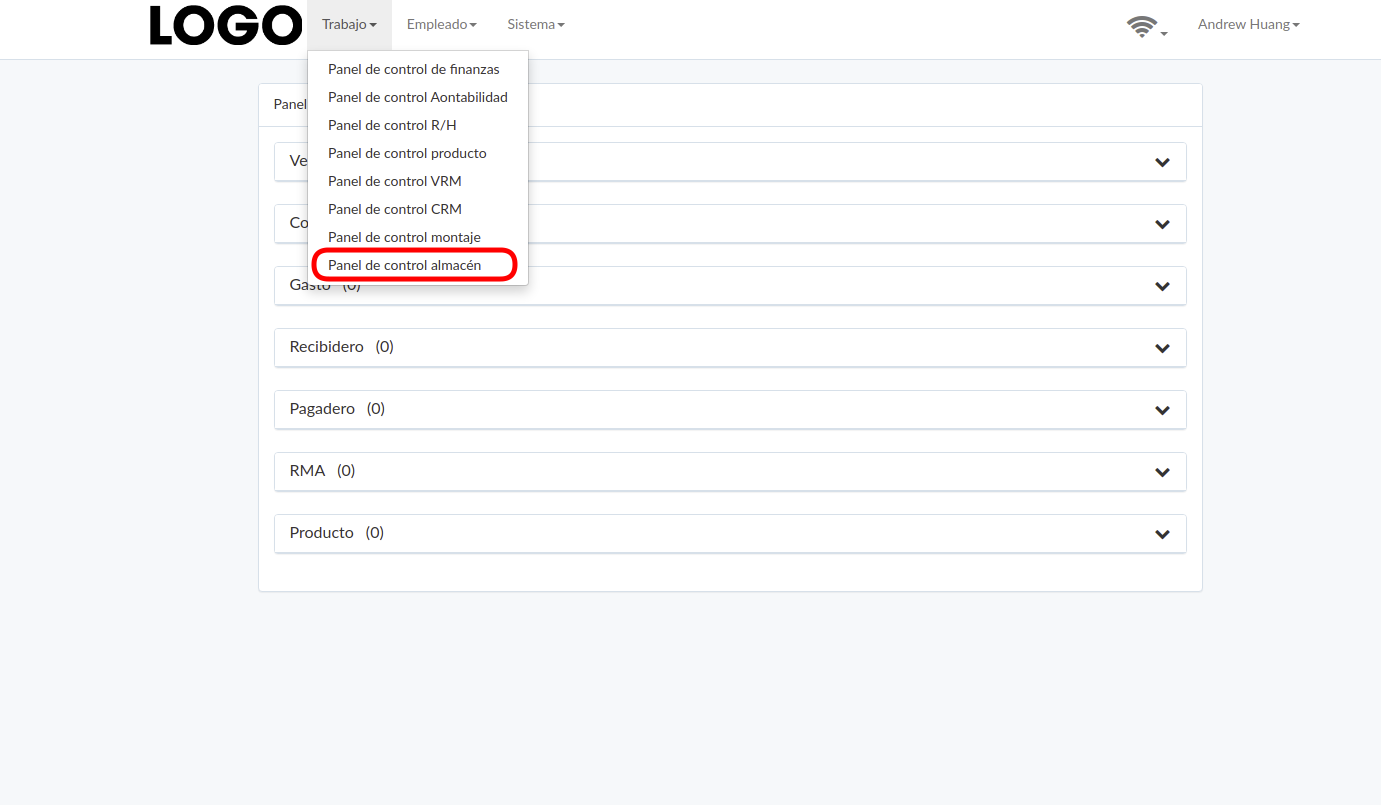
Warehouse dashboard can be found under "Work" menu
Panel de control
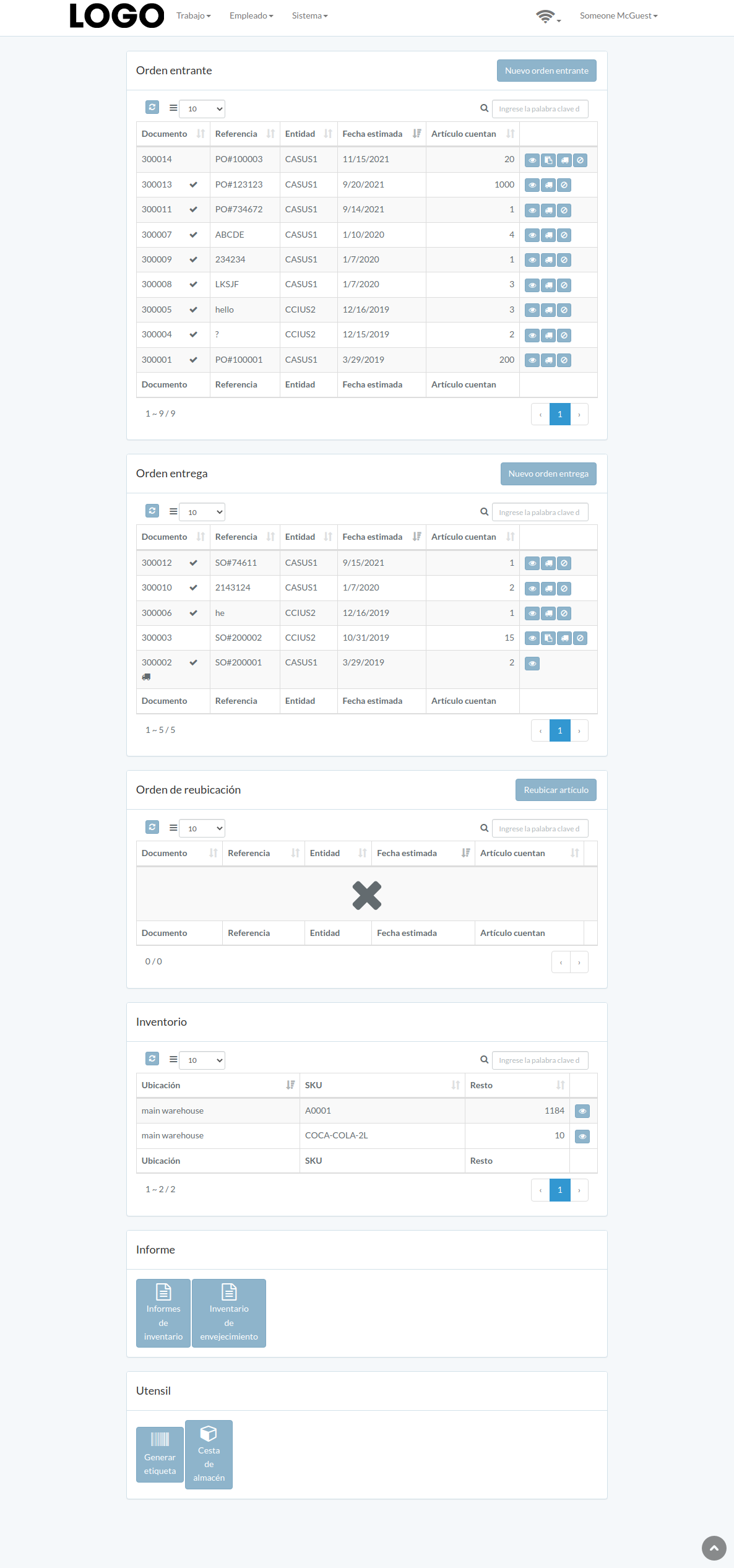
Following is an example dashboard
There are several major sections; Incoming-order, Outgoing-order, Relocate-order, Inventory, Report, Tool.
Some sections may not be available from customization
Orden entrante
Introducción
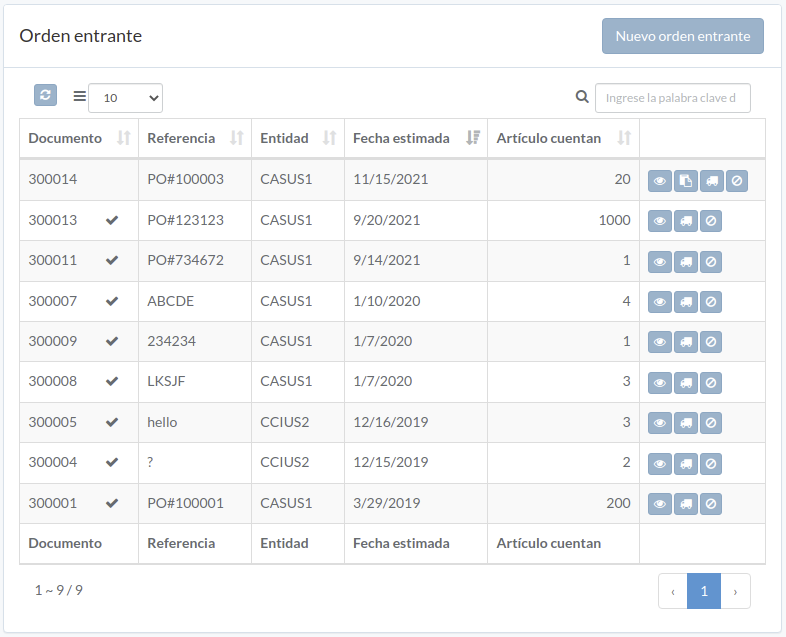
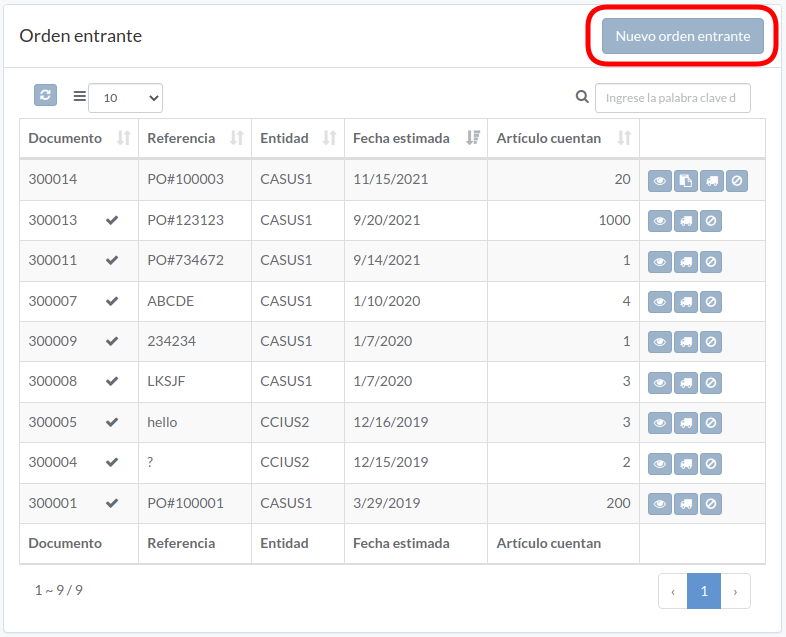
Following shows a sample window.
The chapter describes features available within the window.
Crear orden
Click "New incoming order" on upper right corner of incoming-order table
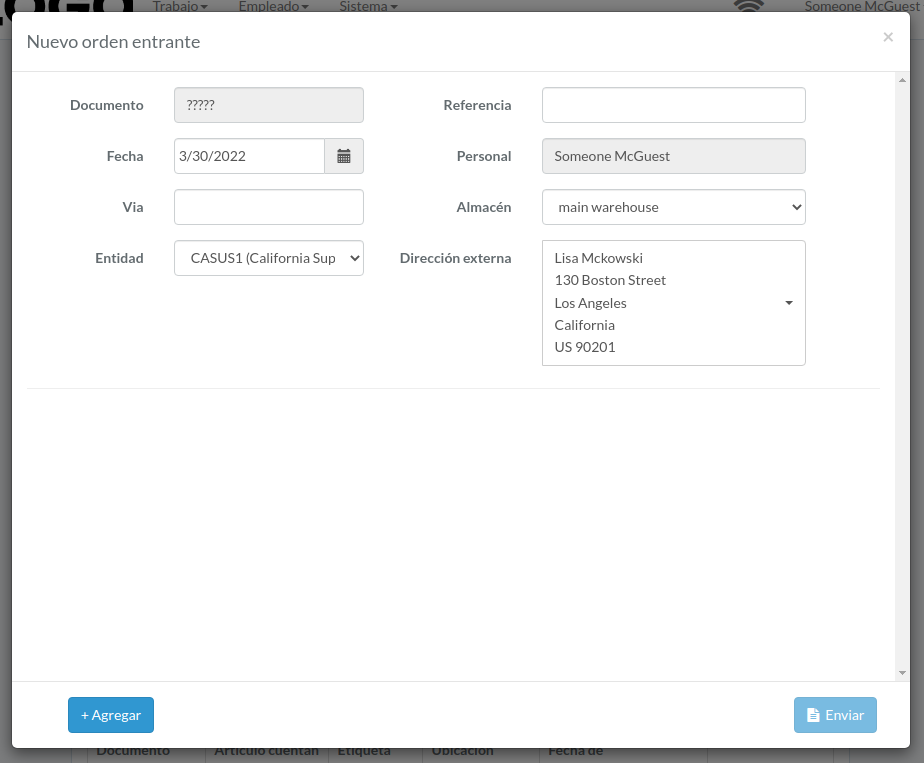
Enter order data, then click "Submit".
Click "+ Add" to add items into order
Procesar orden
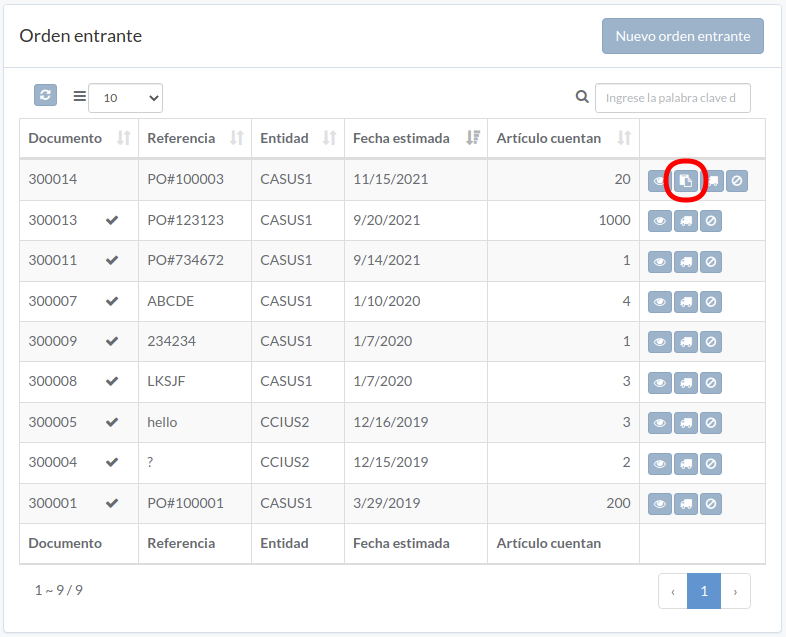
Click "Process" button on the right of order
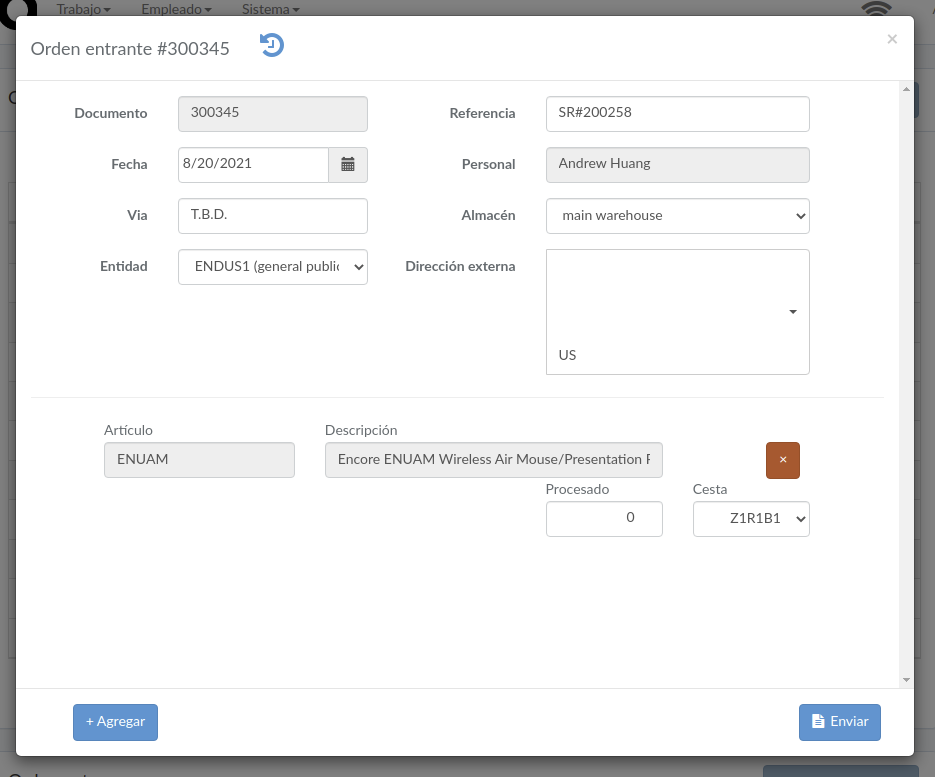
Enter order data and then click "Submit"
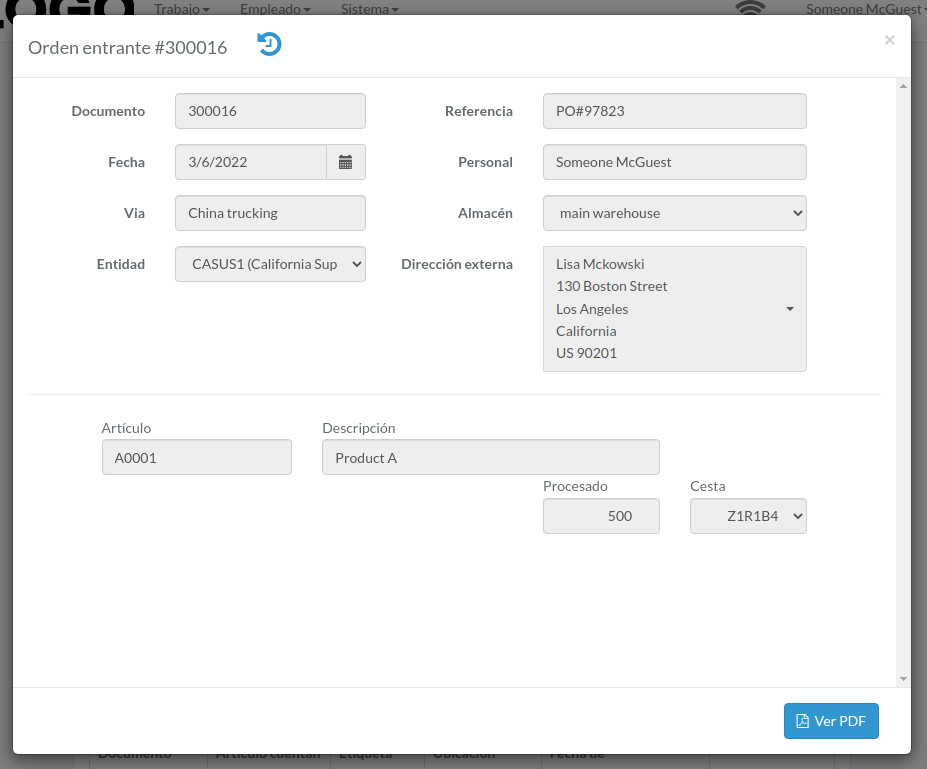
Ver orden
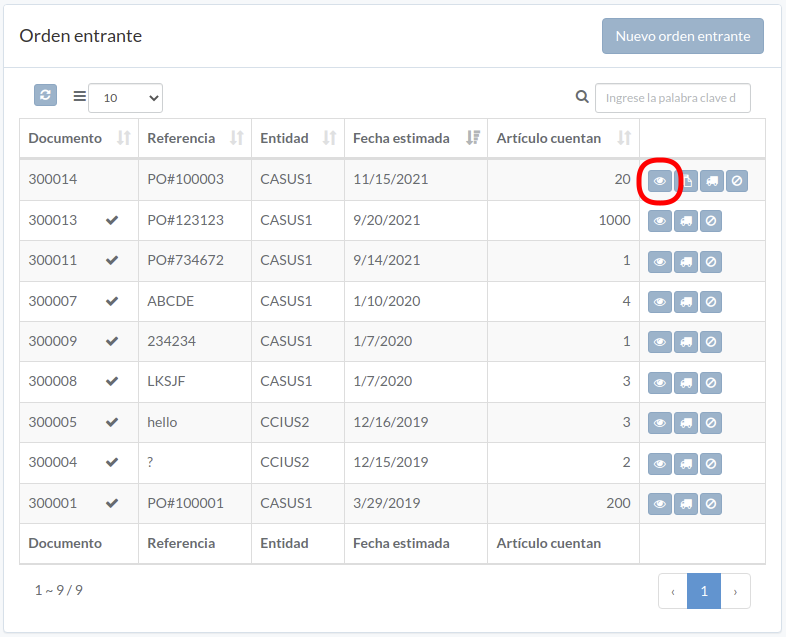
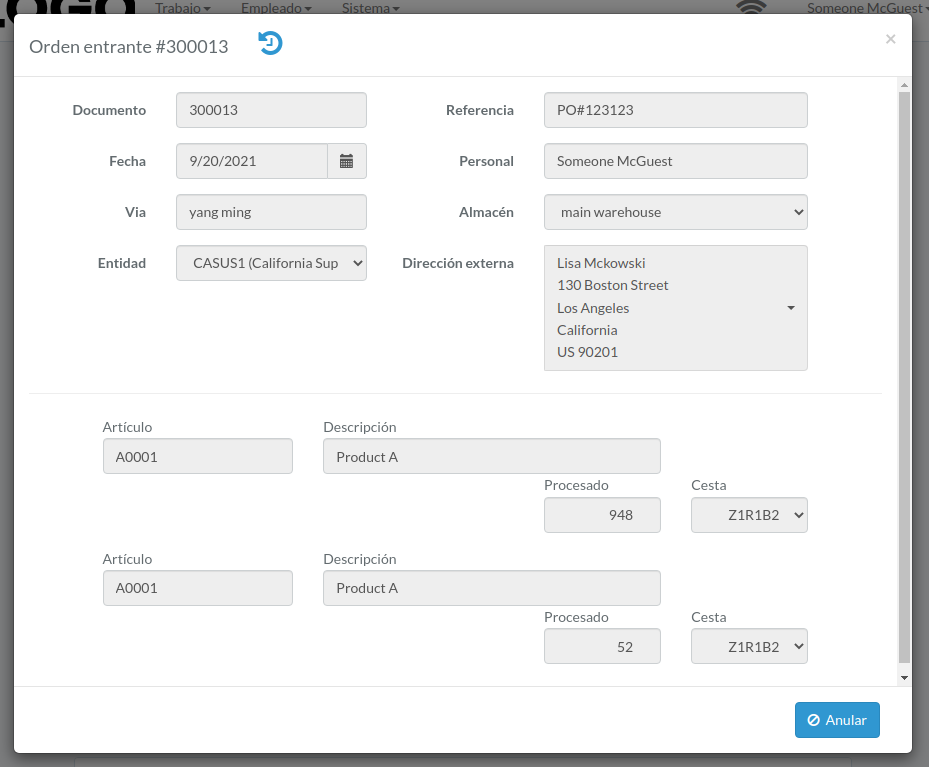
Order modal appears
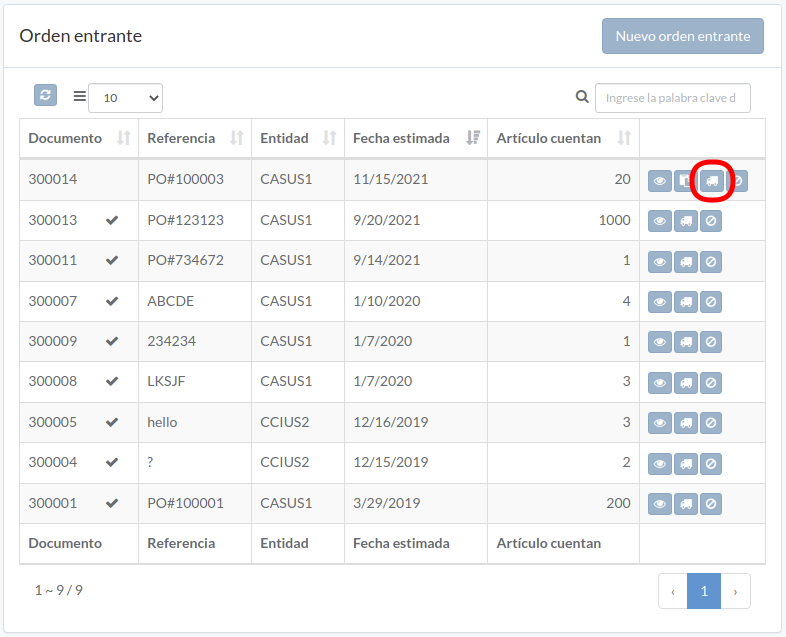
Cargar documento
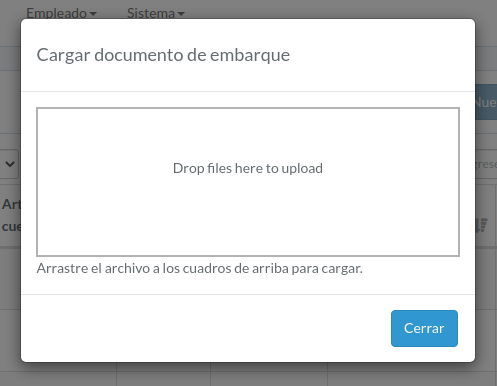
Click "Upload" button on right of the order
Upload file, then click "Close"
Anular orden
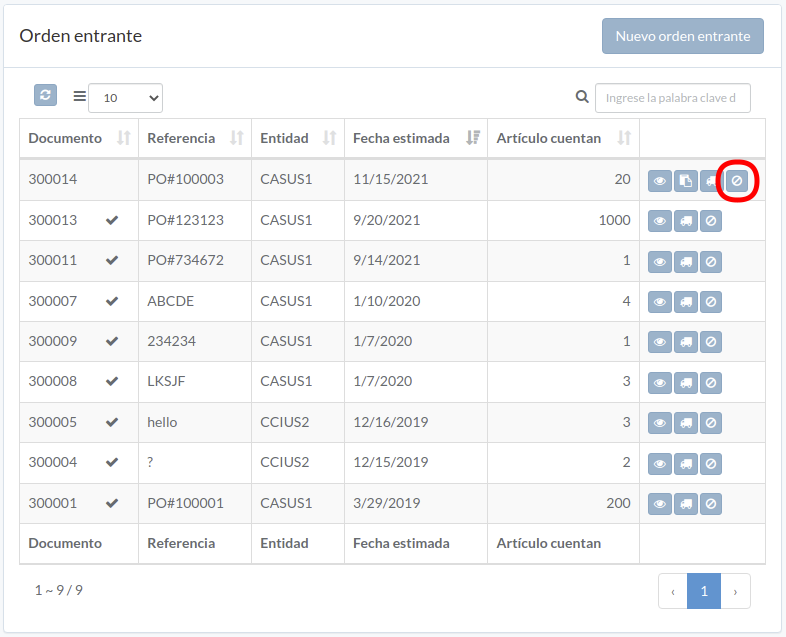
When order modal appears, click "Void" button to confirm
Orden entrega
Introducción
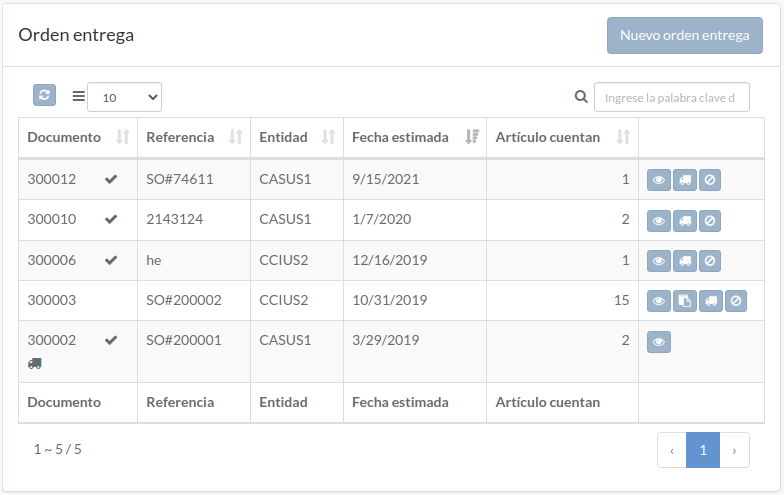
Following shows a sample window.
The chapter describes features available within the window.
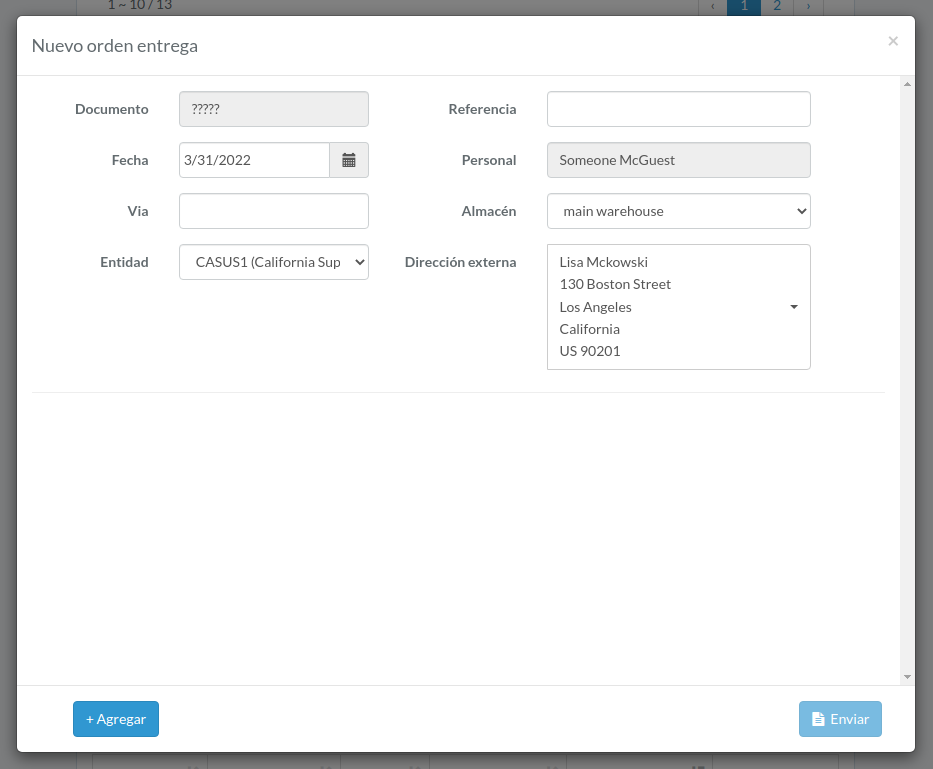
Crear orden
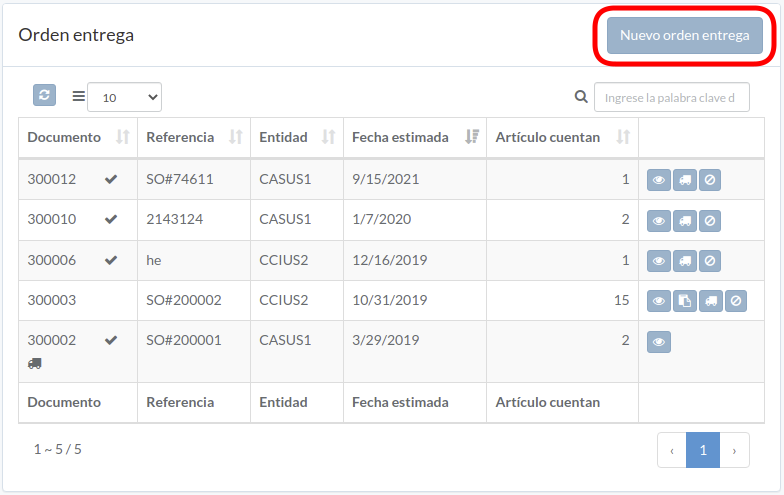
Click "New outgoing order" on upper right corner of outgoing-order table
Enter order data, then click "Submit".
Click "+ Add" to add items into order
Procesar orden
Click "Process" button on the right of order
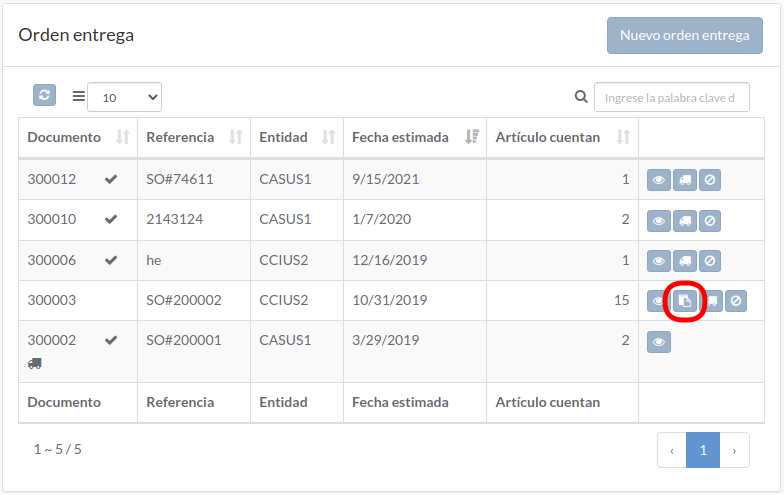
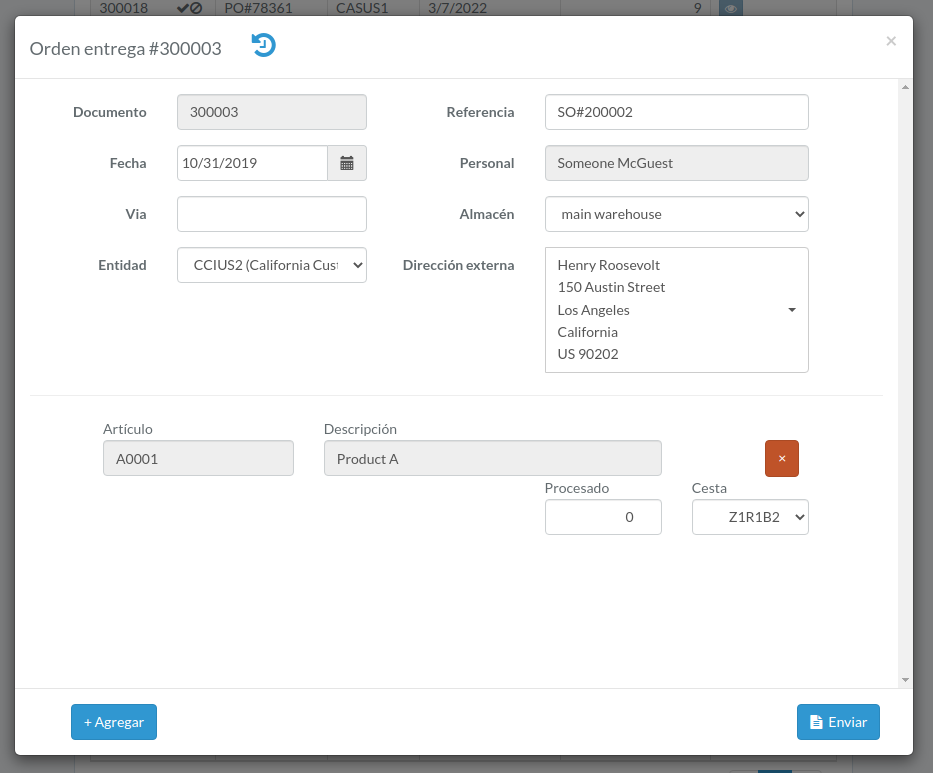
Enter order data and then click "Submit"
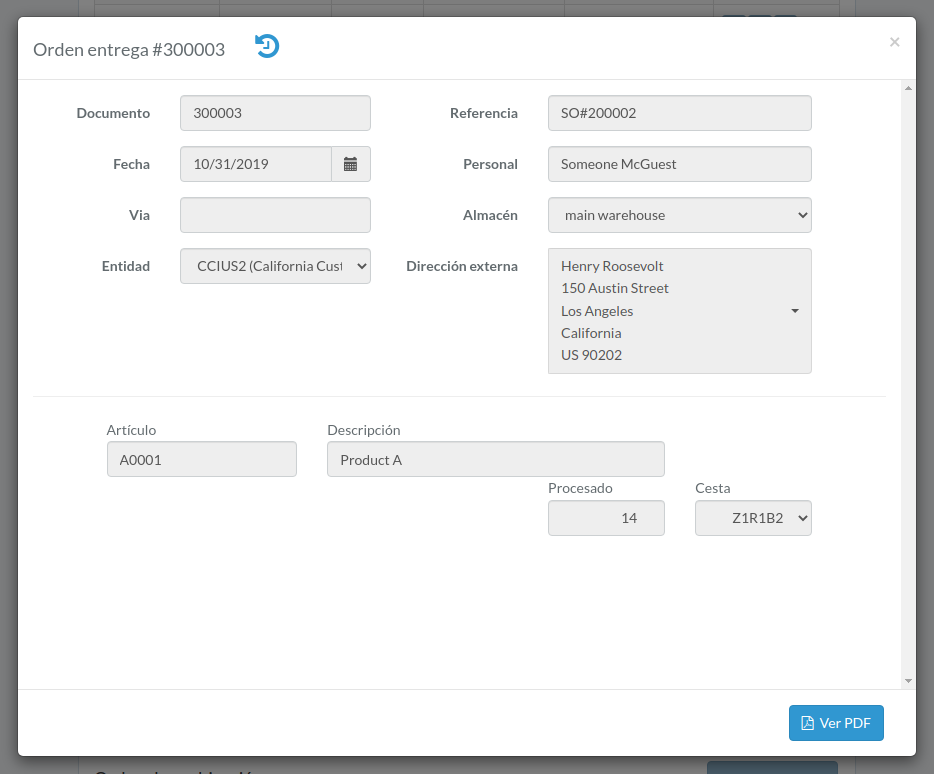
Ver orden
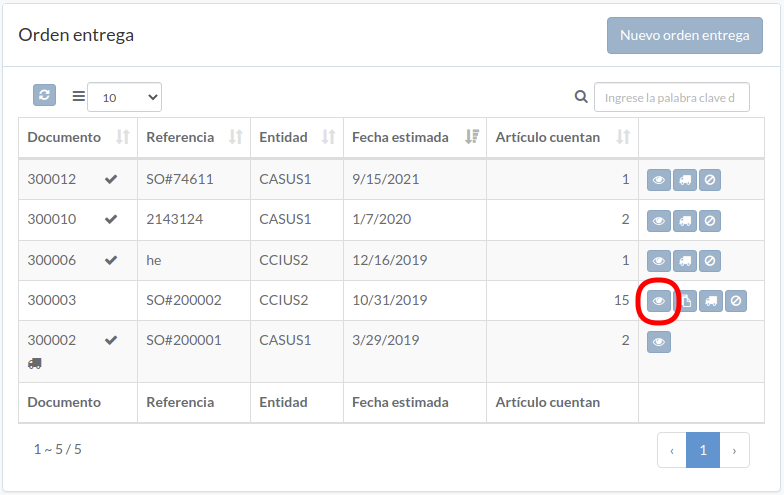
Order modal appears
Cargar documento
Click "Upload" button on right of the order
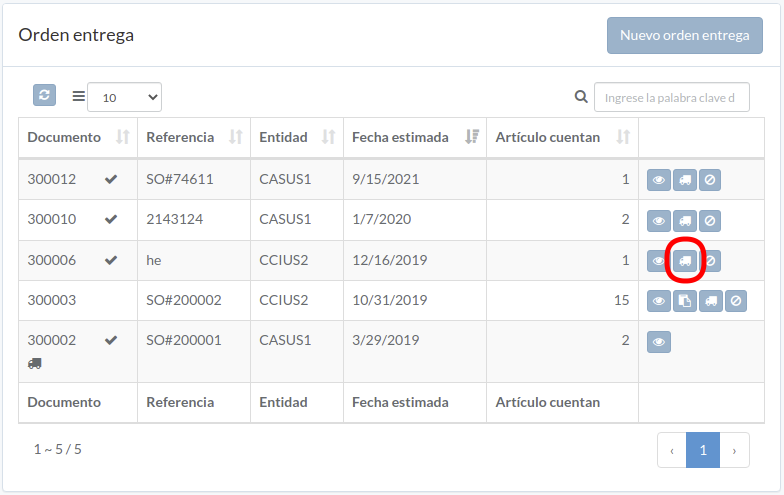
Upload file, then click "Close"
Anular orden
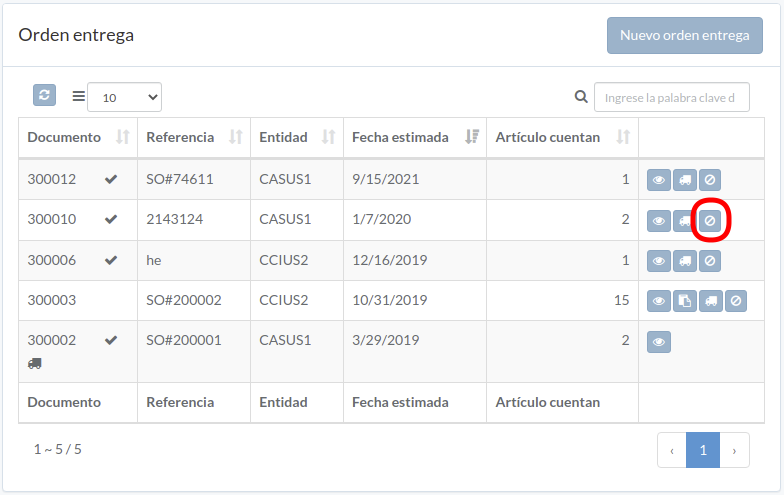
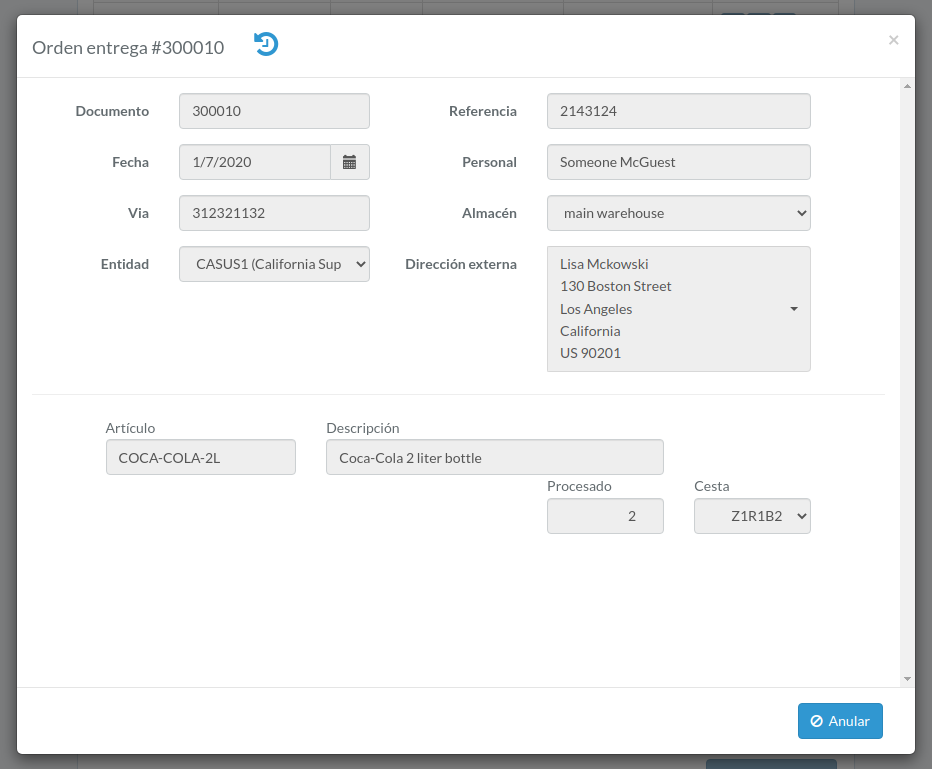
When order modal appears, click "Void" button to confirm
Orden de reubication
Introducción
Following shows a sample window.
The chapter describes features available within the window.
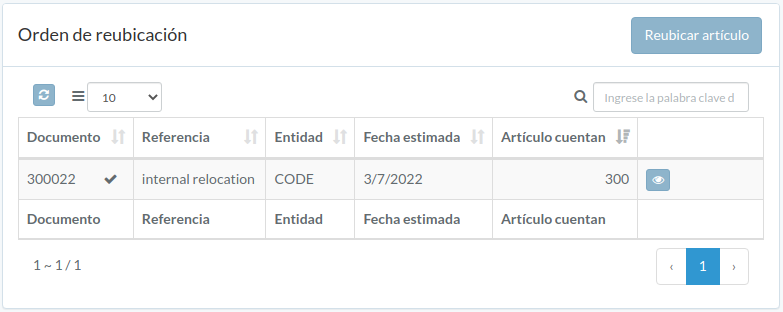
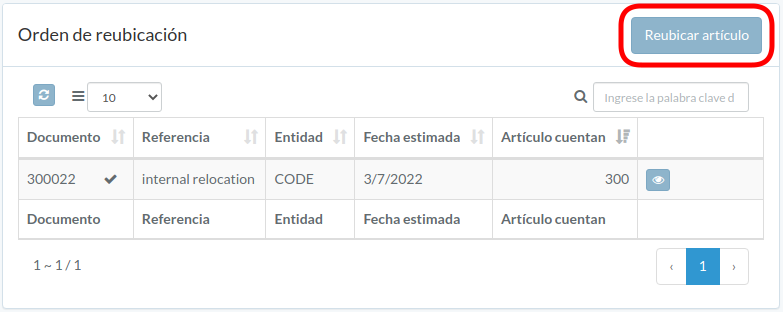
Crear orden
Click "Relocate item" on upper right corner of order table
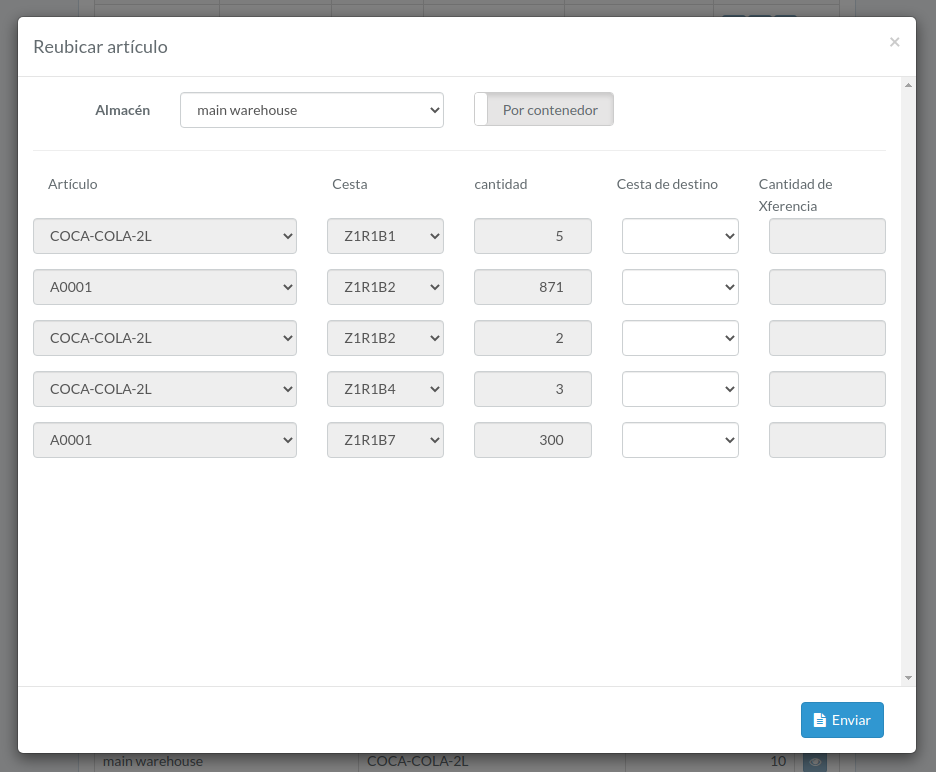
Enter order data, then click "Submit".
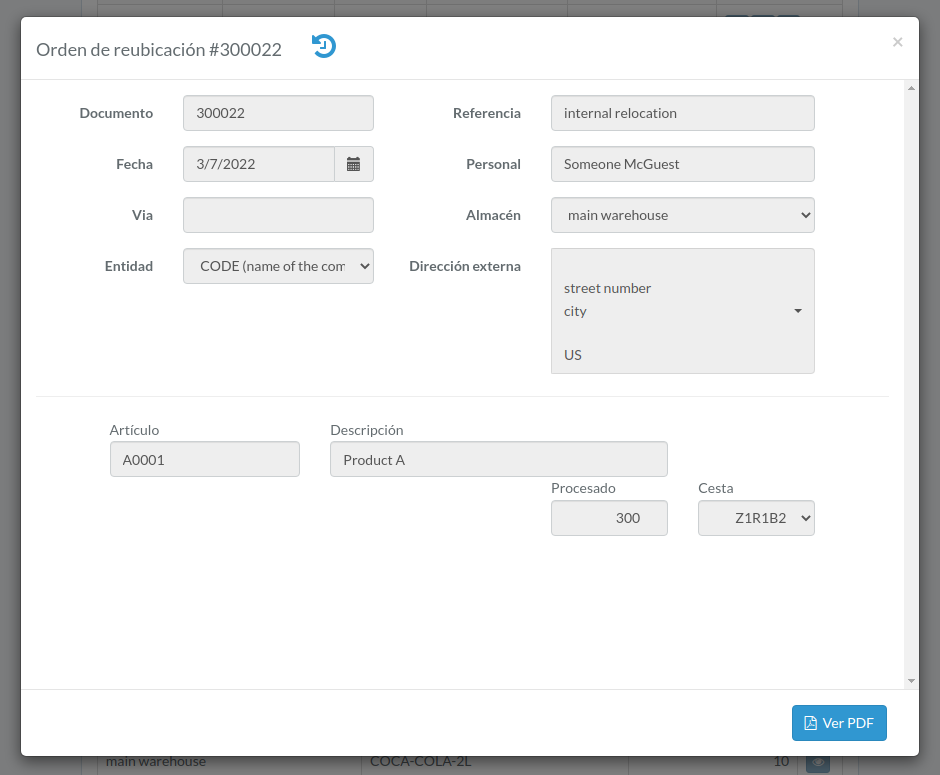
Ver orden
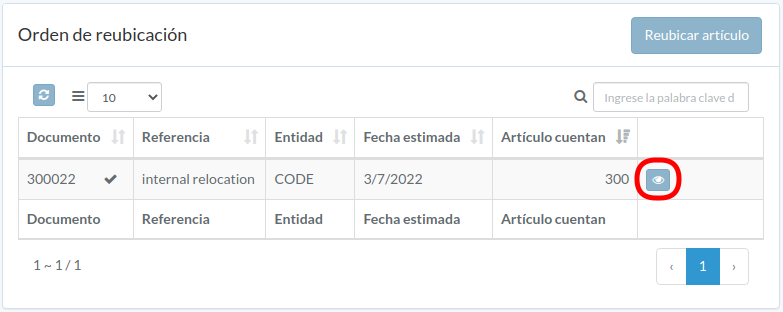
Order modal appears
Inventorio
Introducción
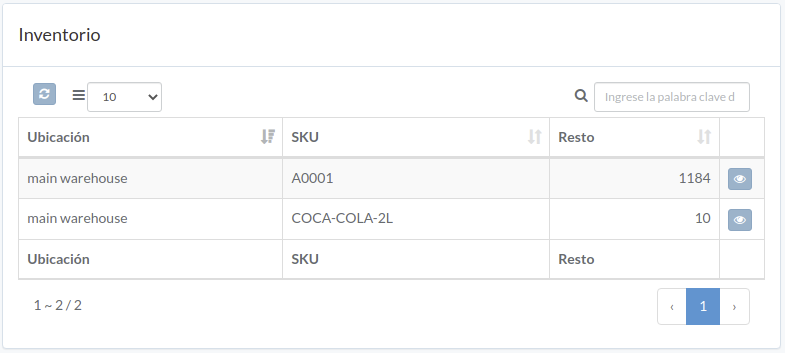
Following shows a sample window.
The chapter describes features available within the window.
Inventorio
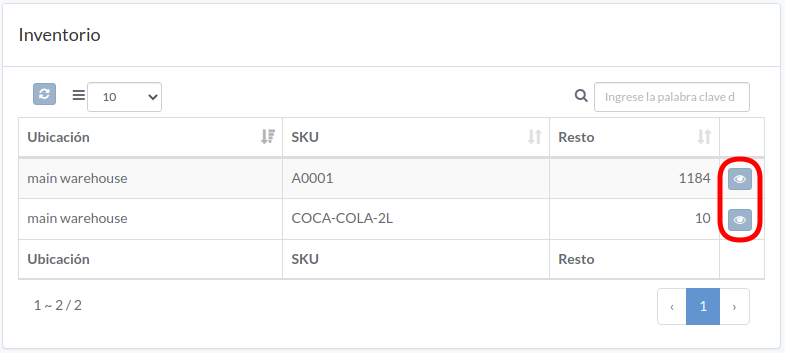
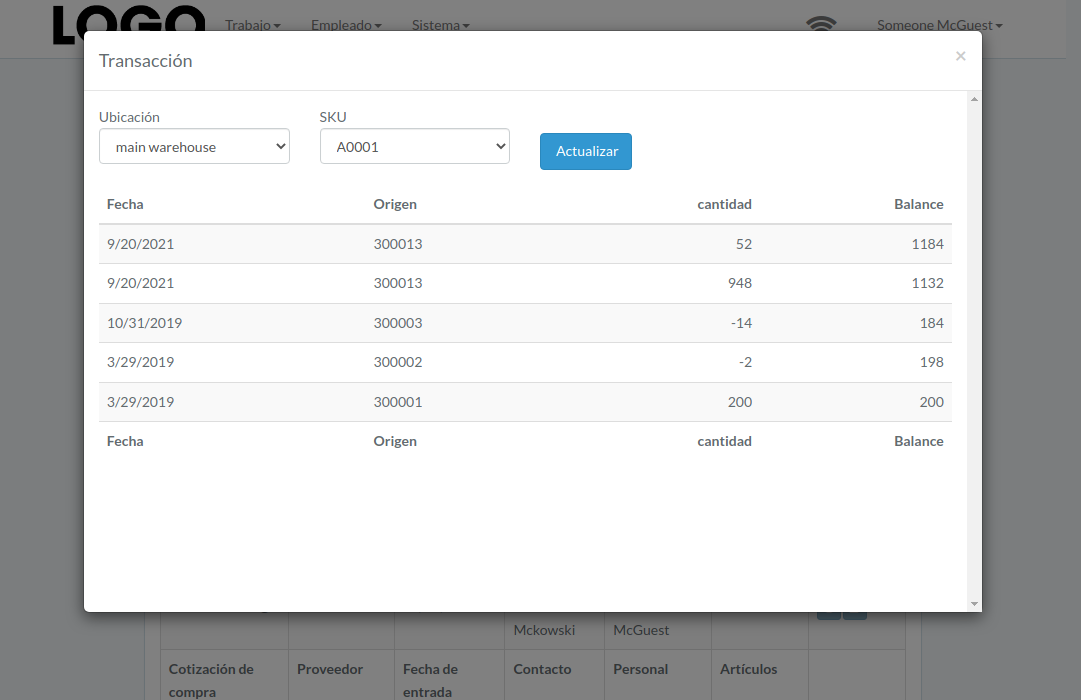
inventory transaction modal of the item appears
Informe
Introducción
Following shows a sample window.
The chapter describes features available within the window.
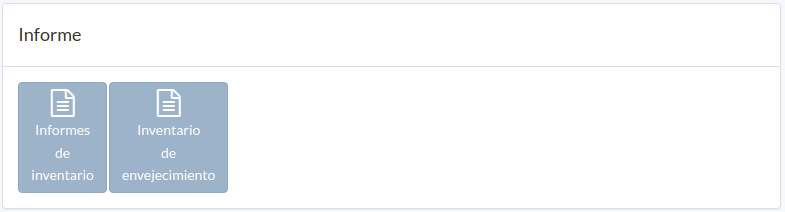
Informes de inventario
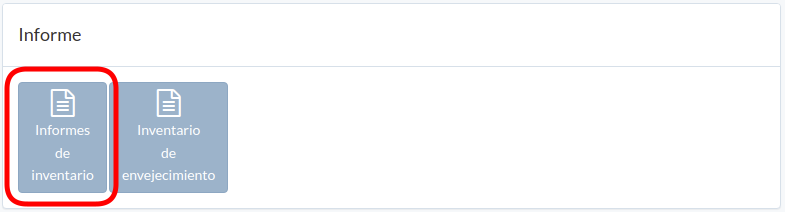
Click "Inventory Report"; then a PDF inventory report is downloaded.
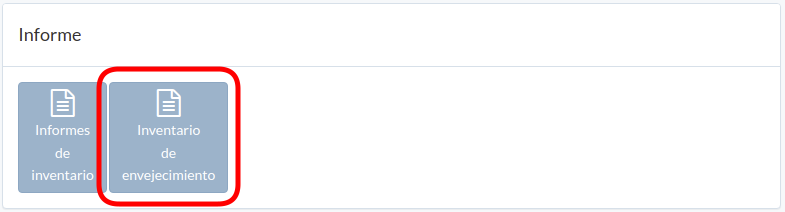
Inventario de envejecimiento
Click "Aging inventory"
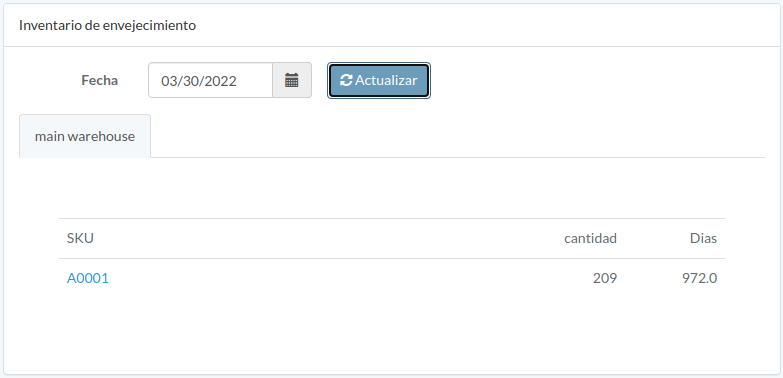
Select date and then click "Update"
Utensil
Introducción
Following shows a sample window.
The chapter describes features available within the window.
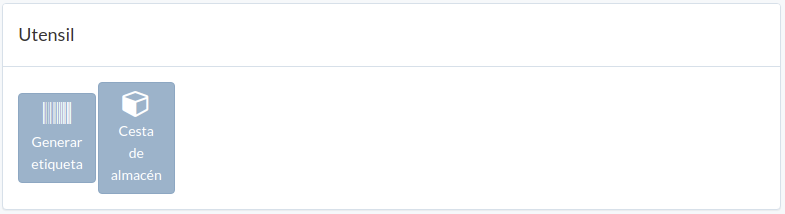
Generar etiqueta
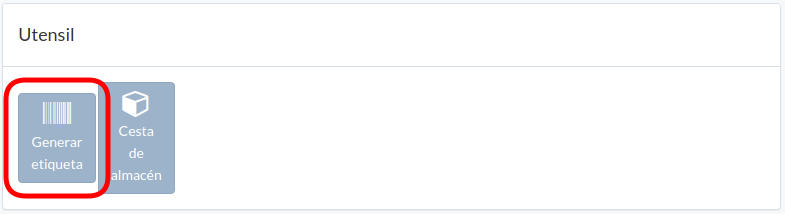
Click "Generate label" in tool window
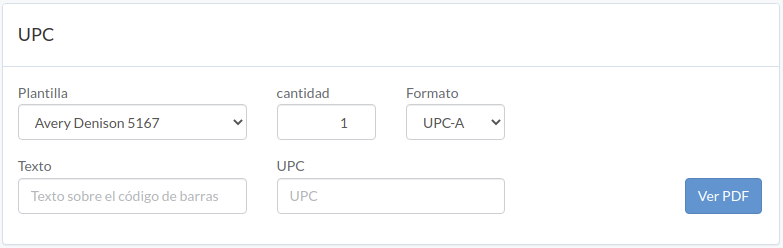
To generate UPC label, select template, format, enter quantity, text, UPC
Click "View PDF" to generate label
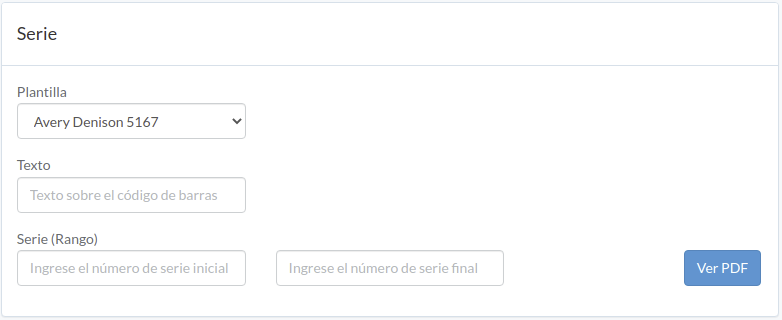
To generate serial label, select template, enter text, serial-range
Click "View PDF" to generate label
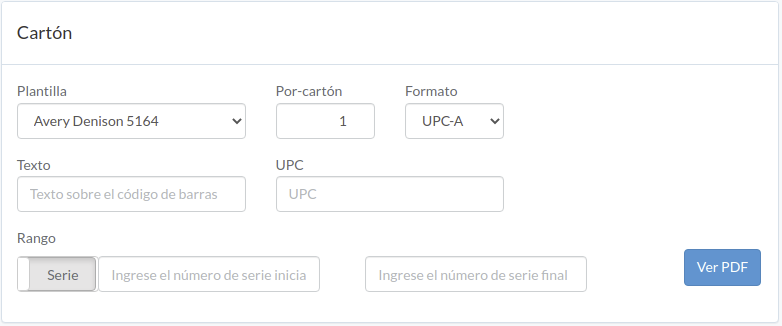
To generate carton label, select template, format, enter per-carton quantity, text, UPC, carton/serial-range
Click "View PDF" to generate label
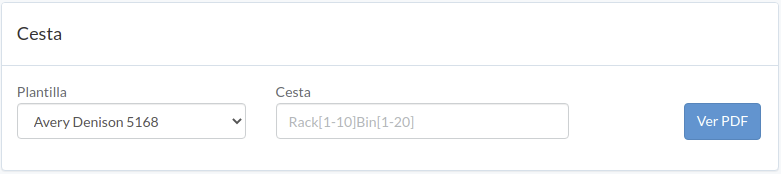
To generate bin label, select template, enter bin-range
Click "View PDF" to generate label
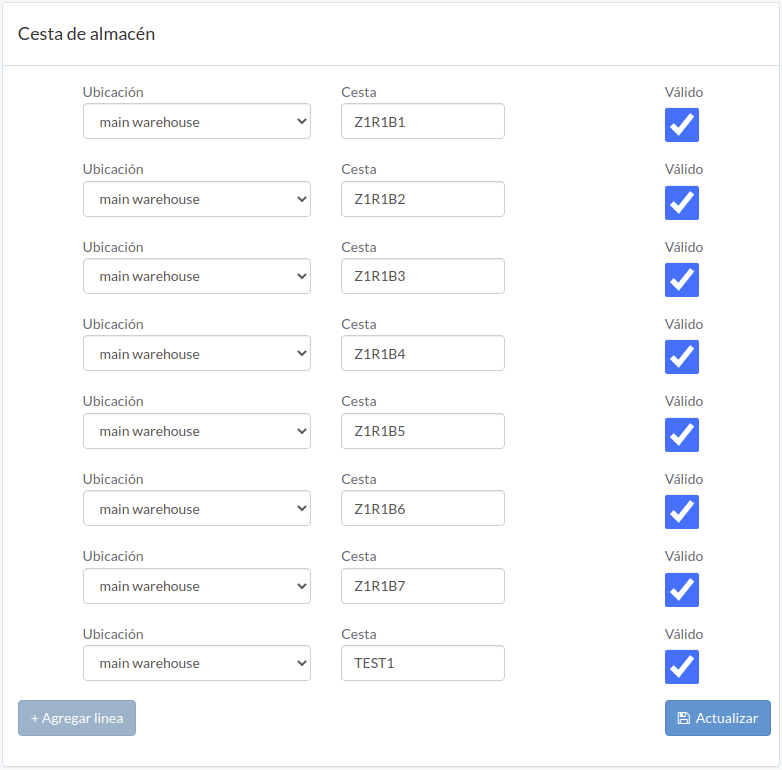
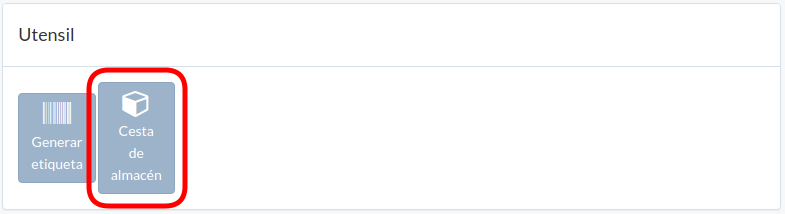
Administrar cesta de almacén
Click "Bin management" in tool window
Select location, enter bin and validity.
Click "+ Add line" if needed
Click "Update" when done.