Supplier
Introduction
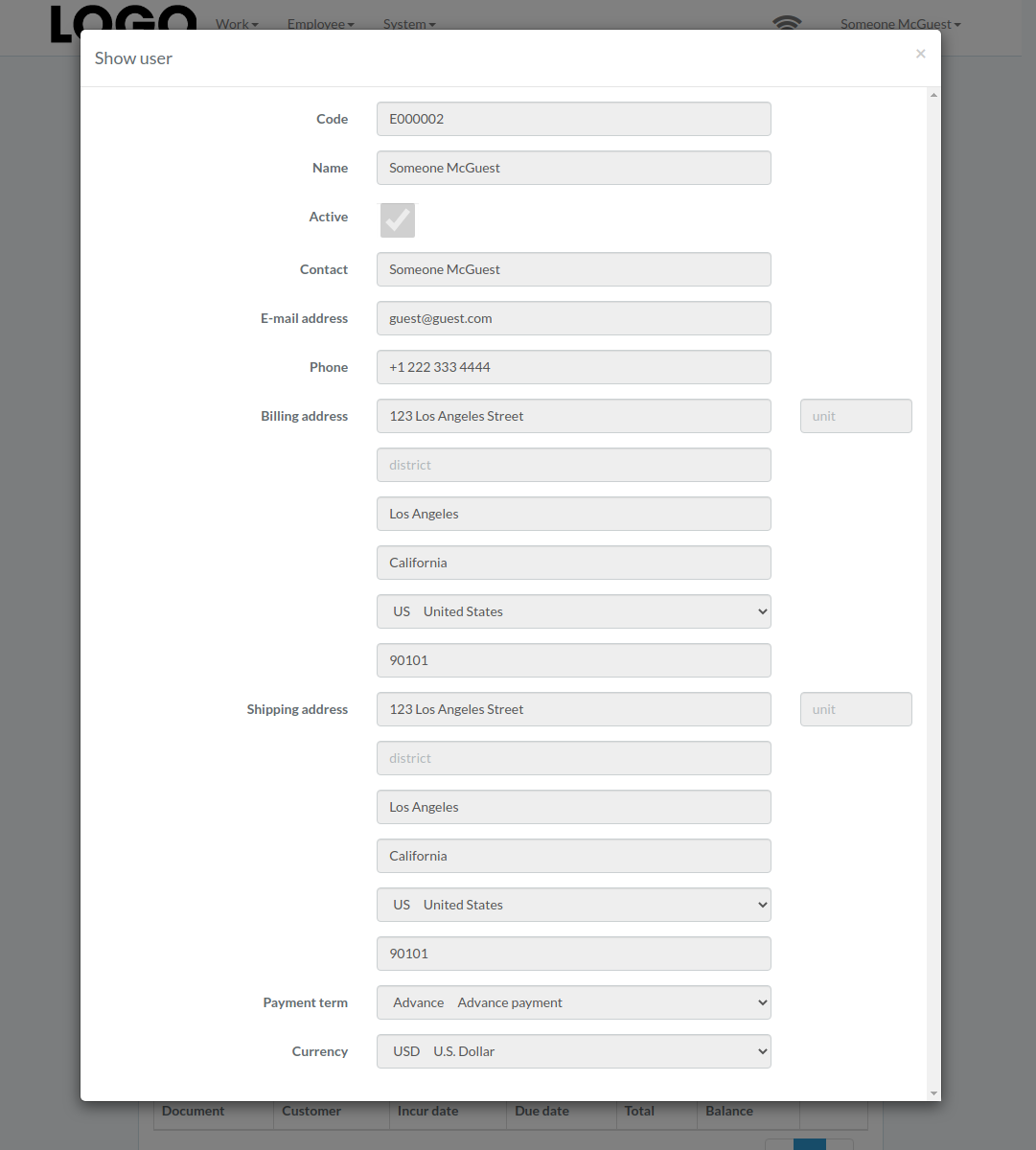
Following shows a sample window.
The chapter describes features available within the window.
Create Supplier
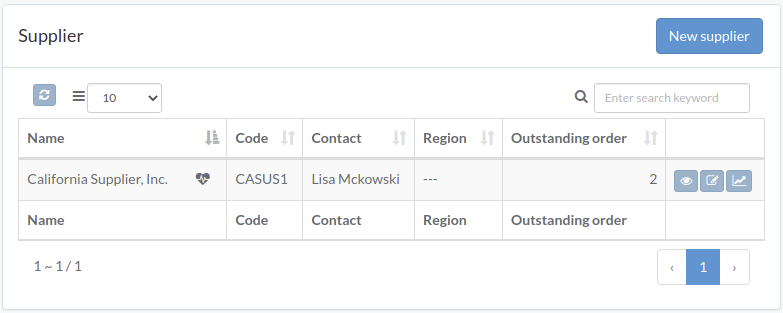
Click "New supplier" on upper right corner of Supplier/Staff table
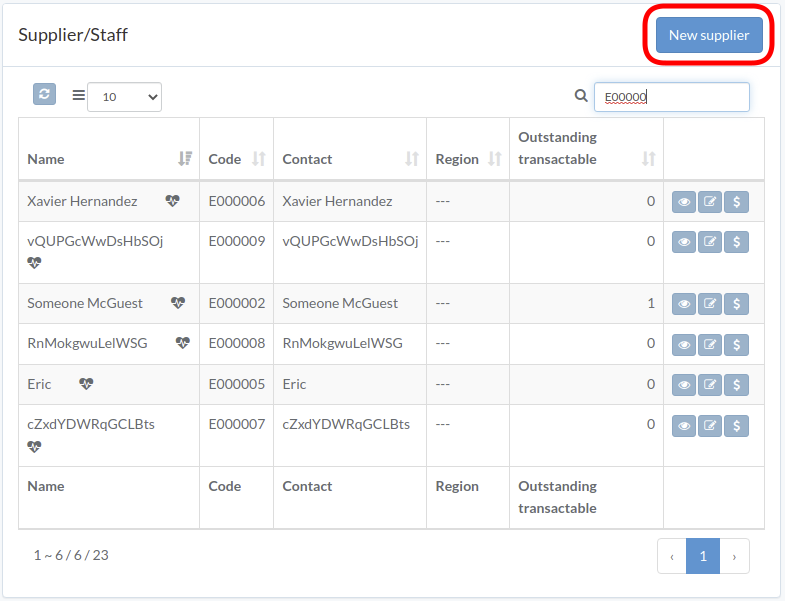
Enter supplier data, then click "Create".
Update Supplier
Click "Update" button on the right of supplier
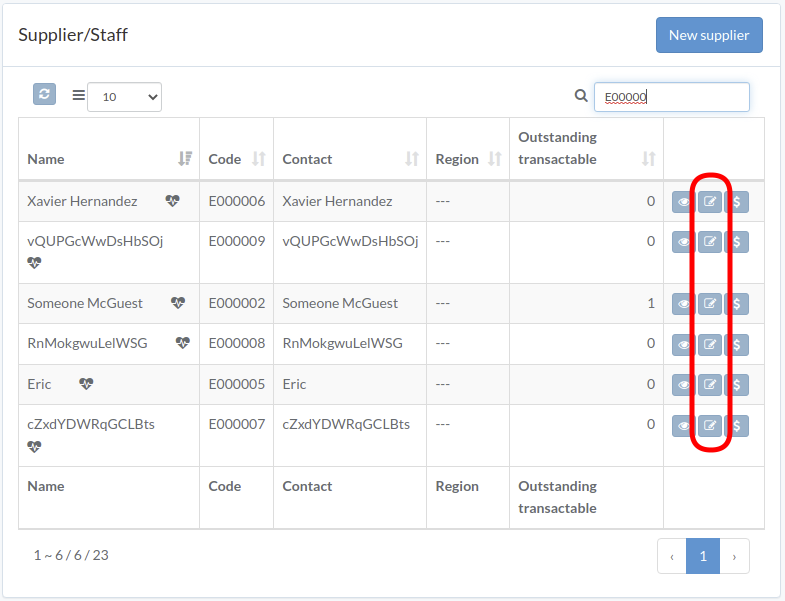
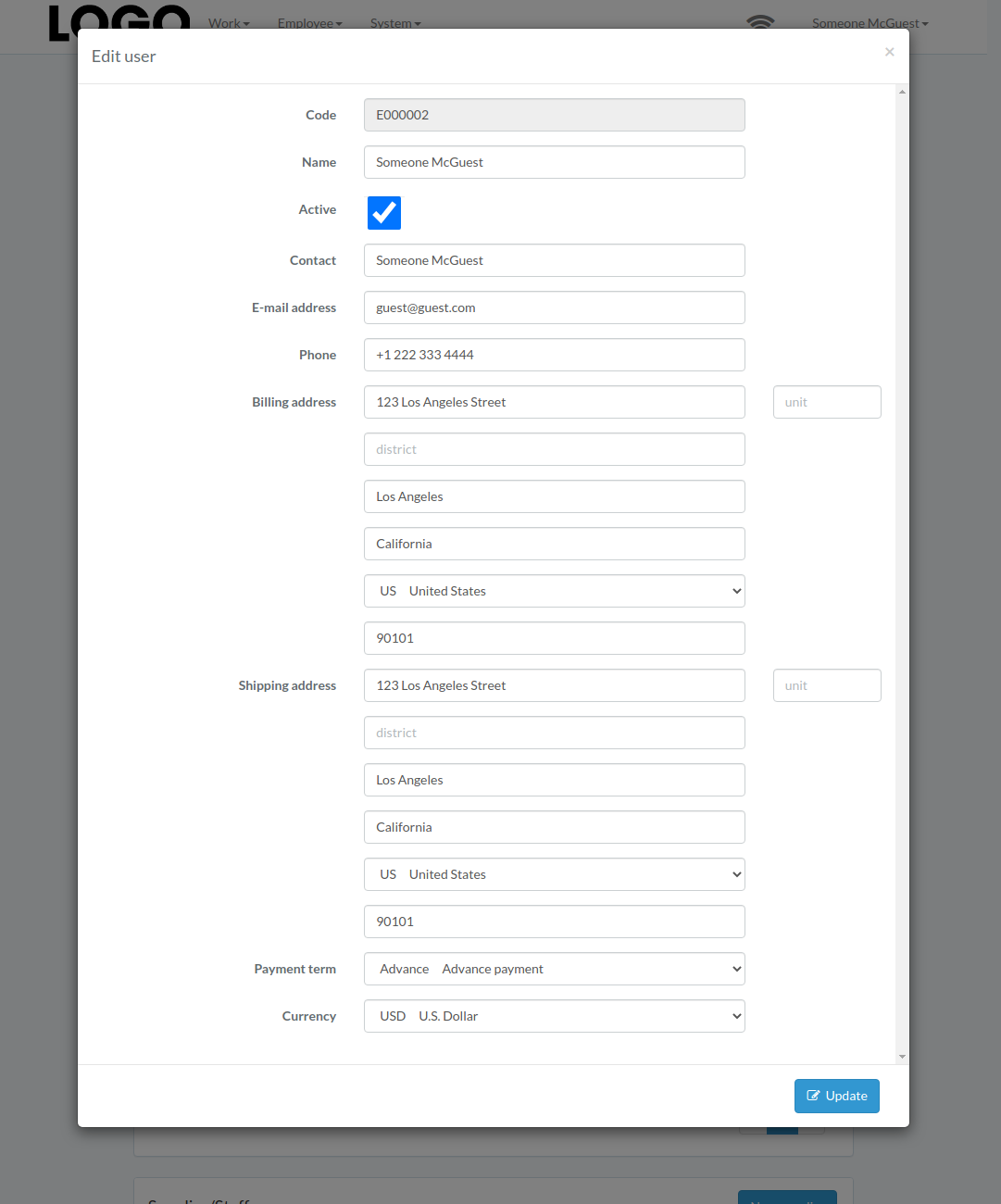
Update information, then click "Update".
View Supplier
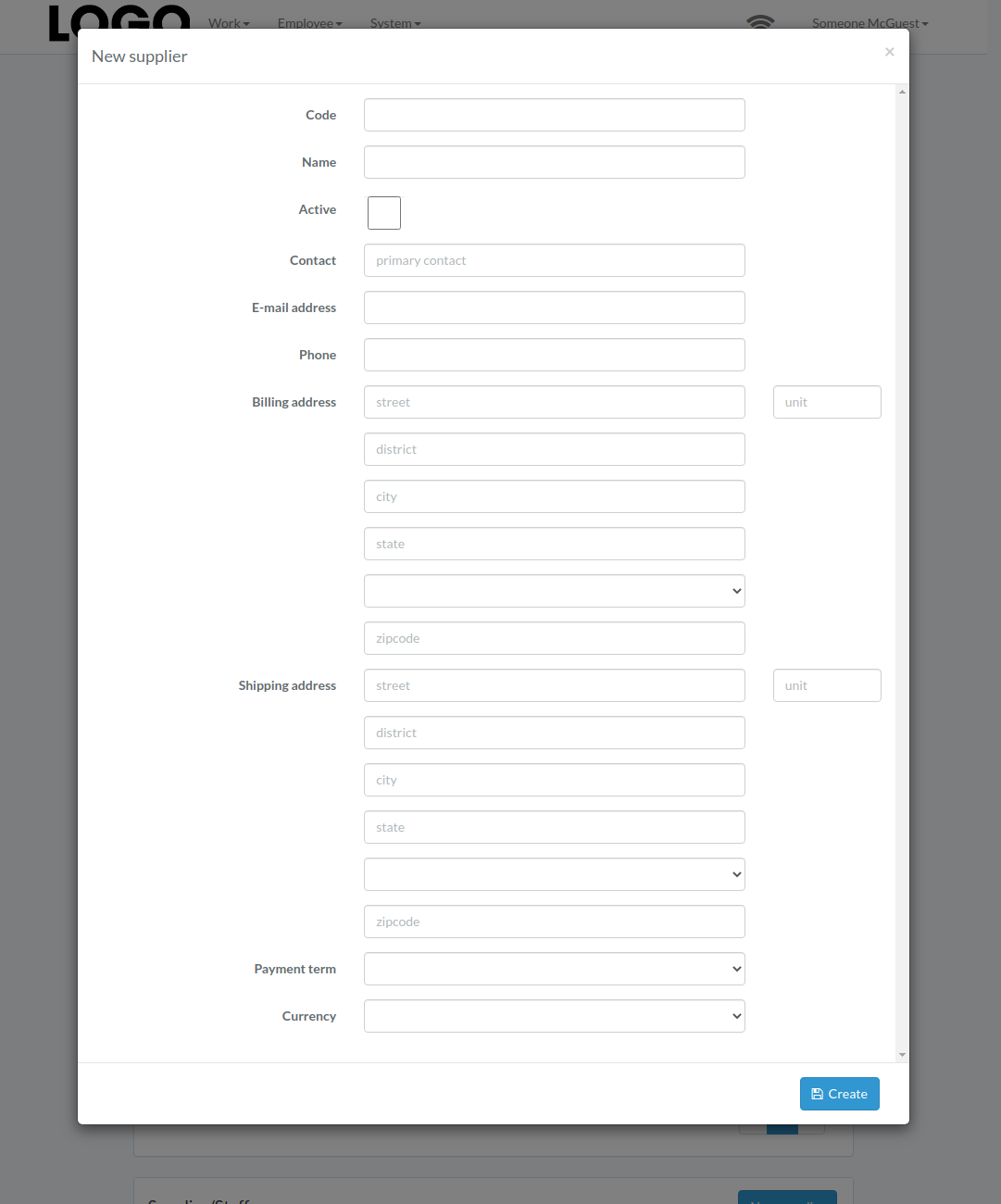
Click "View" button on the right of supplier
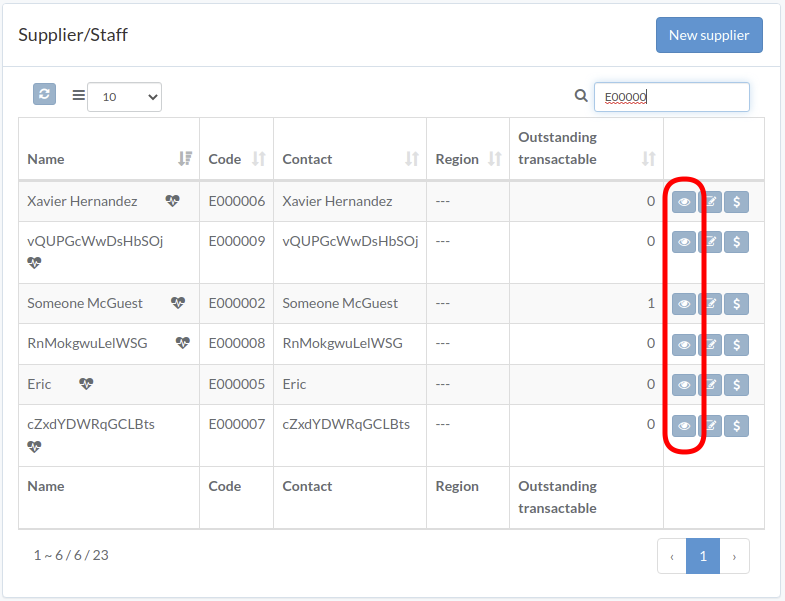
Supplier modal appears