Picking list
Introduction
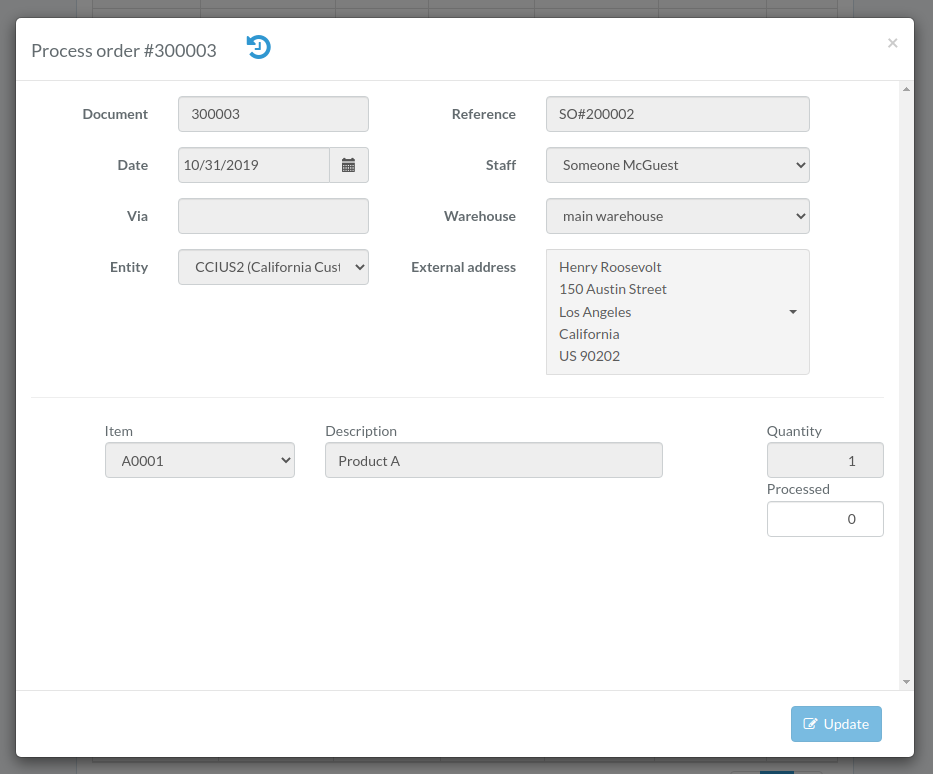
Following shows a sample window.
The chapter describes features available within the window.
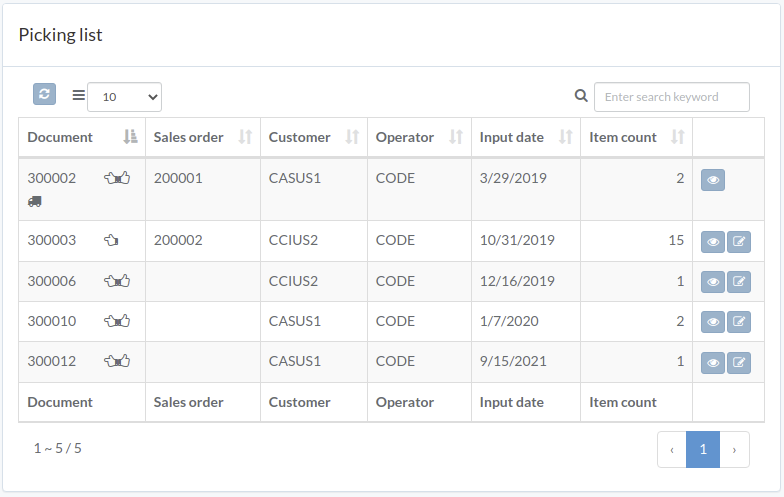
View picking list
Click "View" button on the right of order
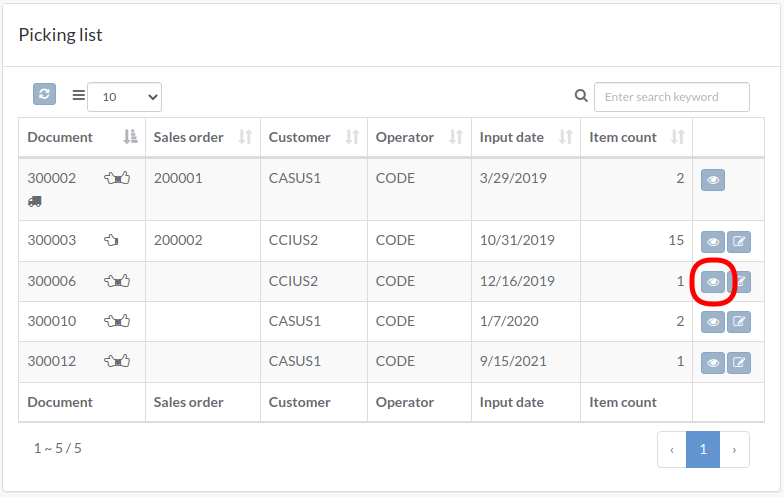
Order modal appears
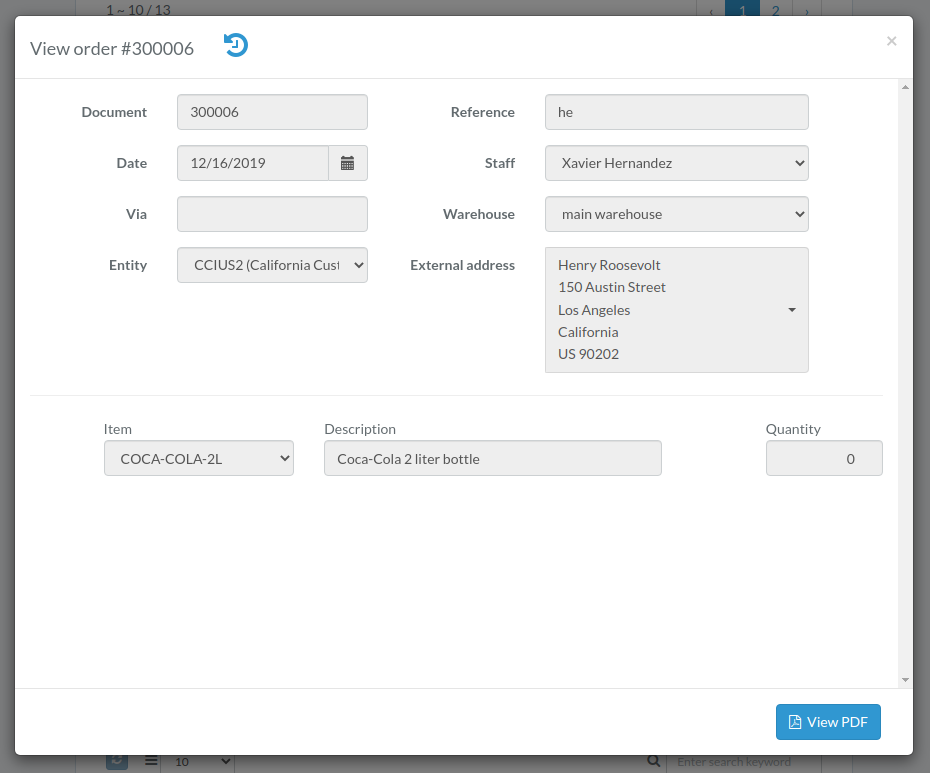
Process picking list
Click "Process" button on the right of order
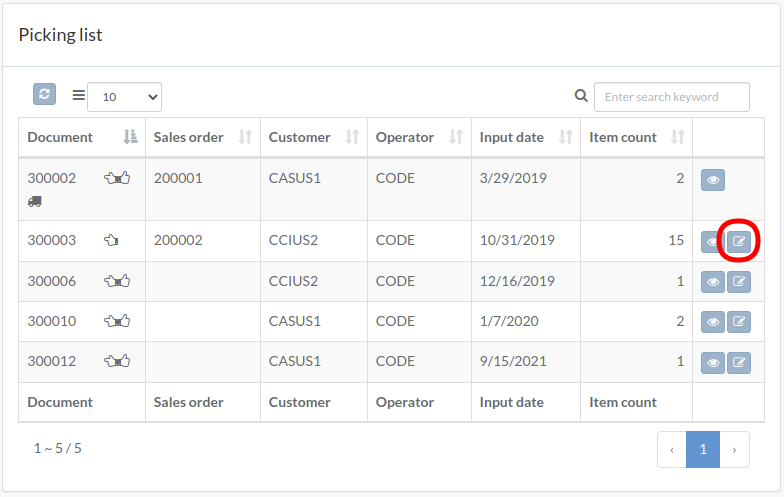
Enter order data and then click "Update"