Orden
Introducción
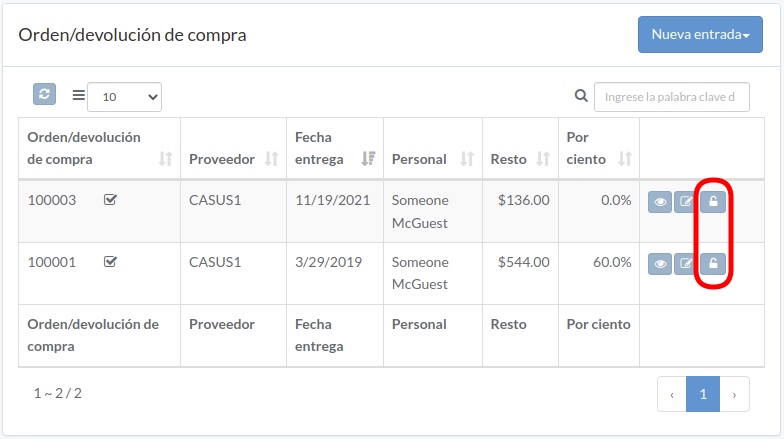
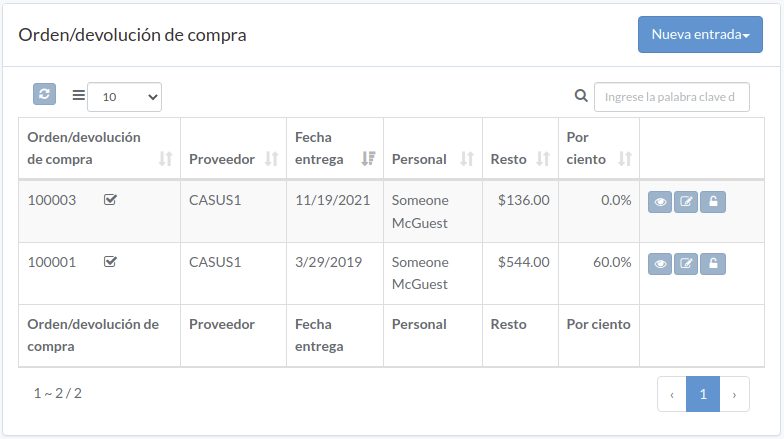
Following shows a sample window.
The chapter describes features available within the window.
Crear Orden
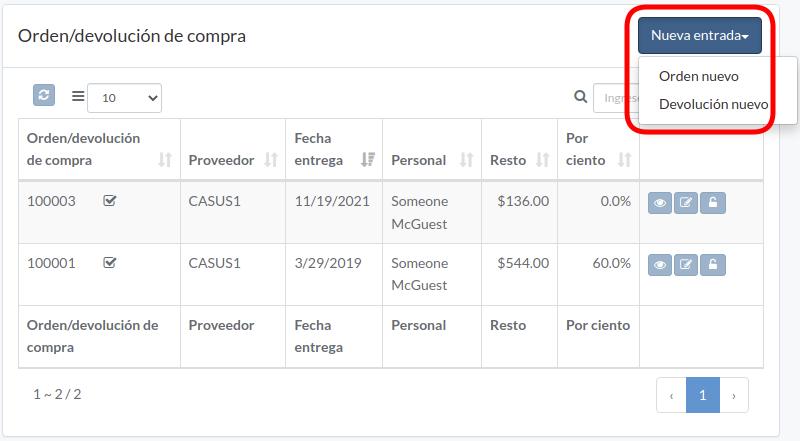
Click "New entry", and select order or return
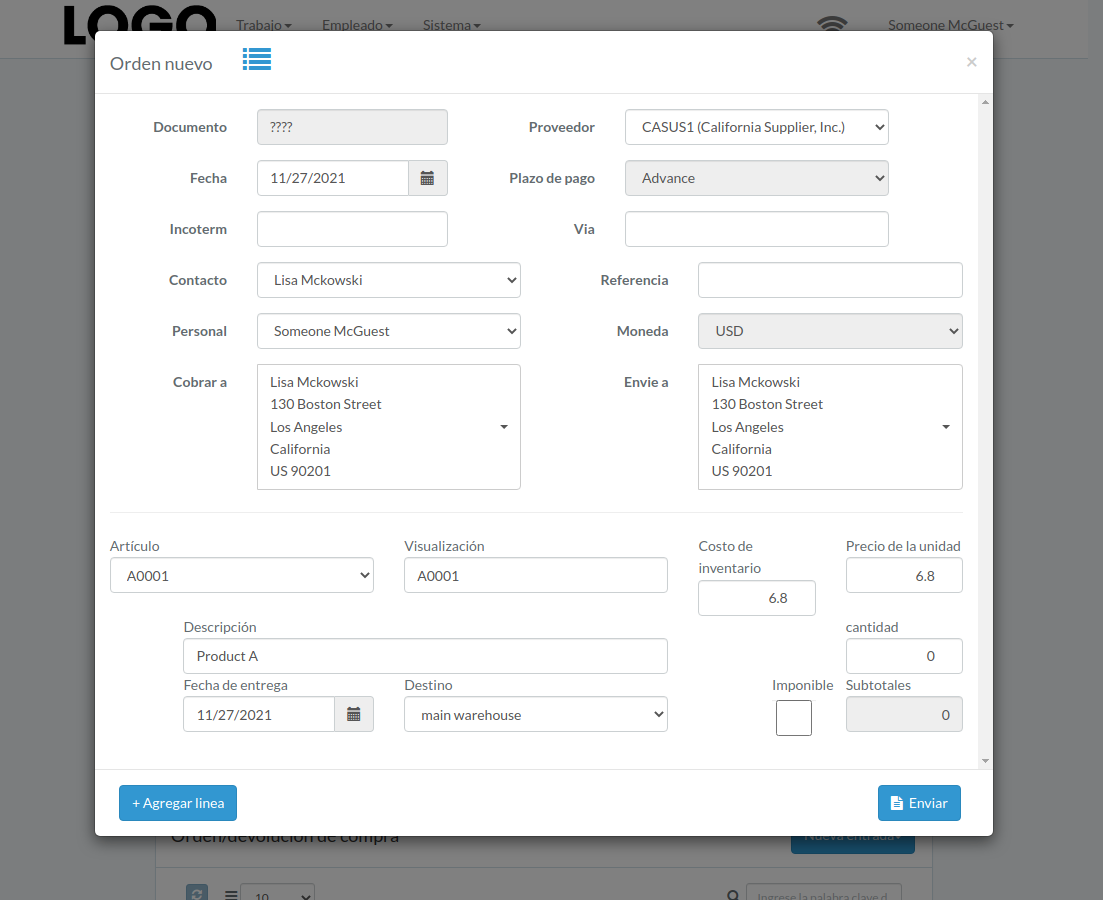
Enter order/return data, then click "Submit"
Click "+ Add line" if needed
Actualizar Orden
Click "Update" button on right of the order/return
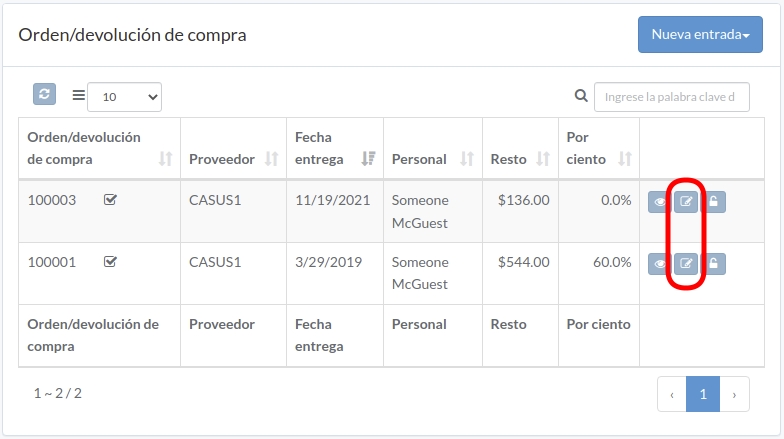
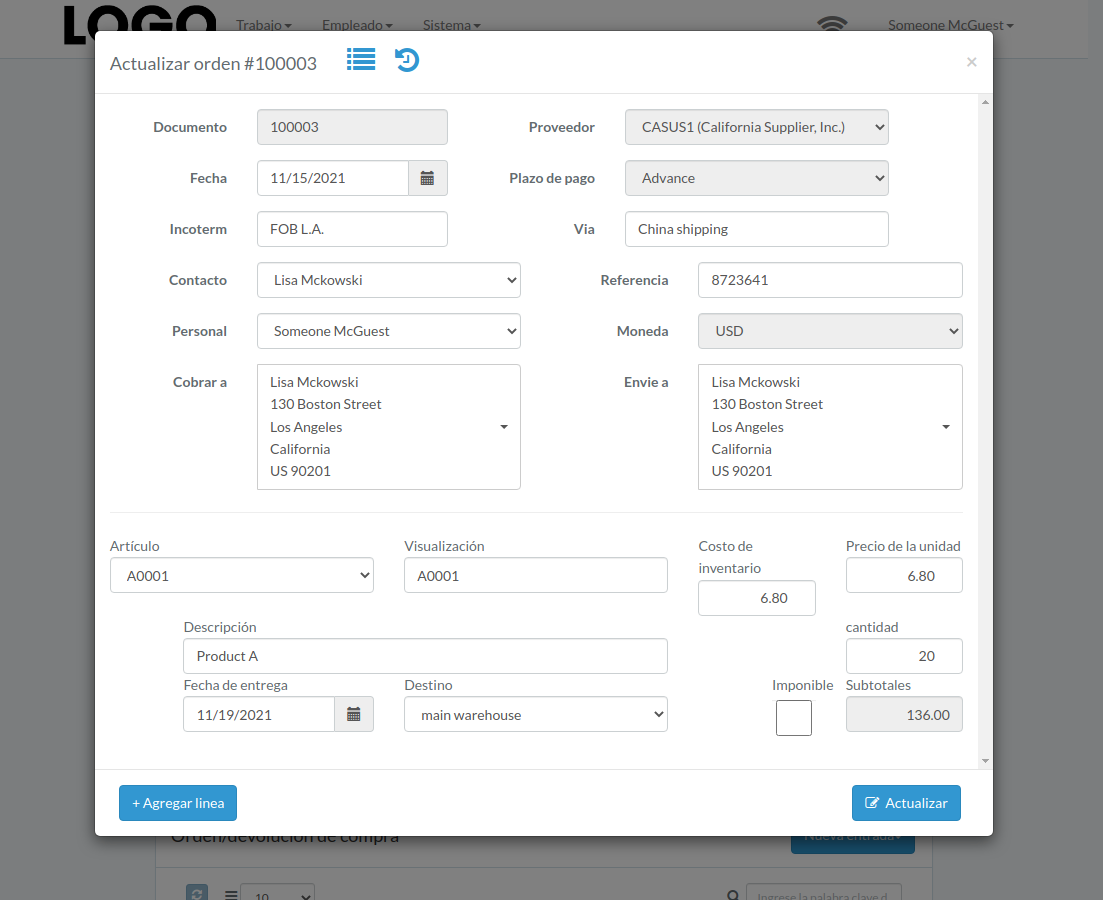
Update order/return data, then click "Update"
Click "+ Add line" if needed
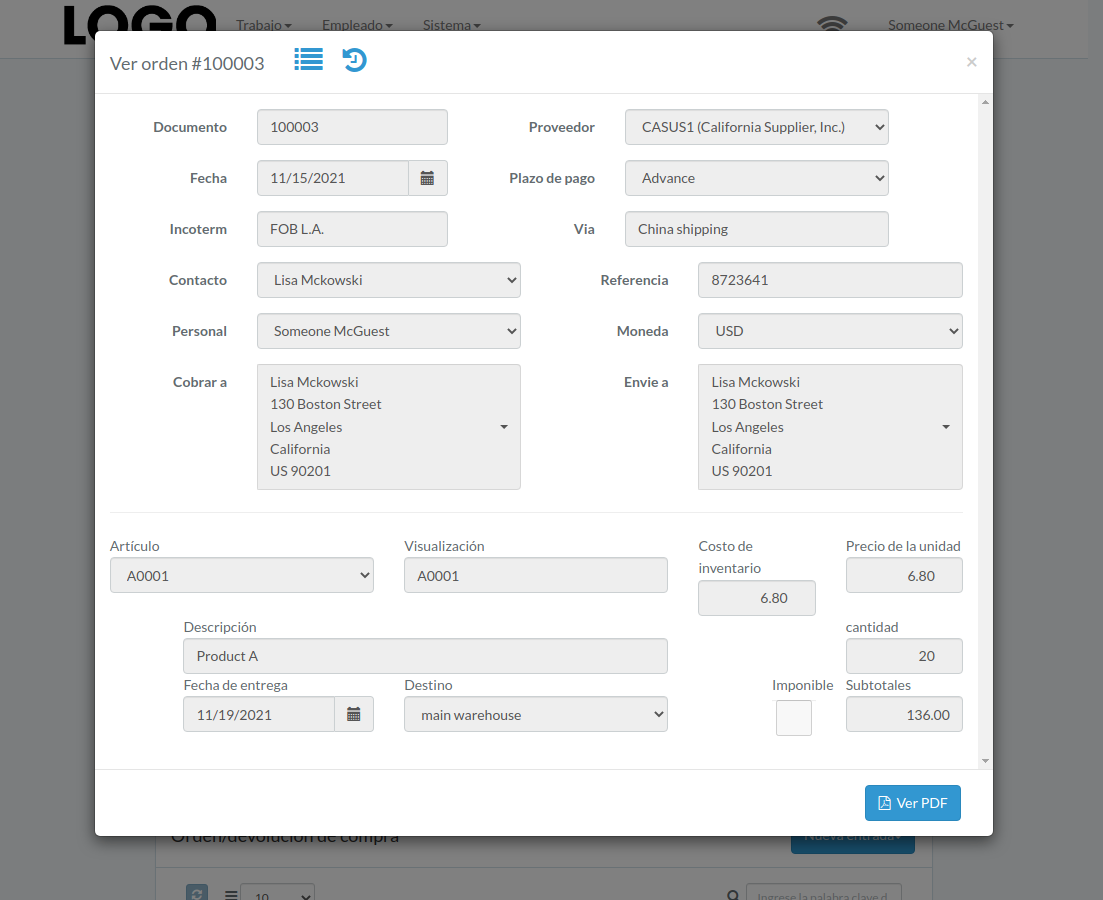
Ver Orden
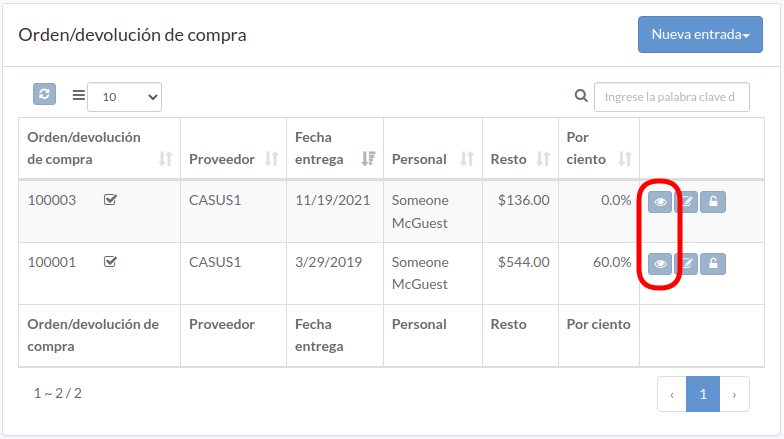
Order/return modal appears
Aprobar Orden
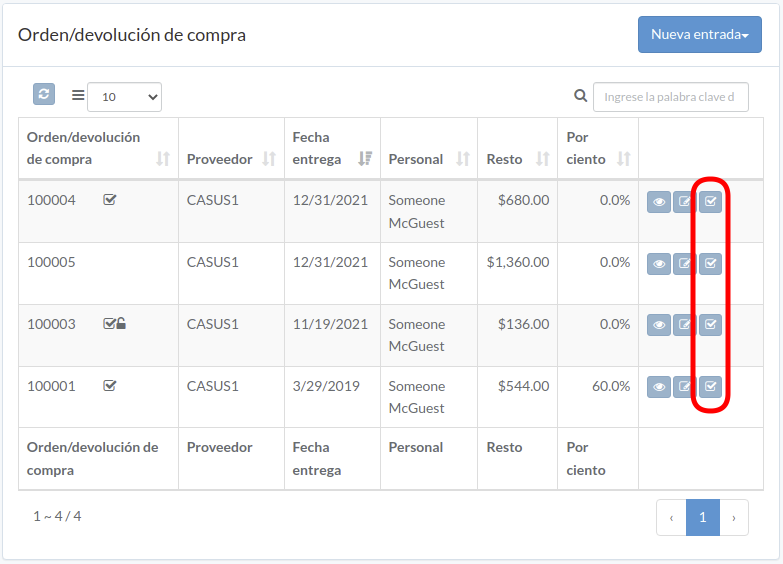
Click "Approve" button to right of the order/return
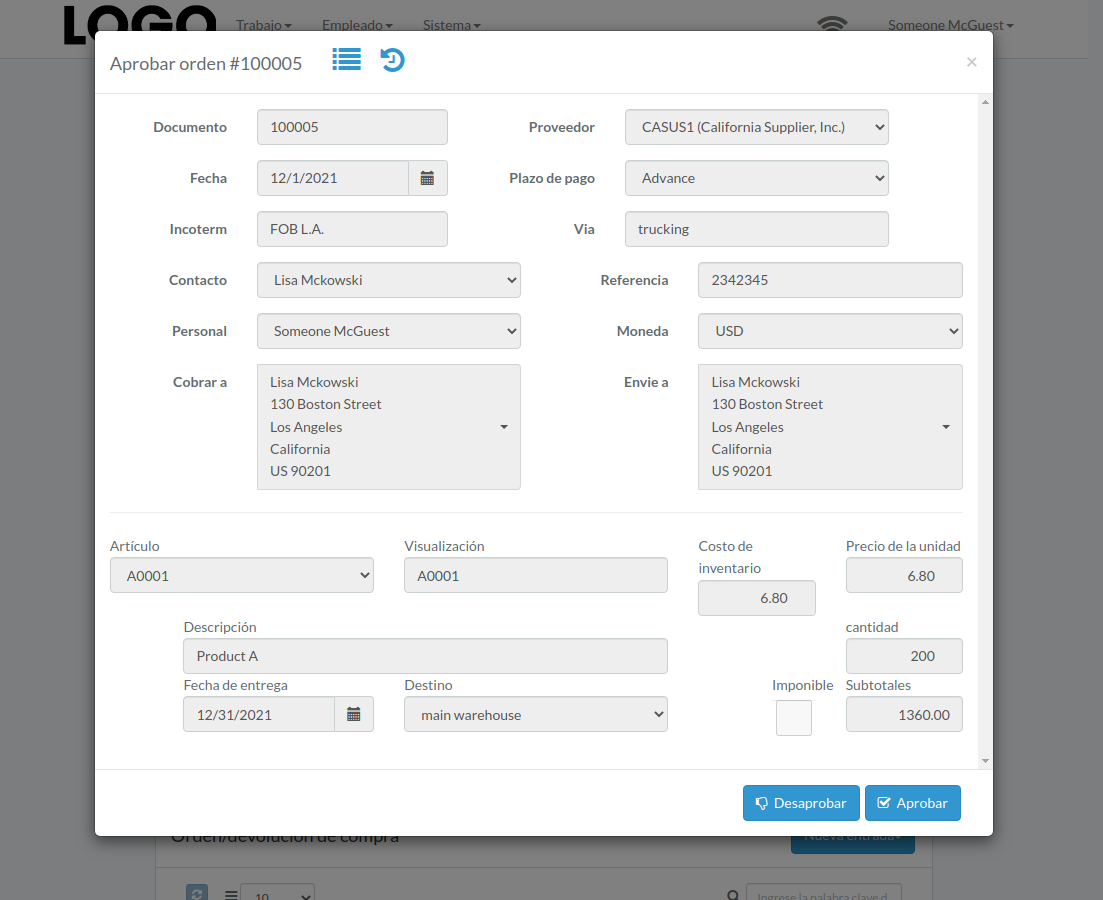
When order/return modal appears, click "Approve" or "Disapprove" button to confirm
Soltar Orden
Click "Release" button to right of the order/return
An email with order/return attachment is sent to vendor