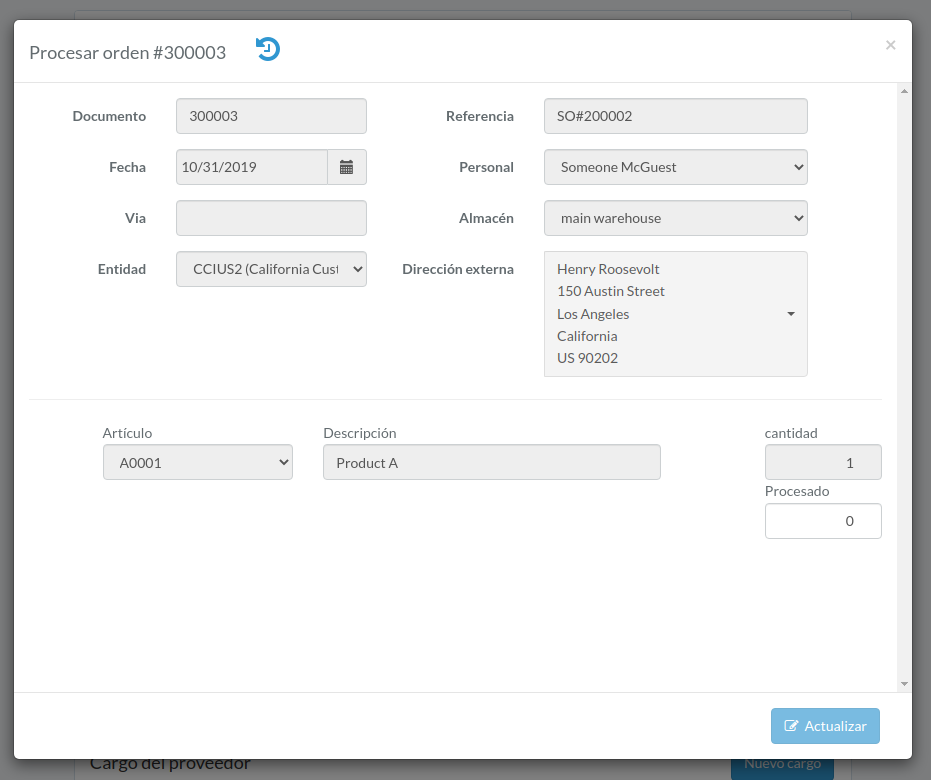
Lista de selección
Introducción
Following shows a sample window.
The chapter describes features available within the window.
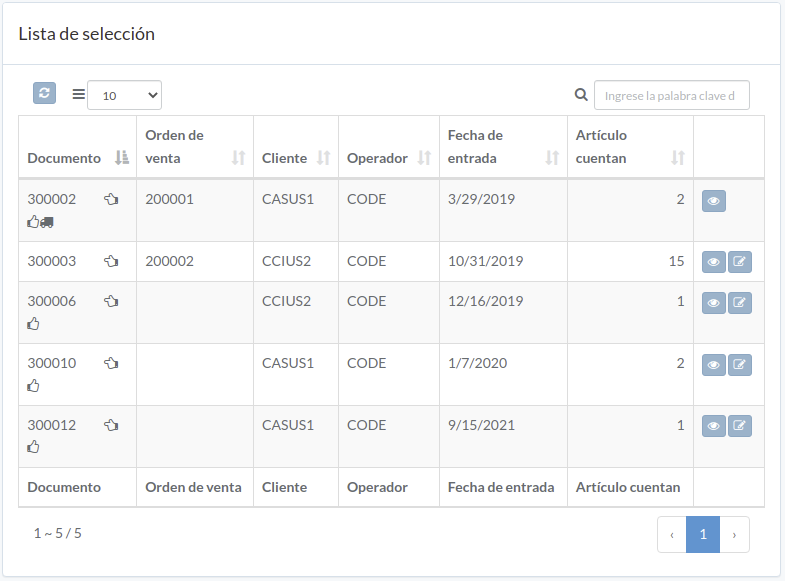
Ver lista de selección
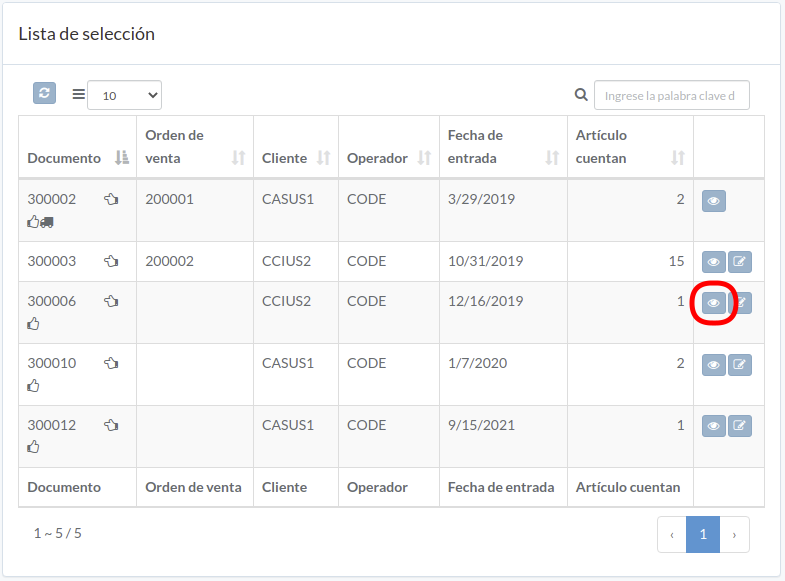
Order modal appears
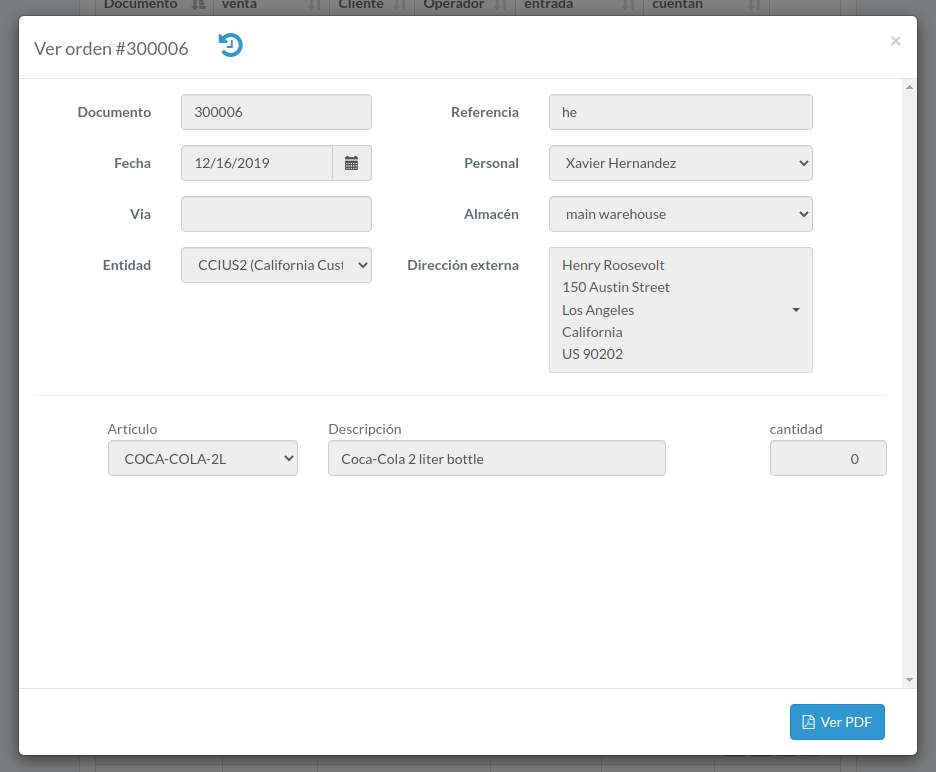
Procesar lista de selección
Click "Process" button on the right of order
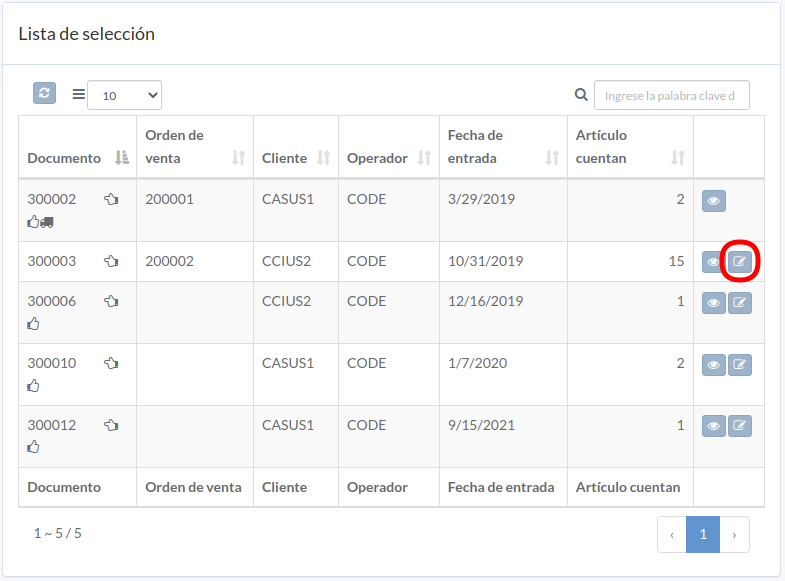
Enter order data and then click "Update"