Personnel
Introduction
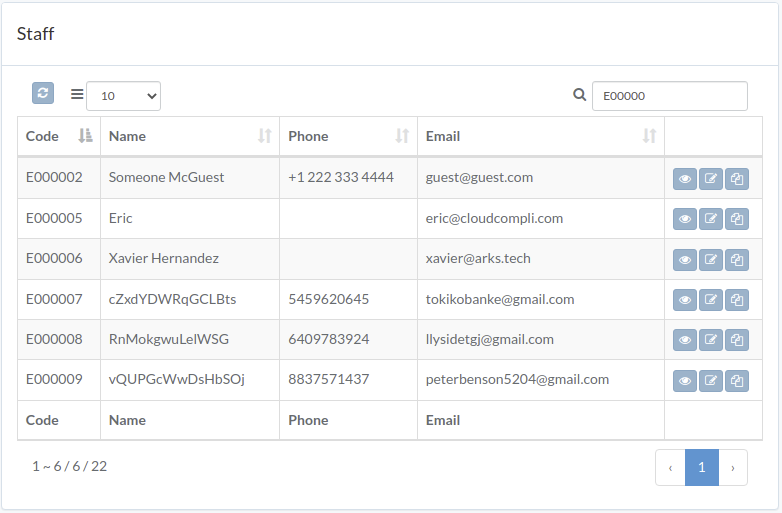
Following shows a sample window.
The chapter describes features available within the window.
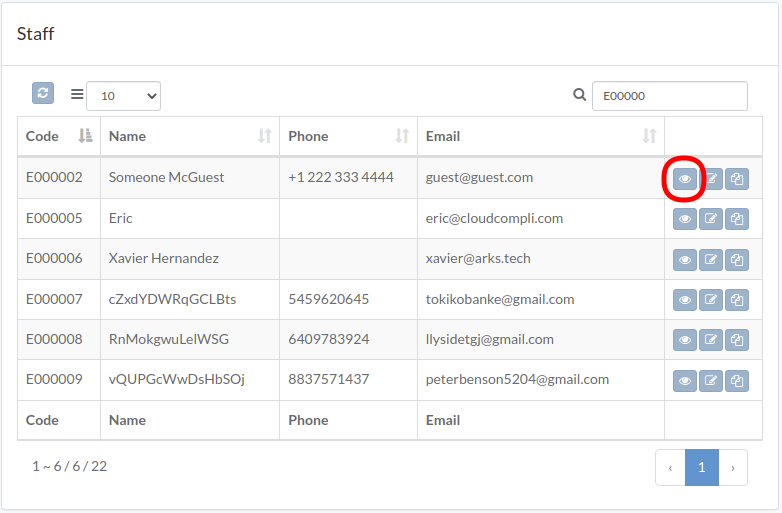
View staff
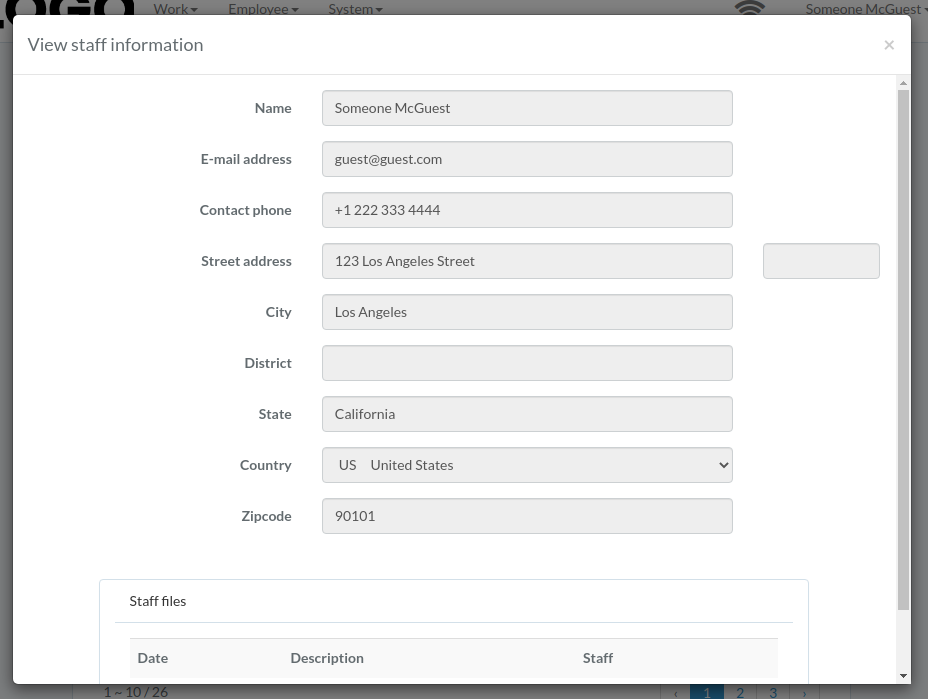
staff modal appears
Update staff
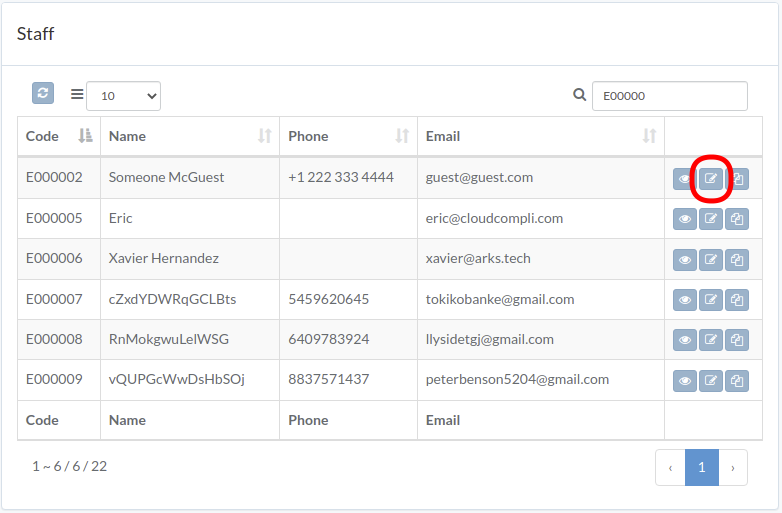
Click "Update" button on right of the staff
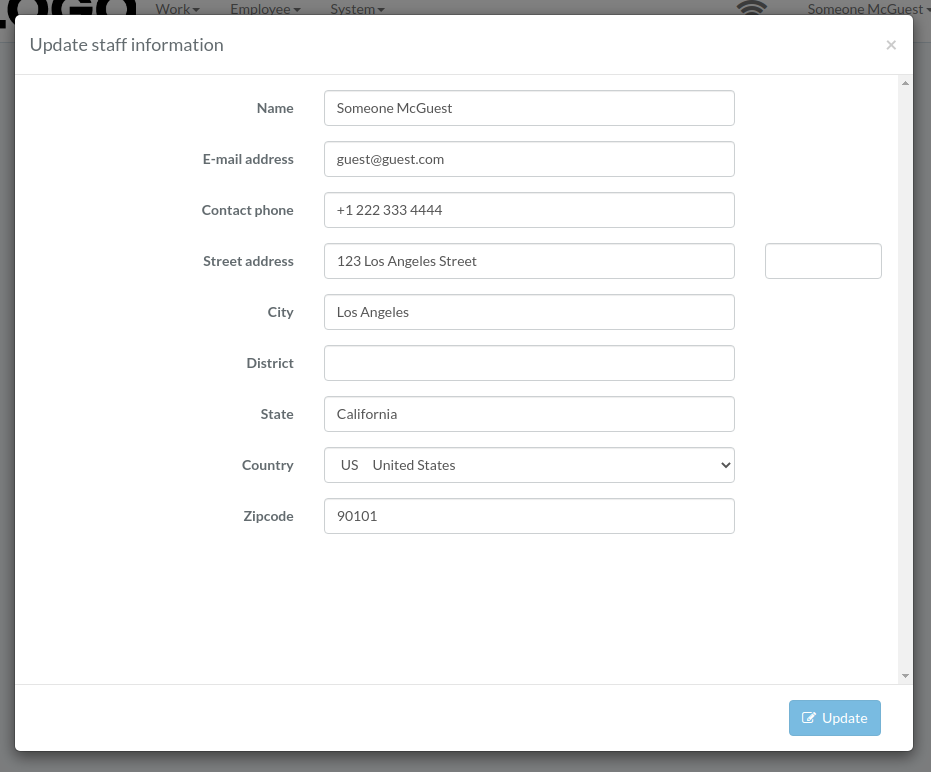
Update staff data, then click "Update"
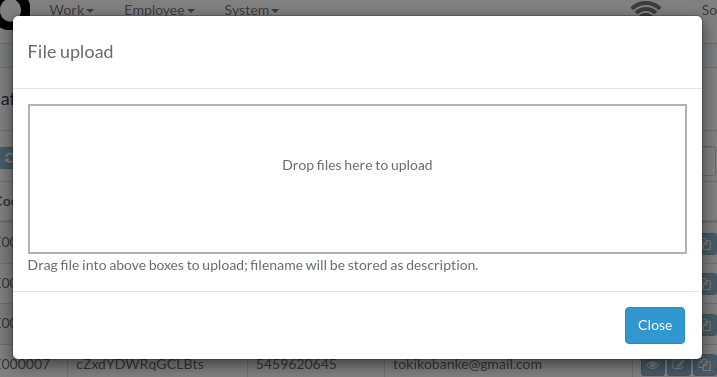
File Staff Record
Click "Archive" button on right of the staff
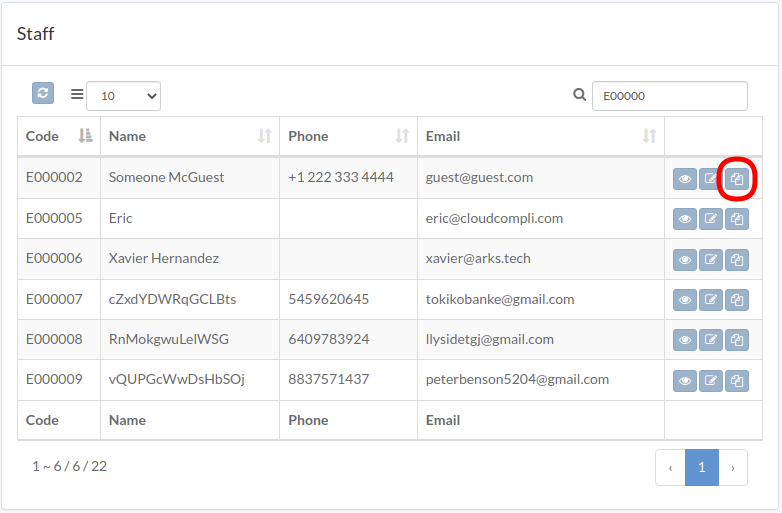
Upload file, then click "Close"