Expense download
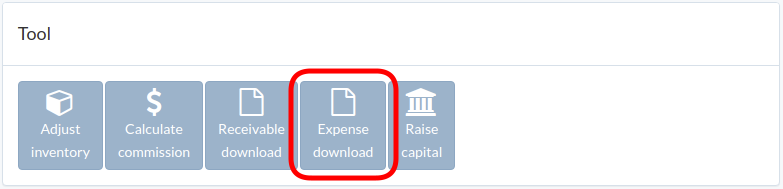
Click "Expense download" in tool window
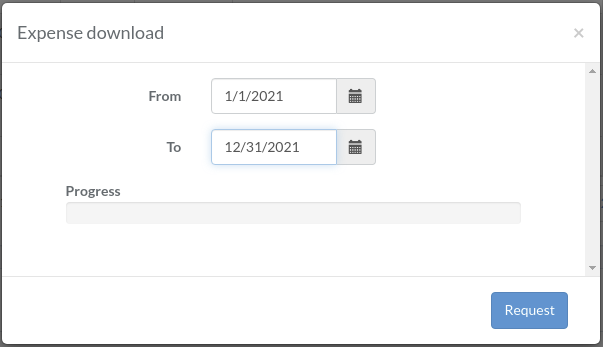
Select date range, and click "Request"
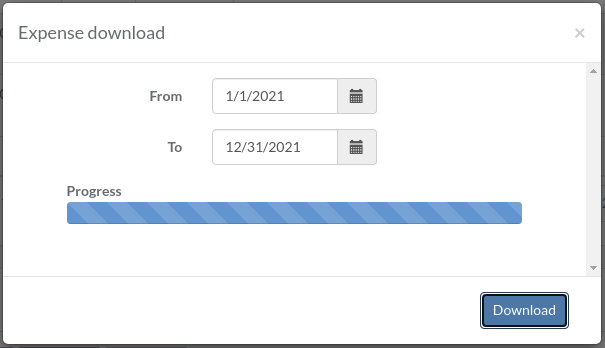
After progress is completed, click "Download" to download zipfile
Click "Expense download" in tool window
Select date range, and click "Request"
After progress is completed, click "Download" to download zipfile