Tool
- Introduction
- Adjust inventory
- Calculate commission
- Receivable download
- Expense download
- Raise capital
Introduction
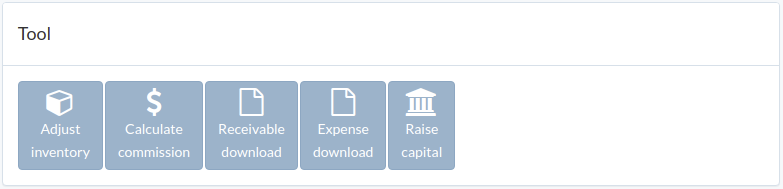
Following shows a sample window.
The chapter describes features available within the window.
Adjust inventory
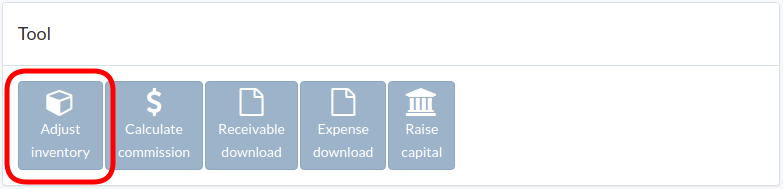
Click "Adjust inventory" in tool window
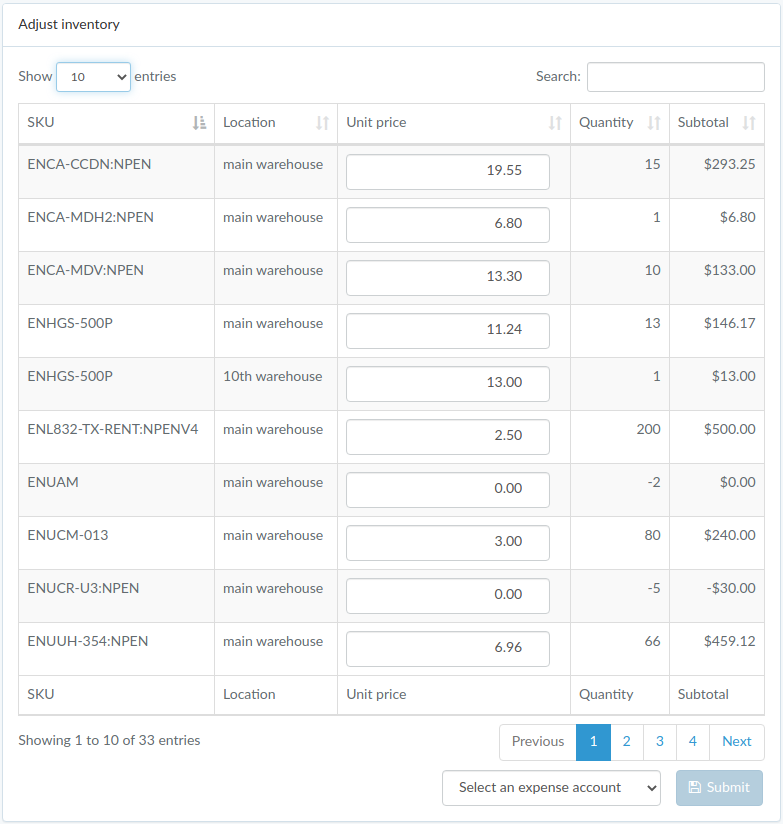
Update unit price, select an expense account, and click "Submit"
Calculate commission
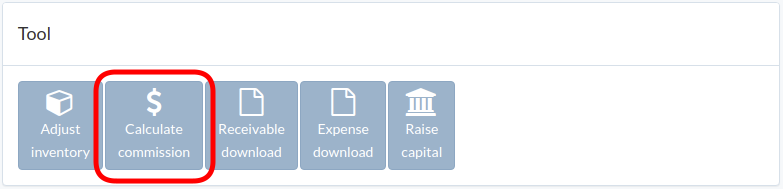
Click "Calculate commission" in tool window
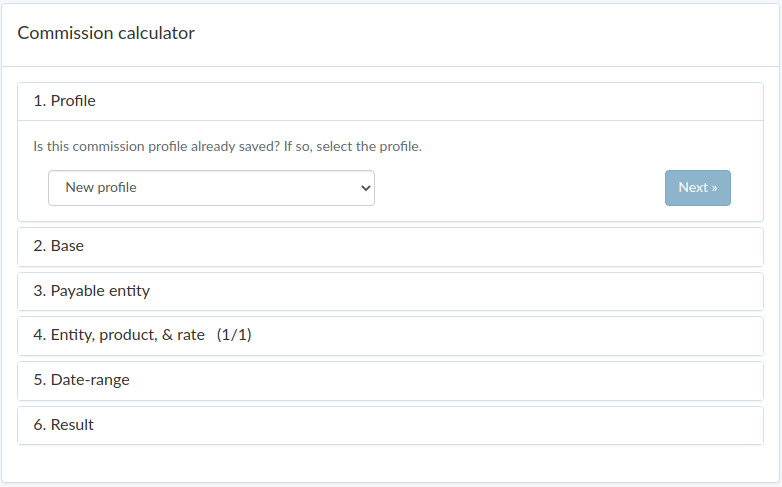
Follow guided steps to calculate commission.
Confirmed result can be converted into expense on last step.
Receivable download
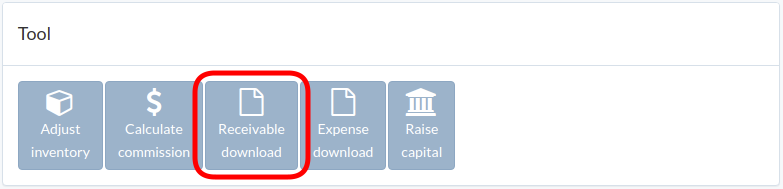
Click "Receivable download" in tool window
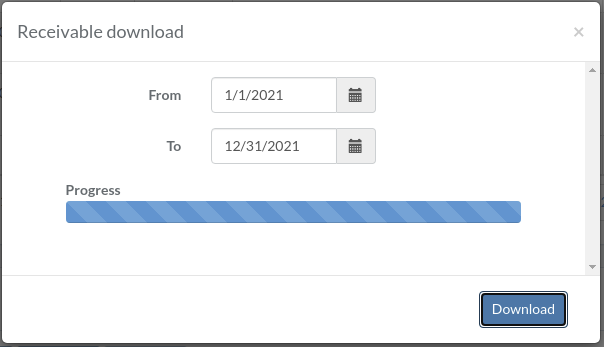
Select date range, and click "Request"
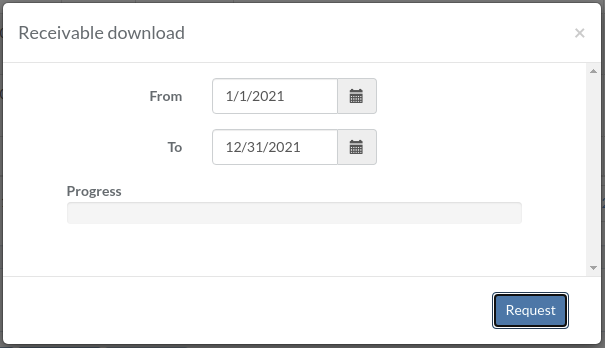
After progress is completed, click "Download" to download zipfile
Expense download
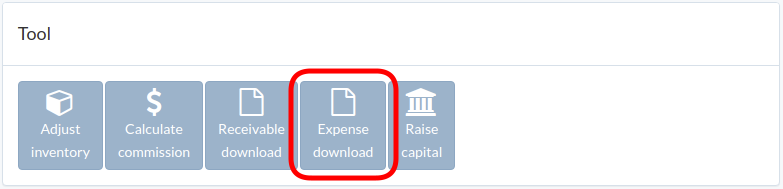
Click "Expense download" in tool window
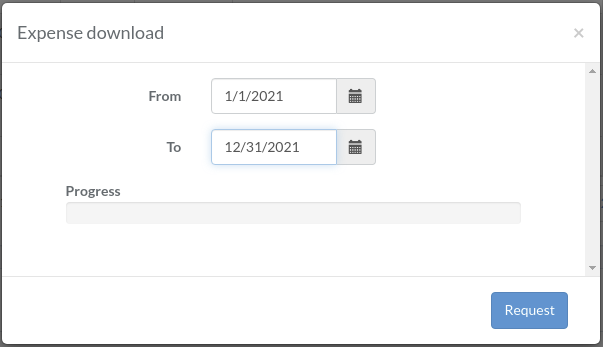
Select date range, and click "Request"
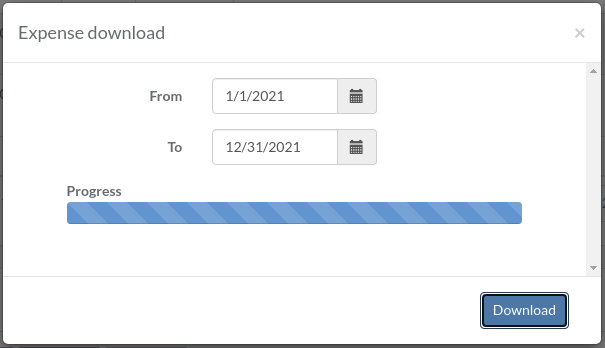
After progress is completed, click "Download" to download zipfile
Raise capital
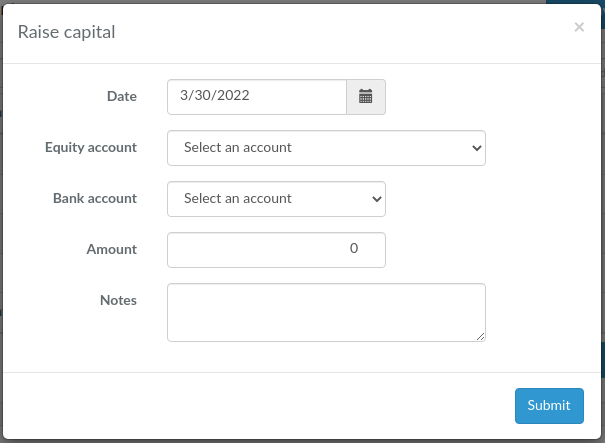
Click "Raise capital" in tool window
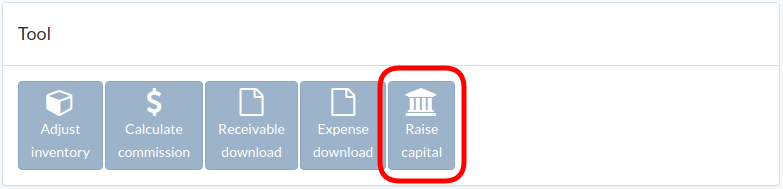
Select date, equity account, bank account, amount, and click "Submit"