Report
Introduction
Following shows a sample window.
The chapter describes features available within the window.
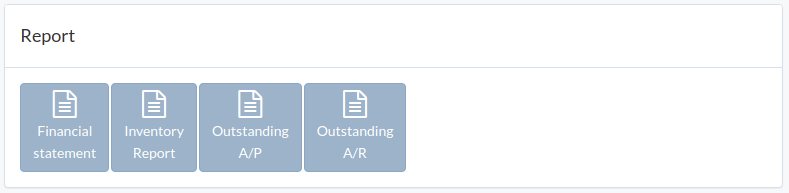
Finance Report
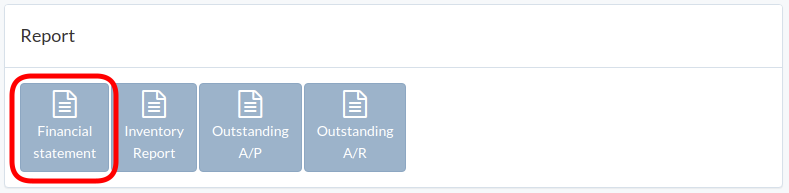
Click "Finance Statement"
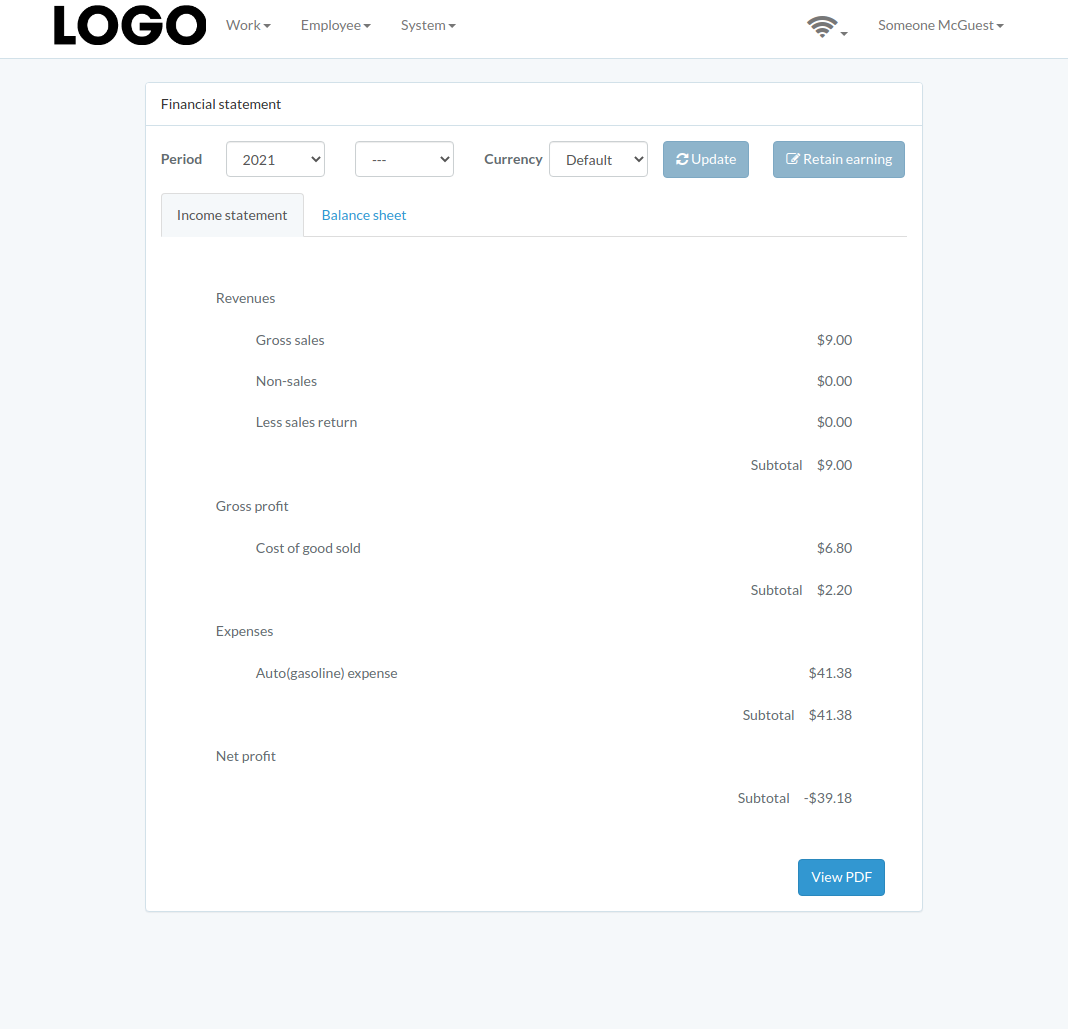
Enter period and currency, then click "Update"
Inventory Report
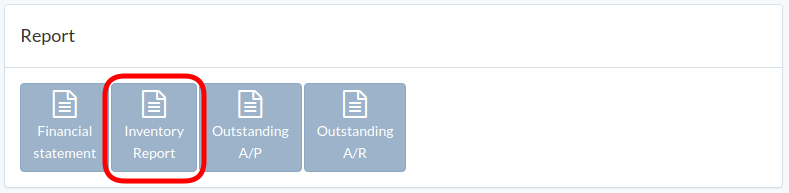
Click "Inventory Report"
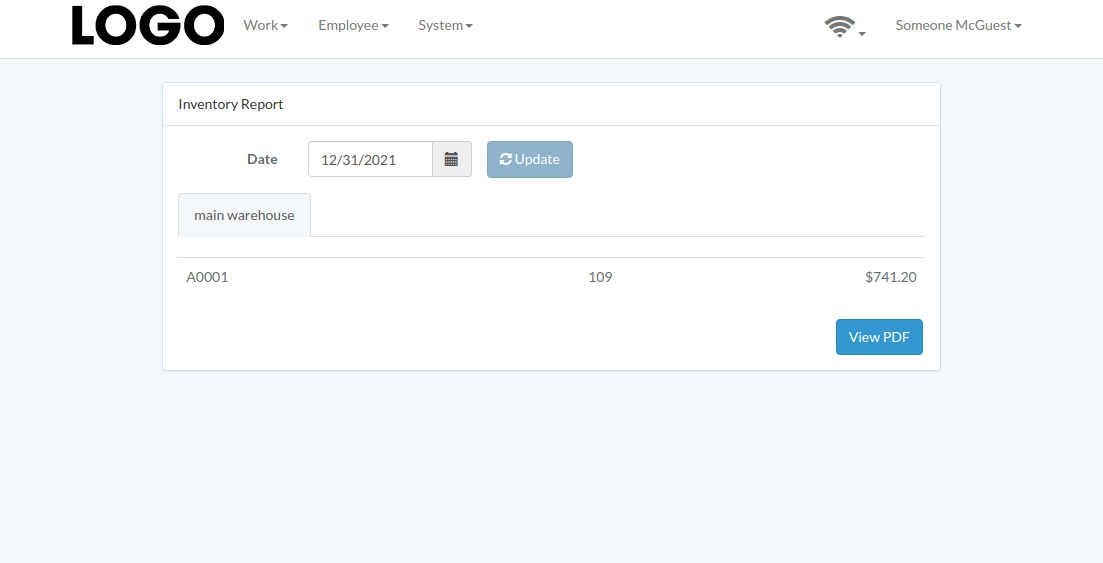
Select date and then click "Update"
Outstanding A/P
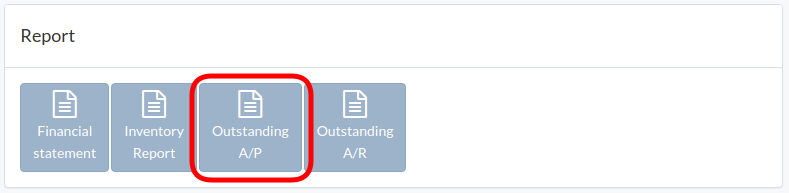
Click "Outstanding A/P"
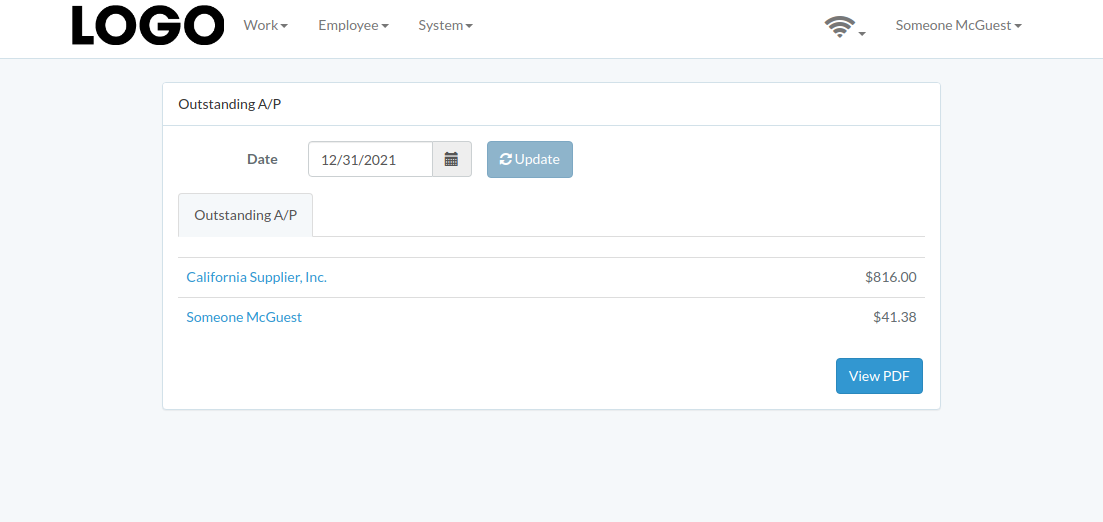
Select cut-off date and then click "Update"
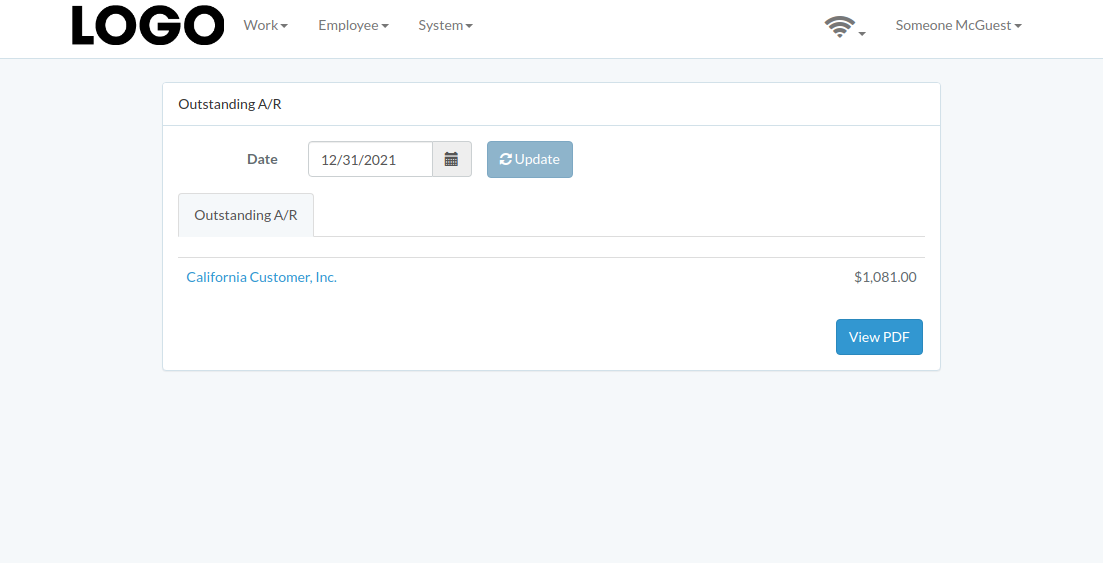
Outstanding A/R
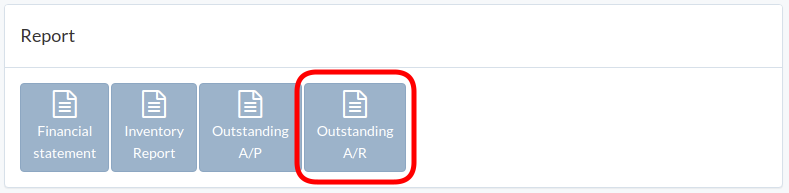
Click "Outstanding A/R"
Select cut-off date and then click "Update"