Bank Account
Introduction
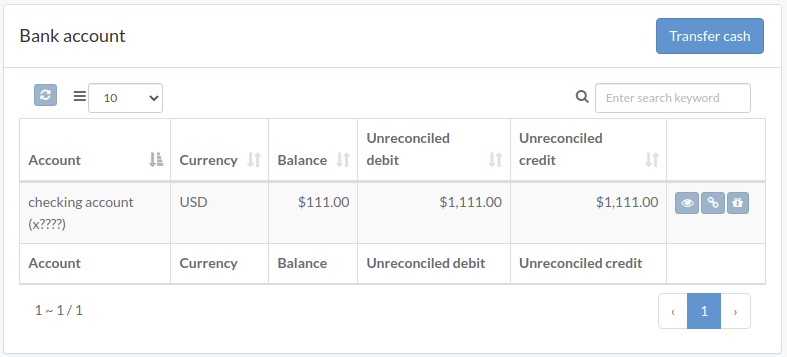
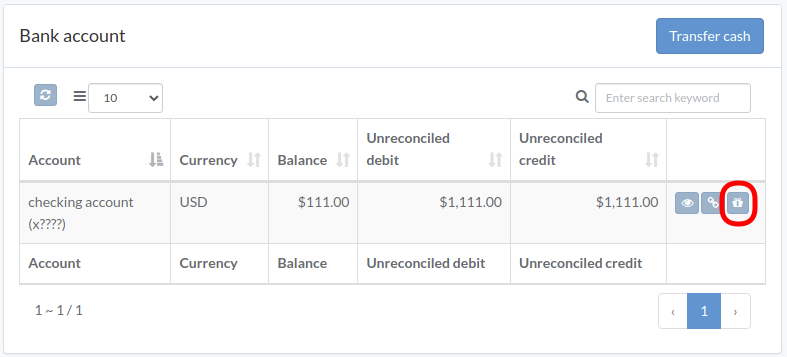
Following shows a sample window.
The chapter describes features available within the window.
Cash Transfer
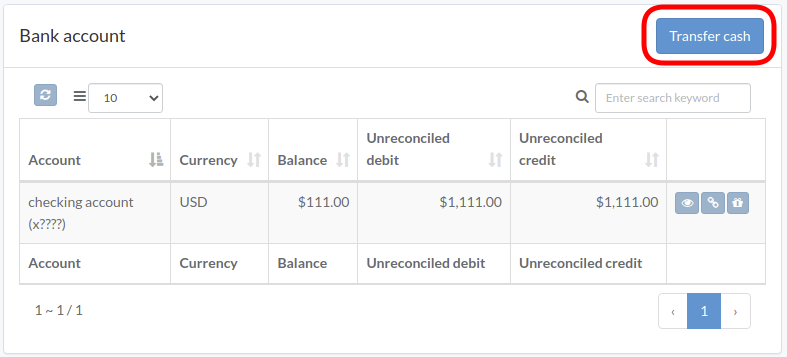
Click "Transfer Cash" on upper right of the window
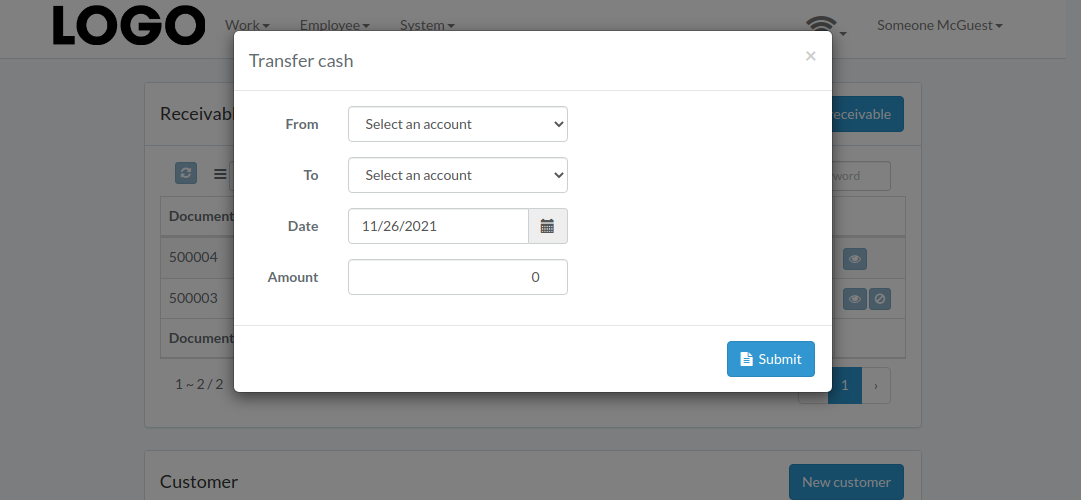
Enter From/To account, date, and amount, then click "Submit"
View Transaction
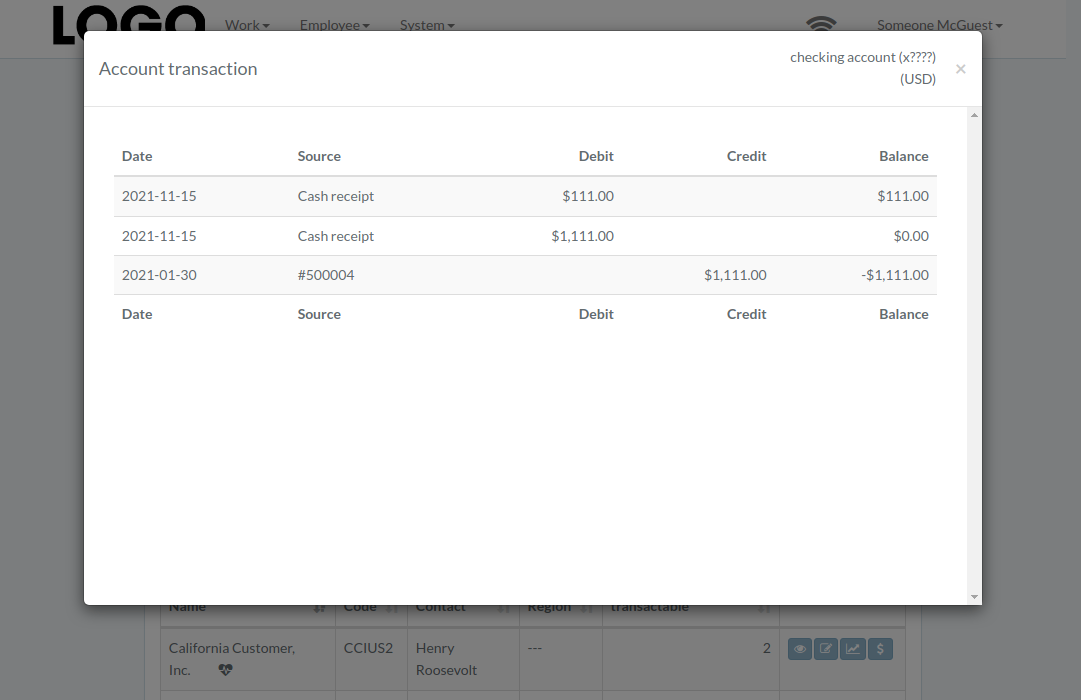
Click "View" to the right of the bank account
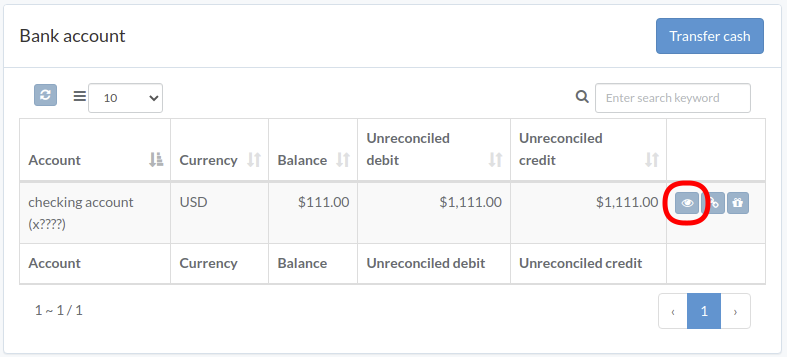
Transaction modal appears
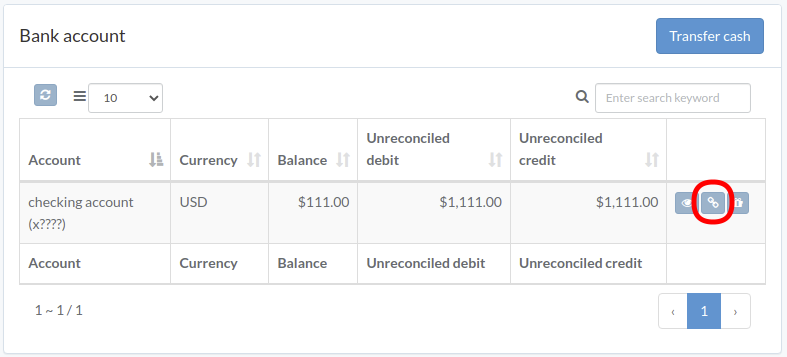
Reconcile Transaction
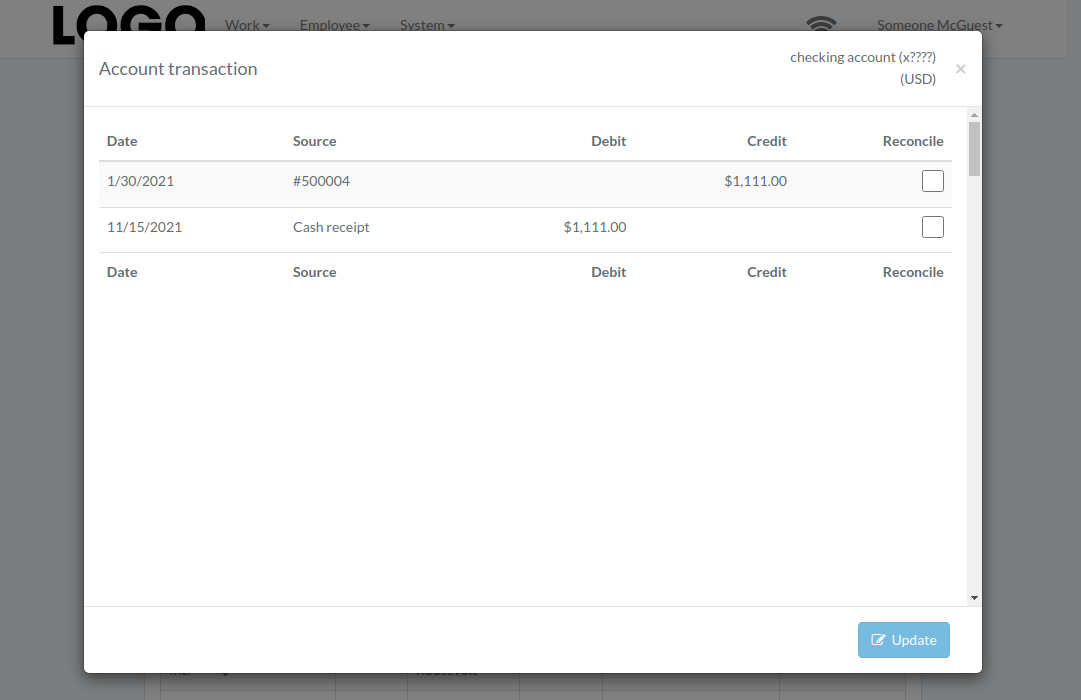
Click "Reconcile" to the right of the bank account
Check boxes on right of the transaction. Click "Update" when finished.
Record Dividend
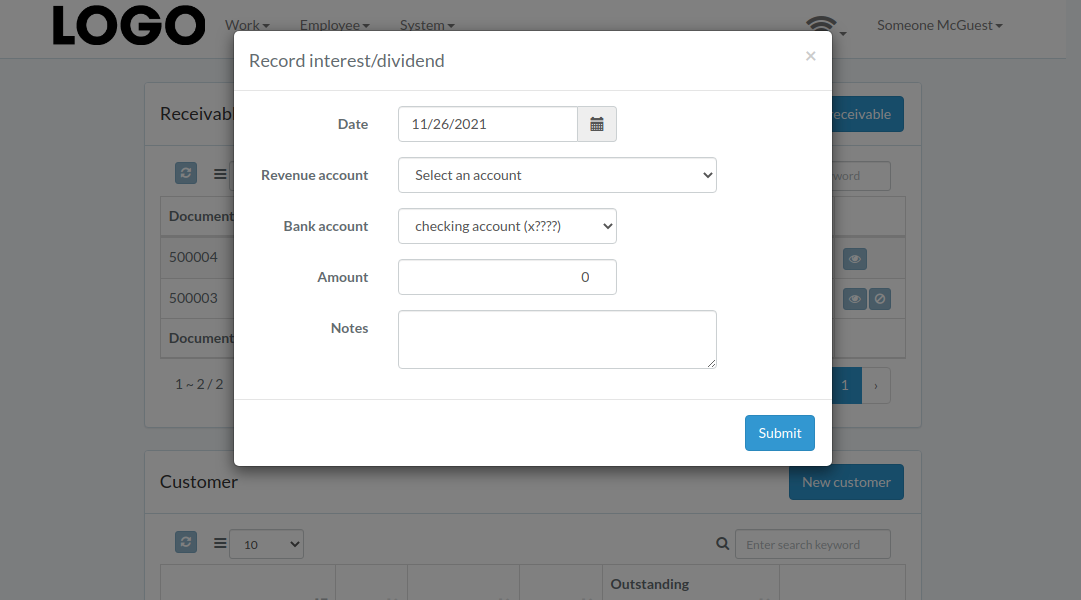
Click "Record Dividend" button to right of the account
Enter date, revenue/bank account, amount, etc. Then click "Submit"