Gasto recurrente
Introducción
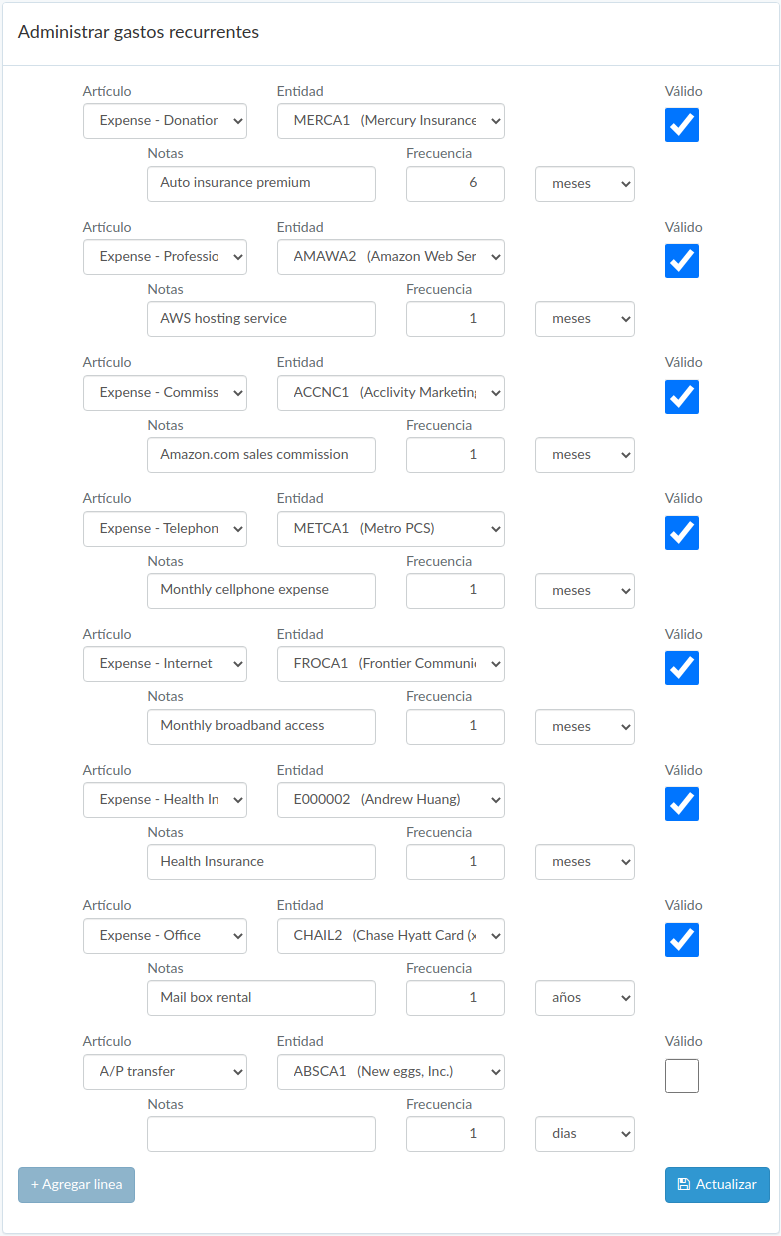
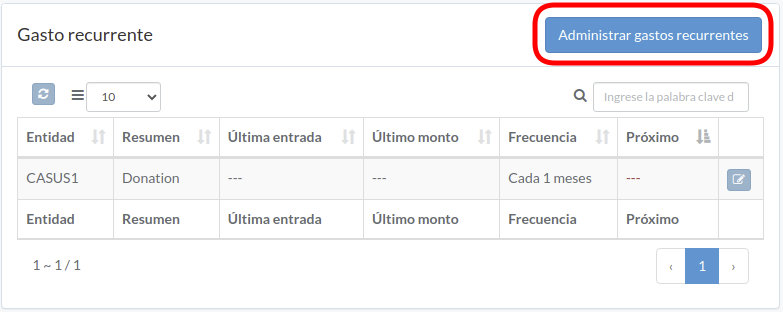
Following shows a sample window.
The chapter describes features available within the window.
Crear gasto
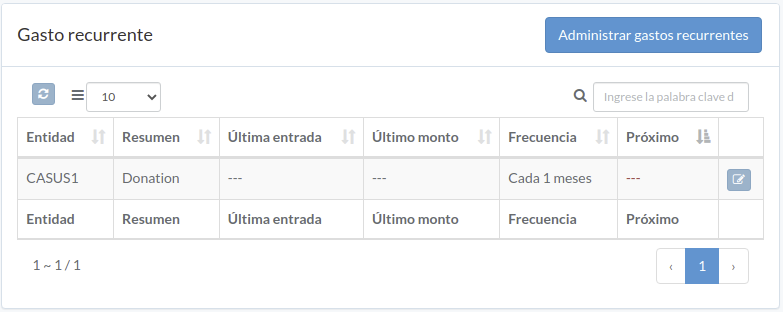
Click "Record" button on the right of recurring expense
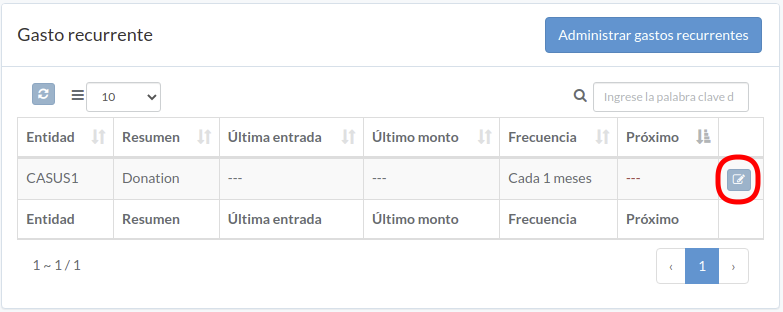
When expense modal appears, some fields are pre-filled; enter all information and click "Create" button.
Click "+ Add line" if needed
Administrar gastos recurrente
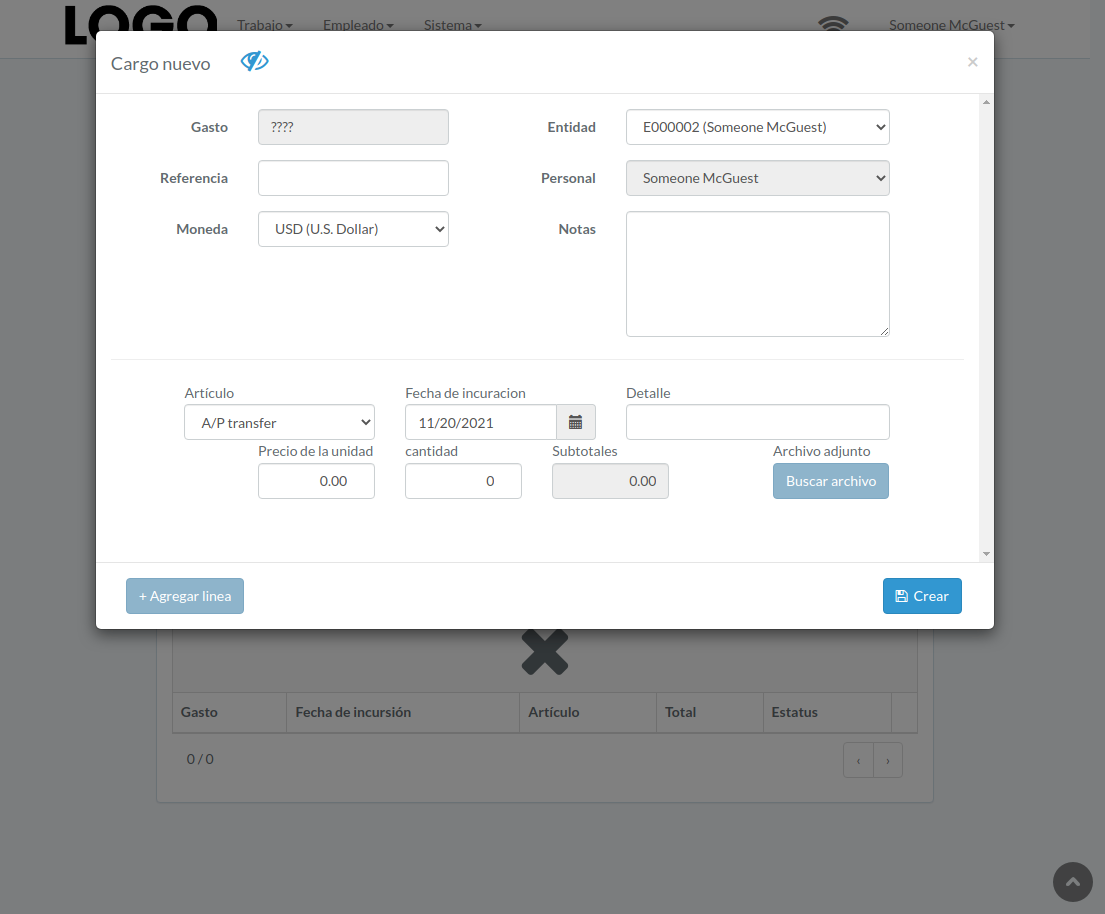
Click "Manage recurring charge" on upper right corner of recurring charge table
Enter item, supplier, description, frequency, and validity, then click "Update".
Click "+ Add line" if needed