Cuenta Bancaria
Introducción
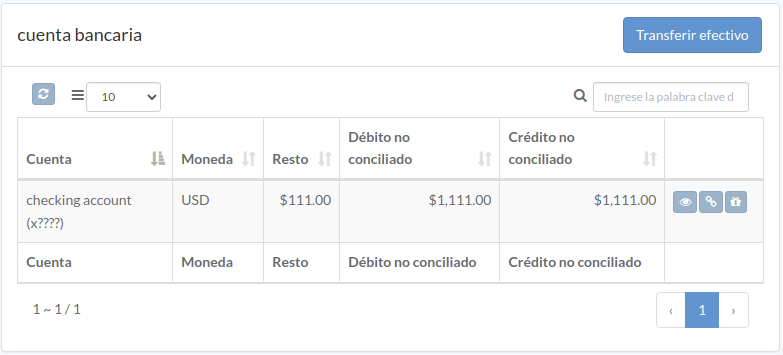
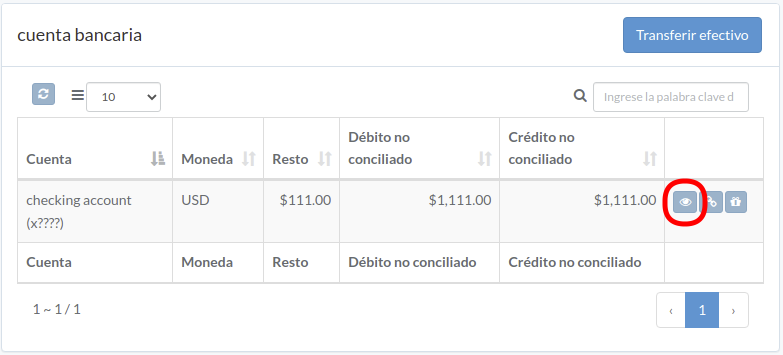
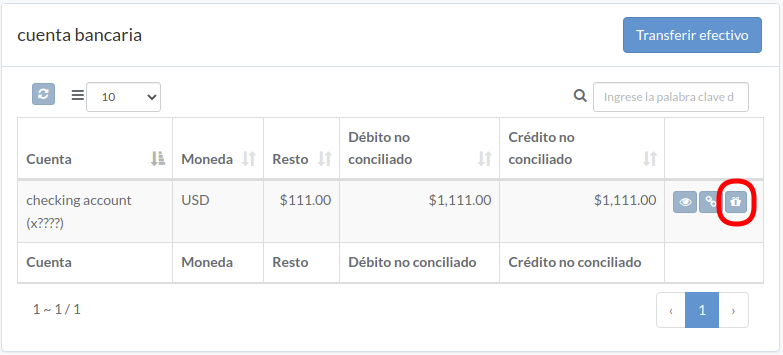
Following shows a sample window.
The chapter describes features available within the window.
Transfer efectivo
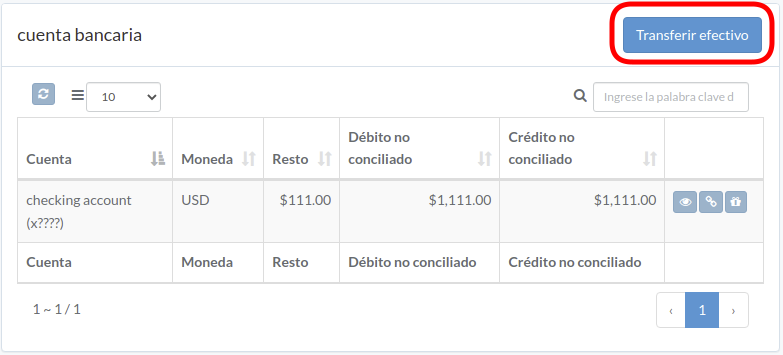
Click "Transfer Cash" on upper right of the window
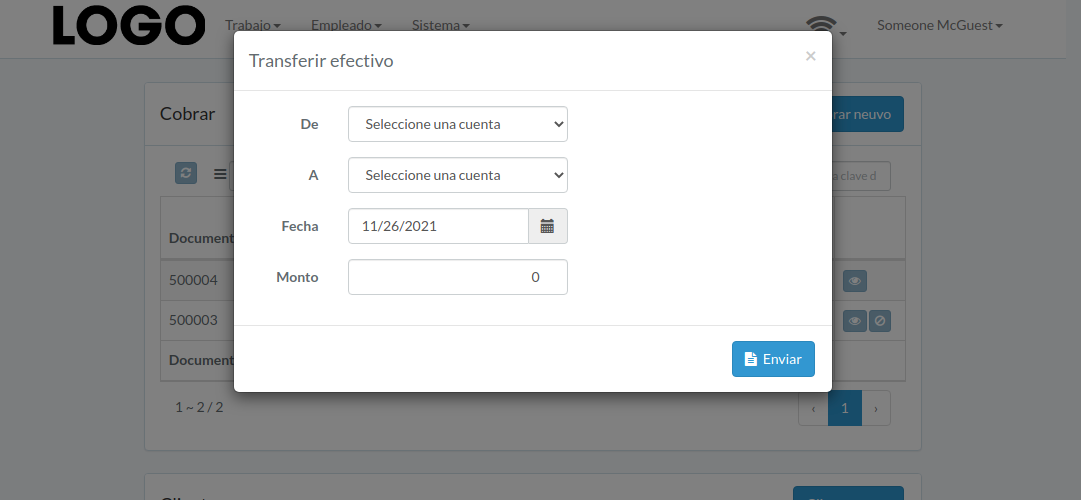
Enter From/To account, date, and amount, then click "Submit"
Transacción de cuenta
Click "View" to the right of the bank account
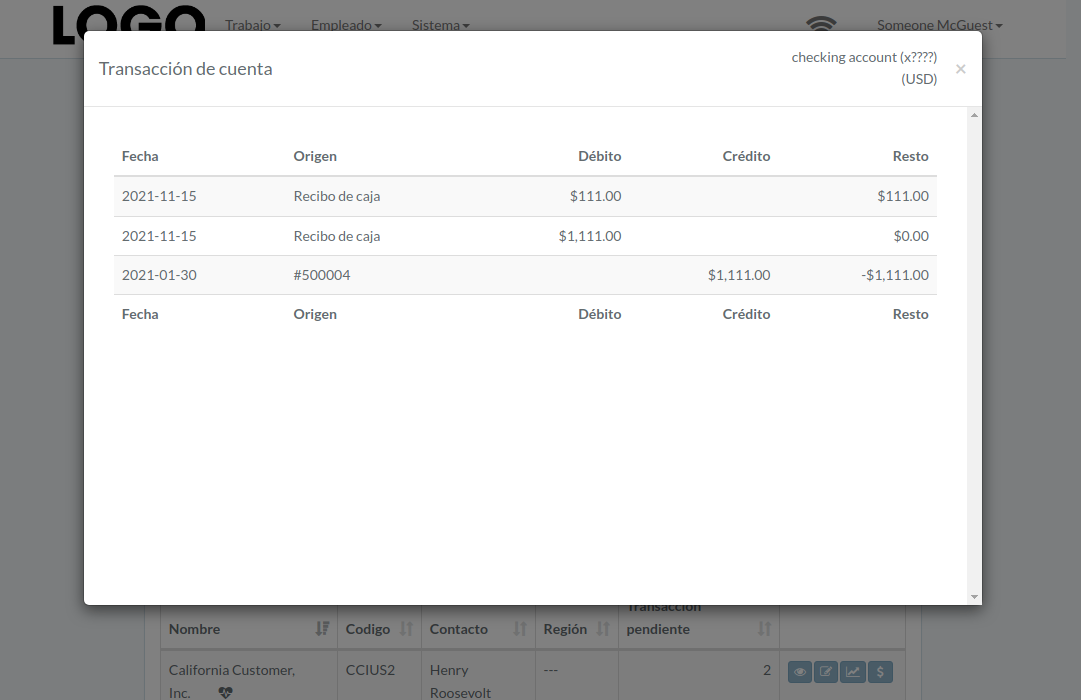
Transaction modal appears
Reconciliación de cuenta
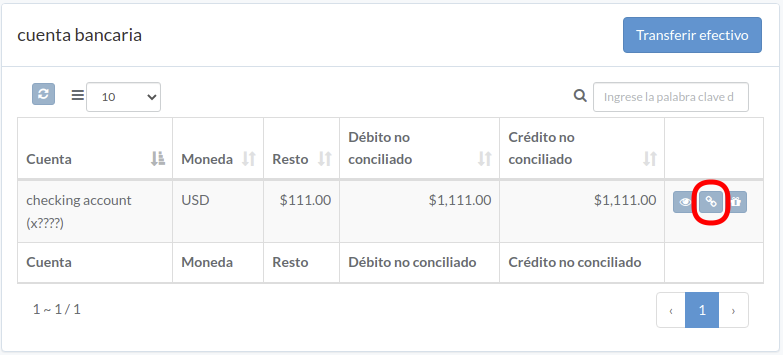
Click "Reconcile" to the right of the bank account
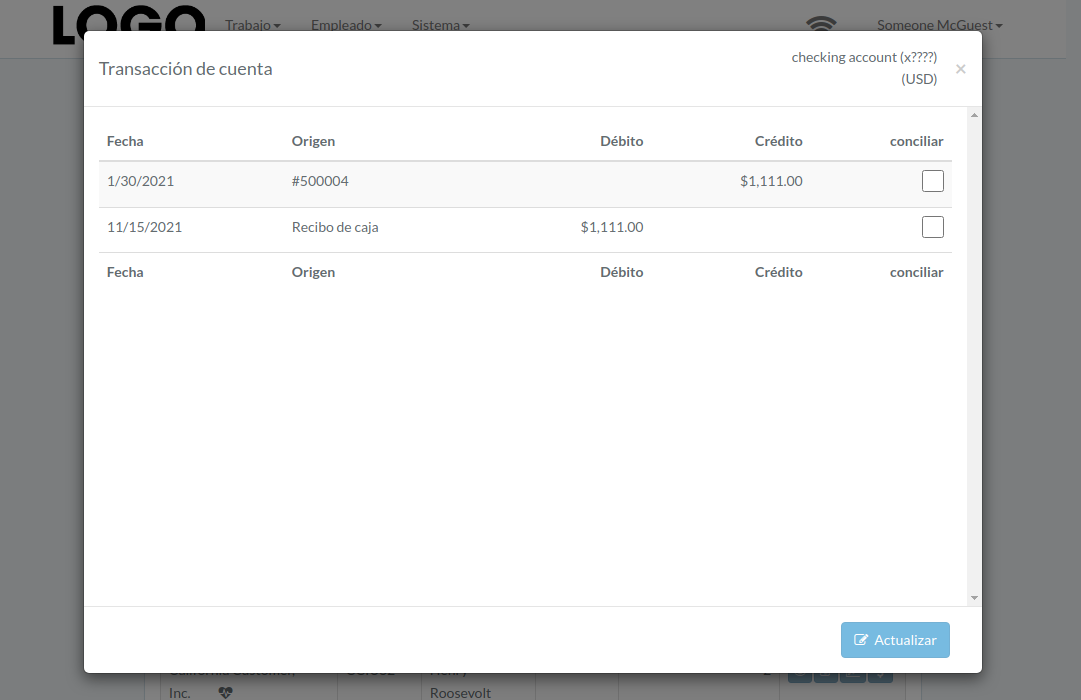
Check boxes on right of the transaction. Click "Update" when finished.
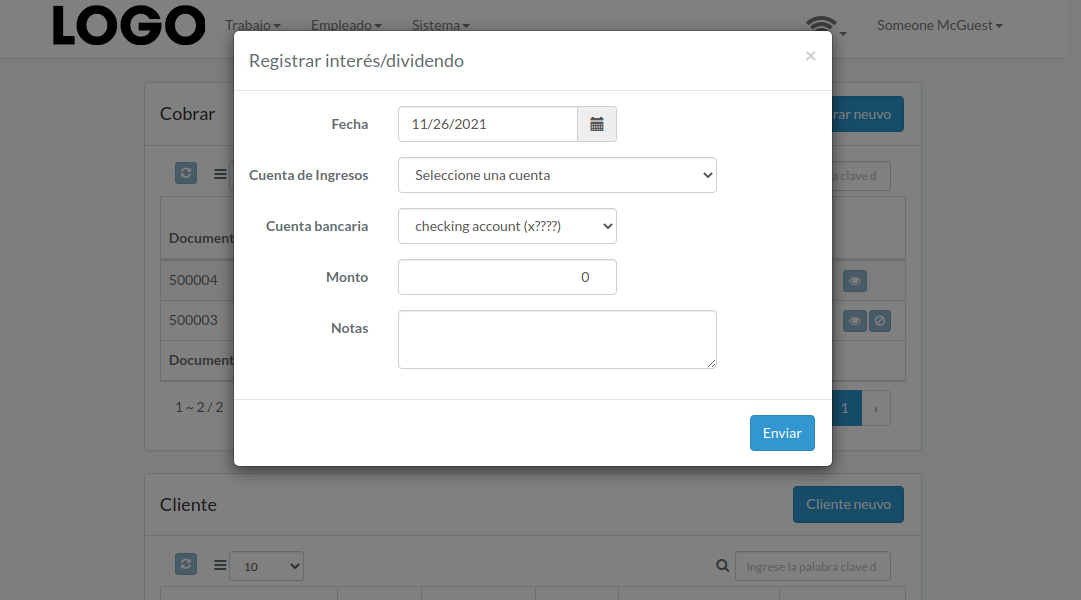
Registrar Dividendo
Click "Record Dividend" button to right of the account
Enter date, revenue/bank account, amount, etc. Then click "Submit"