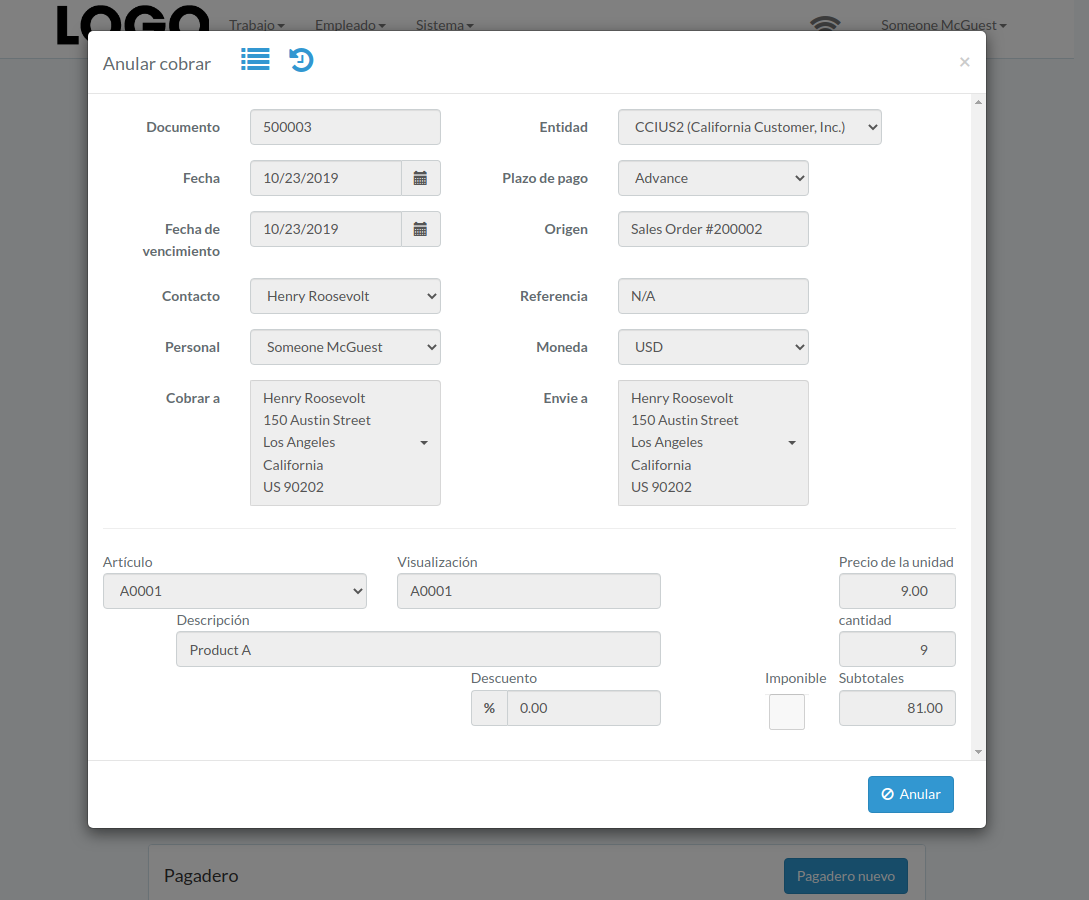
Cobrar
Introducción
Following shows a sample window.
The chapter describes features available within the window.
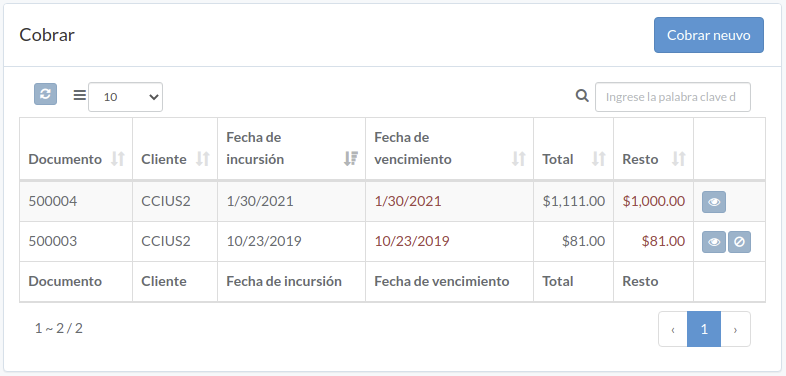
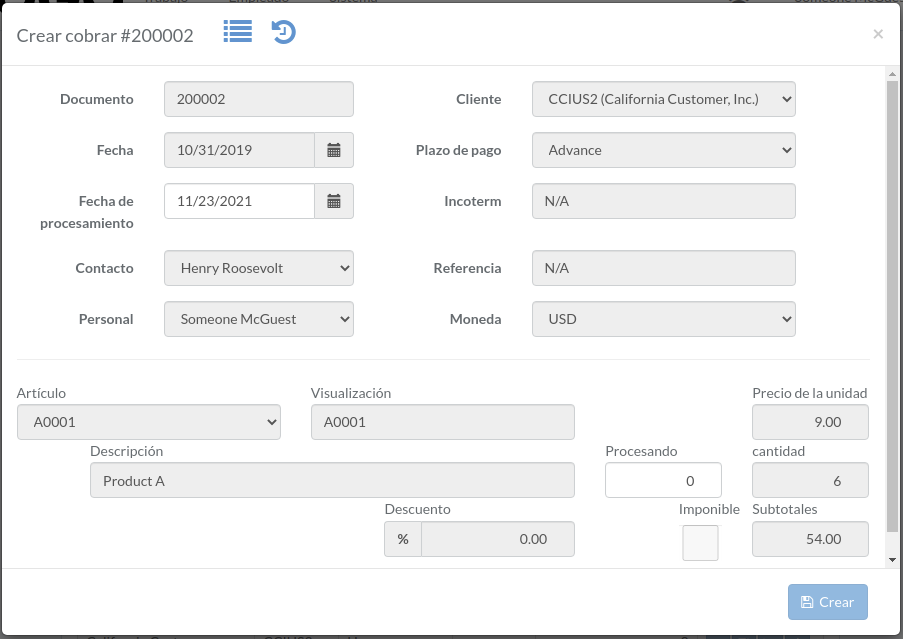
Crear cobrar
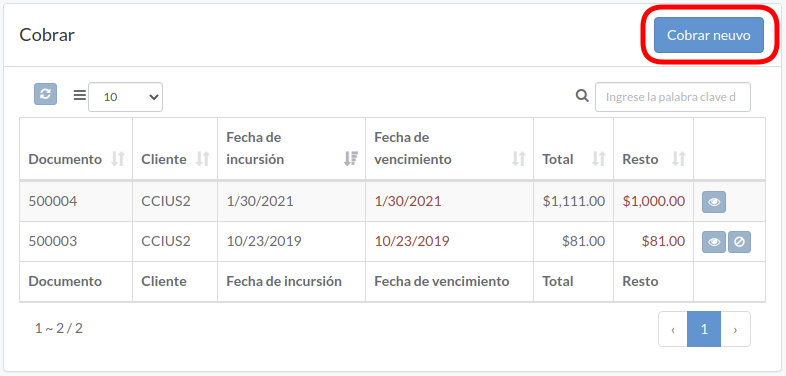
Click "New receivable" on upper right corner of receivable table
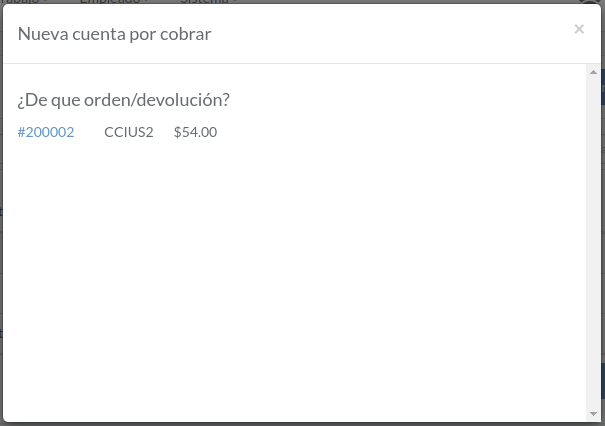
Click on title of which receivable should be generated from
Enter incur-date and processing quantity, then click "Create".
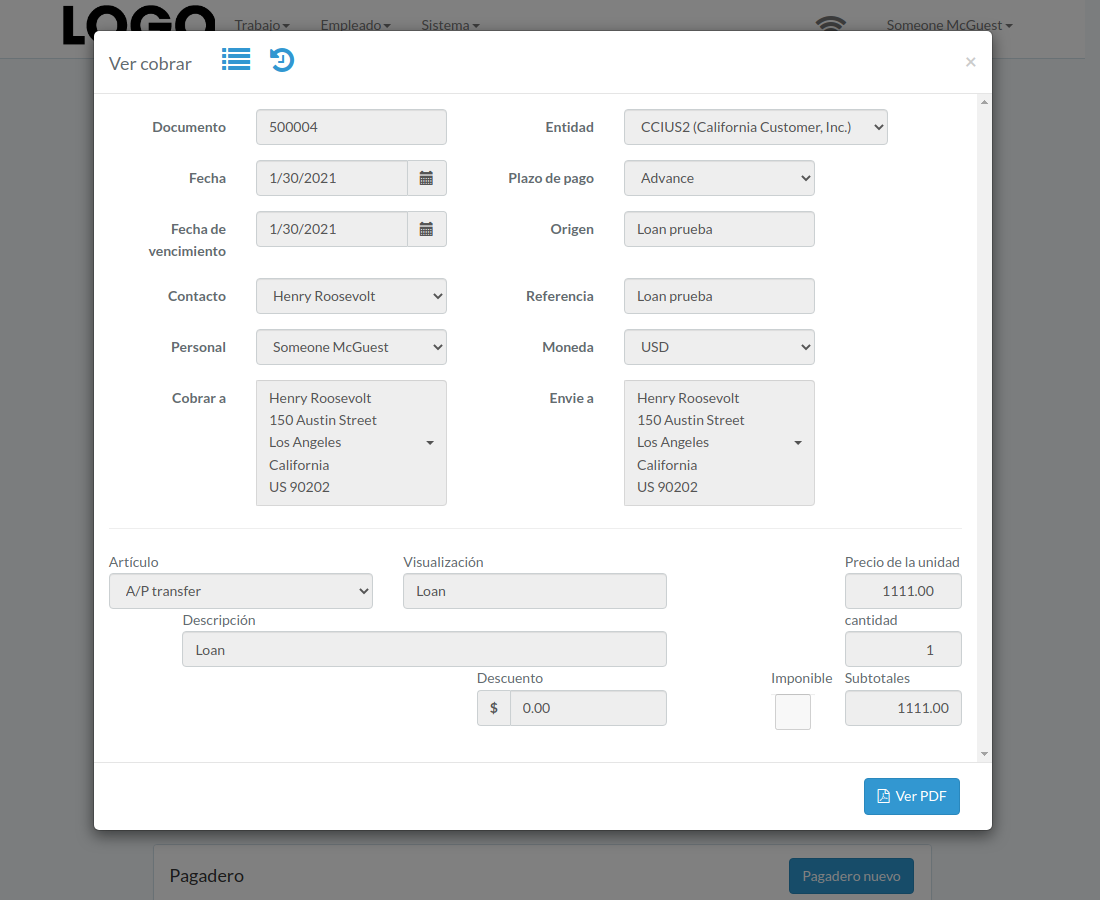
Ver cobrar
Click "View" button on the right of receivable

Receivable modal appears
Anular cobrar
Click "Void" button on the right of receivable
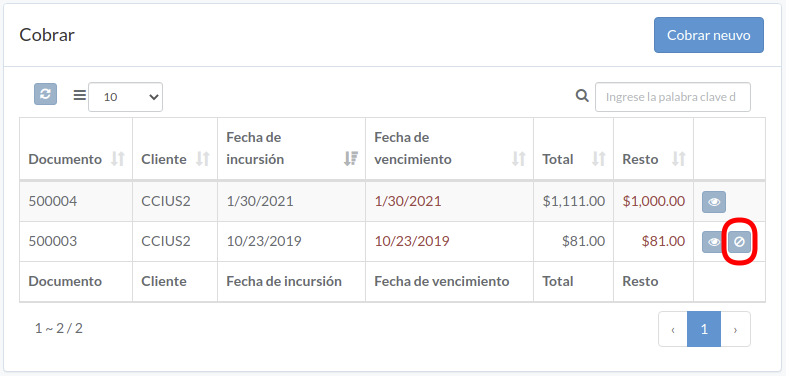
When receivable modal appears, click "Void" button to confirm