Order
Introduction
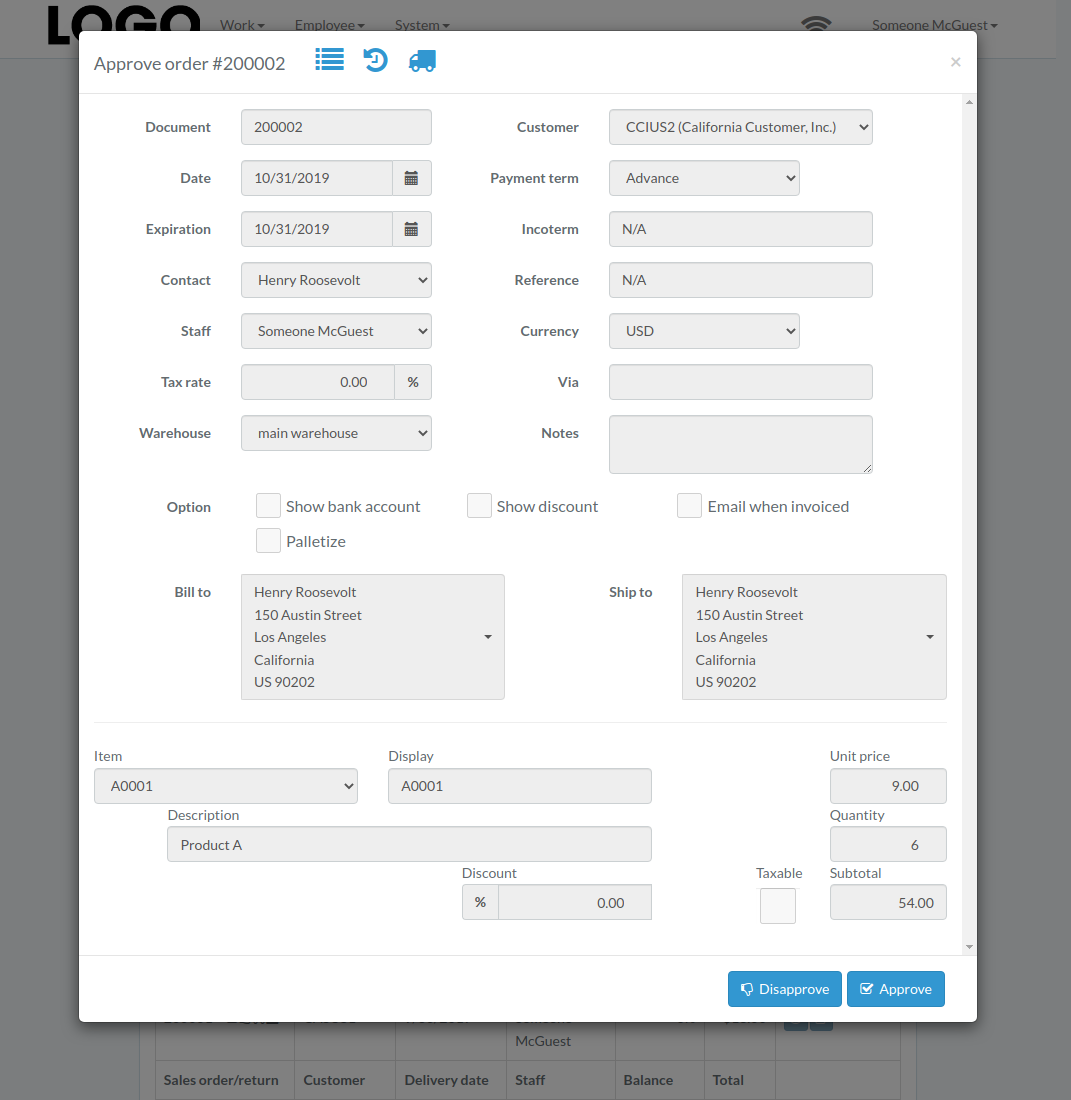
Following shows a sample window.
The chapter describes features available within the window.
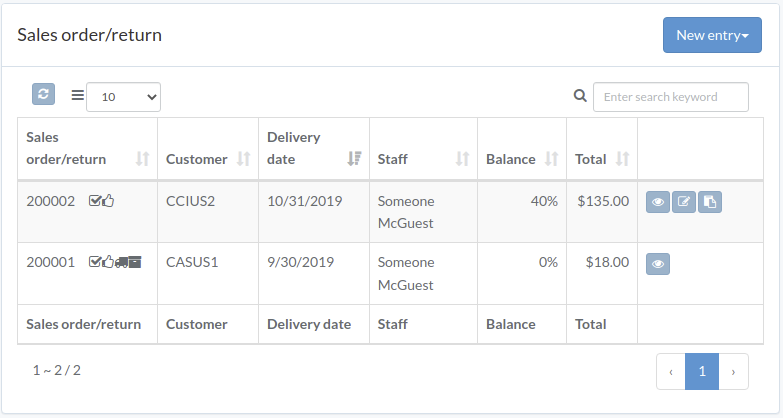
Create Order
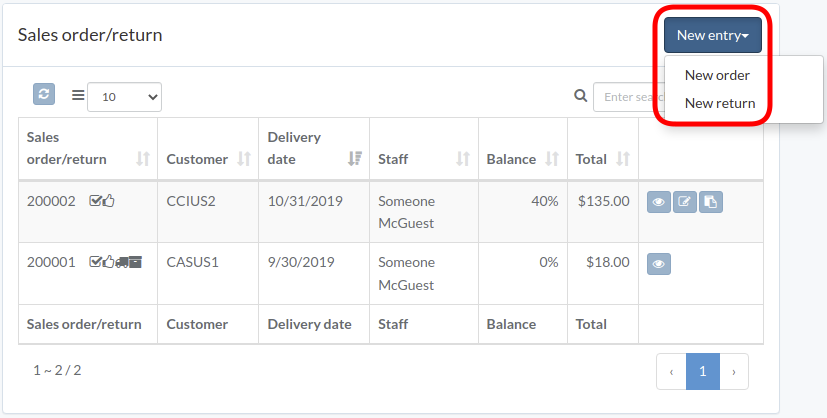
Click "New entry", and select order or return
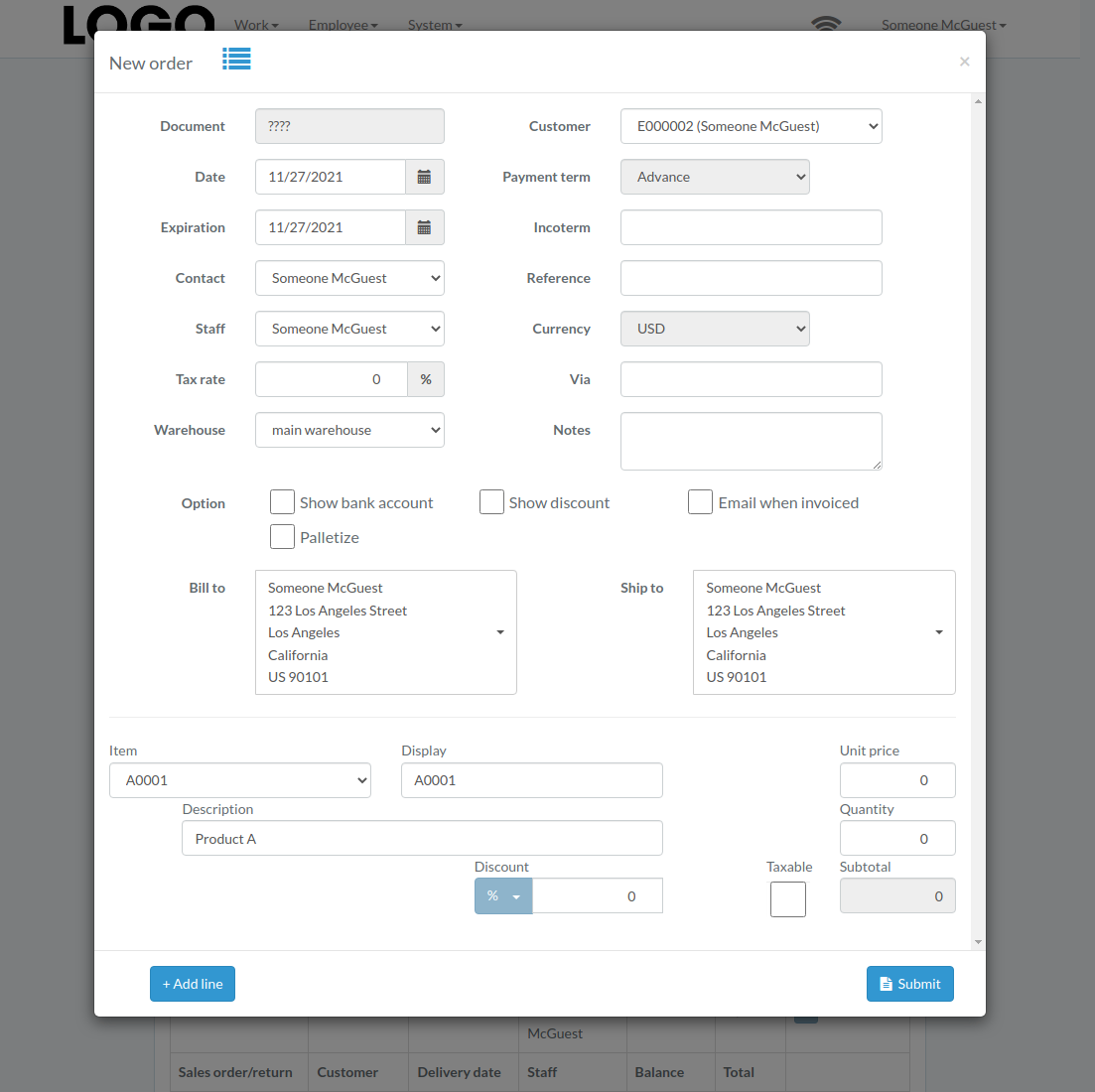
Enter order/return data, then click "Submit"
Click "+ Add line" if needed
Update Order
Click "Update" button on right of the order/return
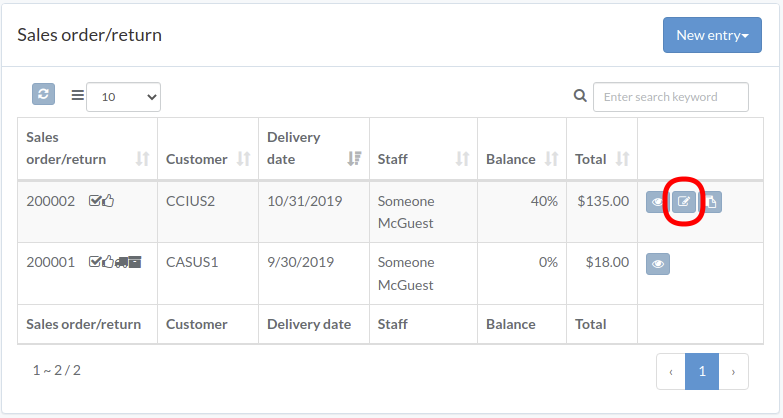
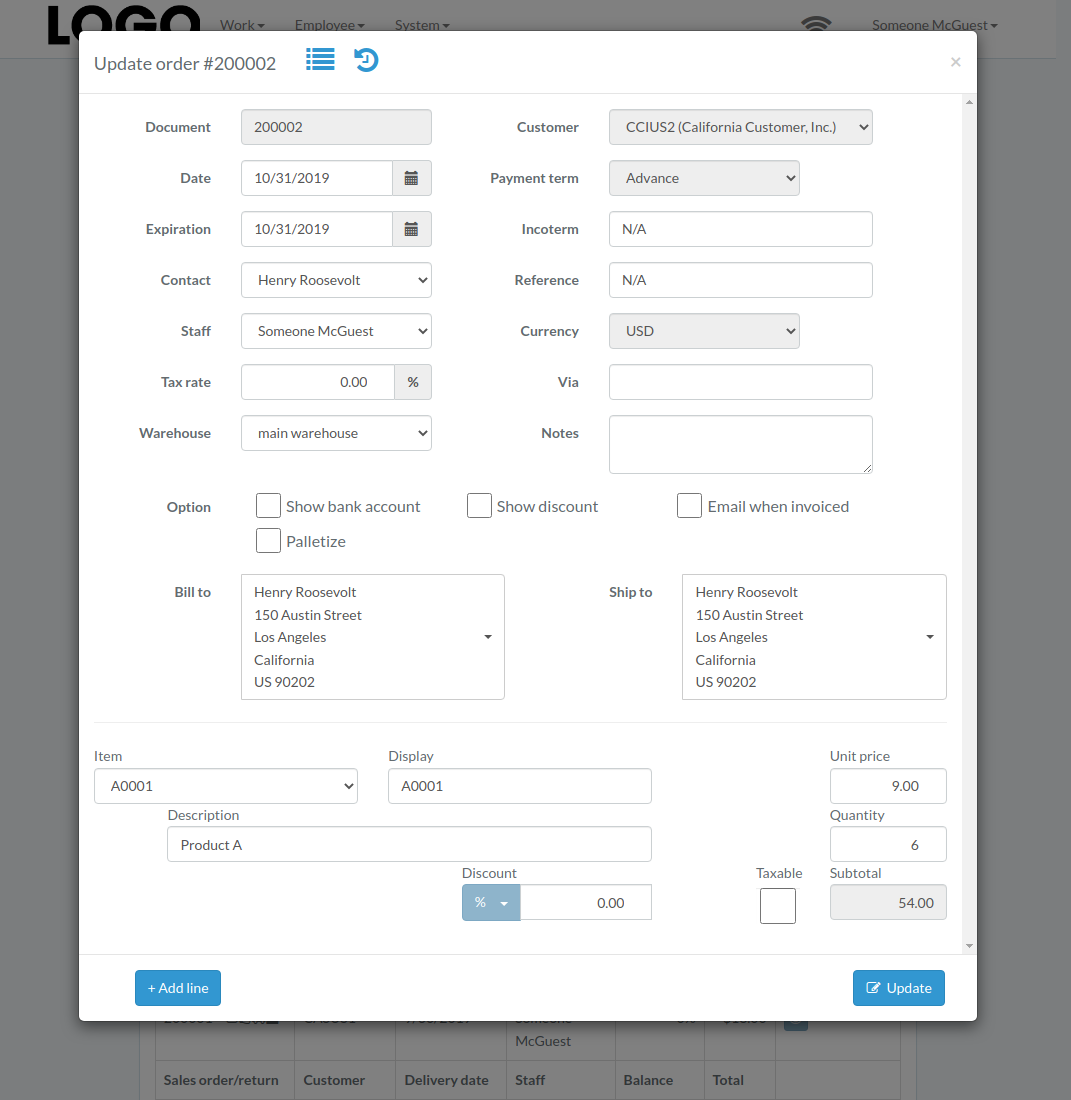
Update order/return data, then click "Update"
Click "+ Add line" if needed
View Order
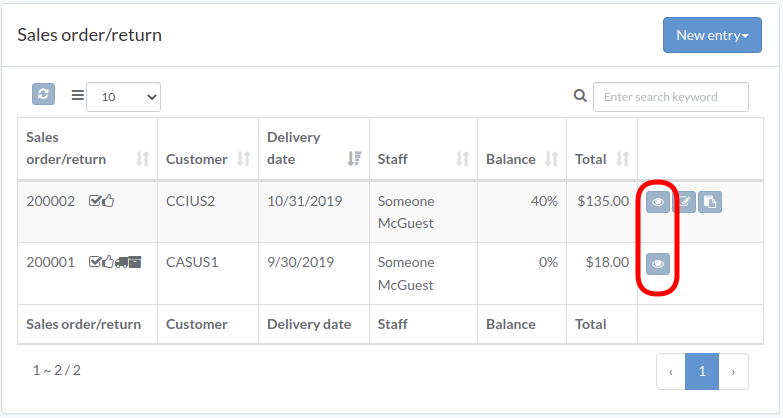
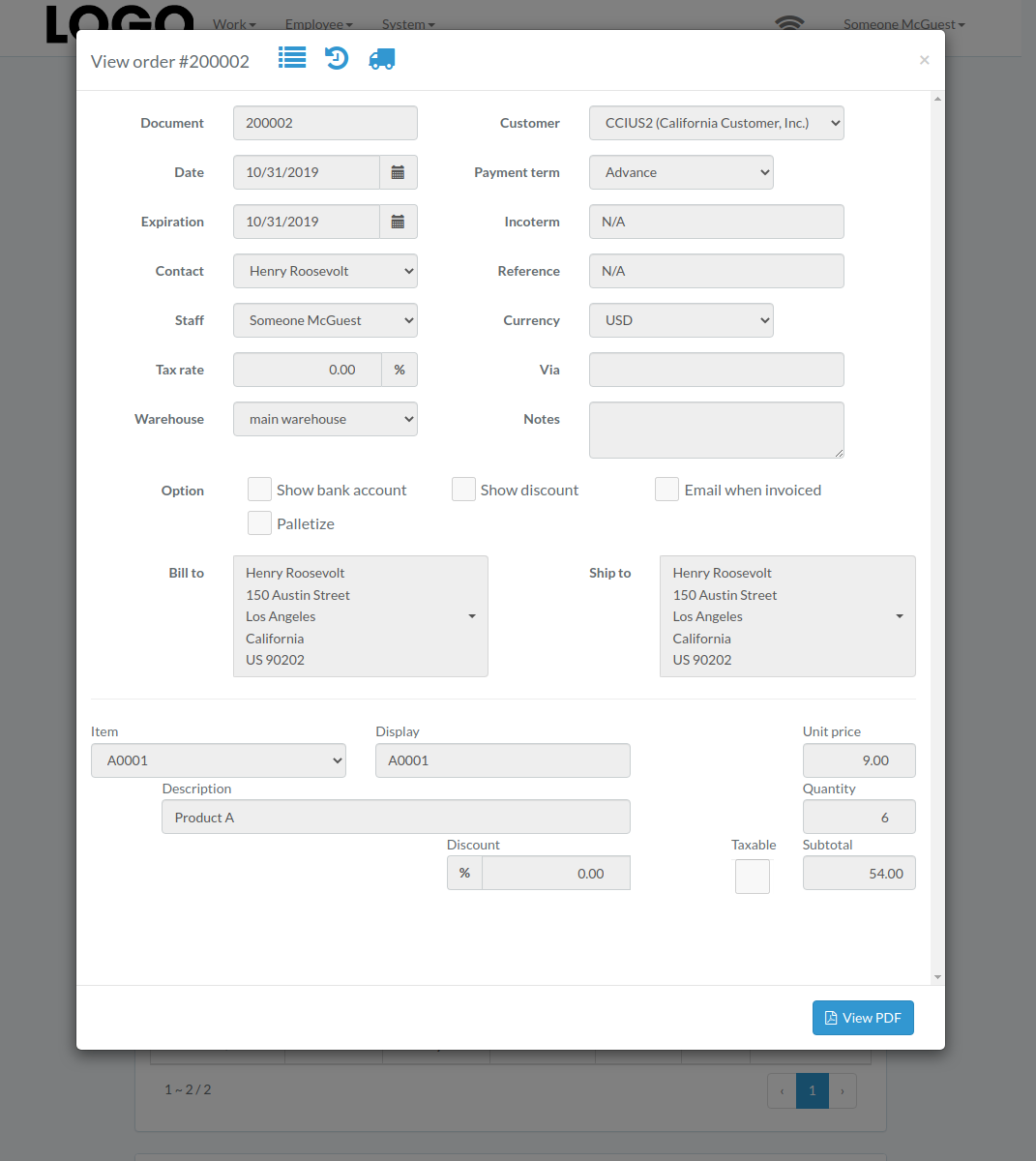
Order/return modal appears
Reserve Title
Click "Reserve" button to the right of the order/return
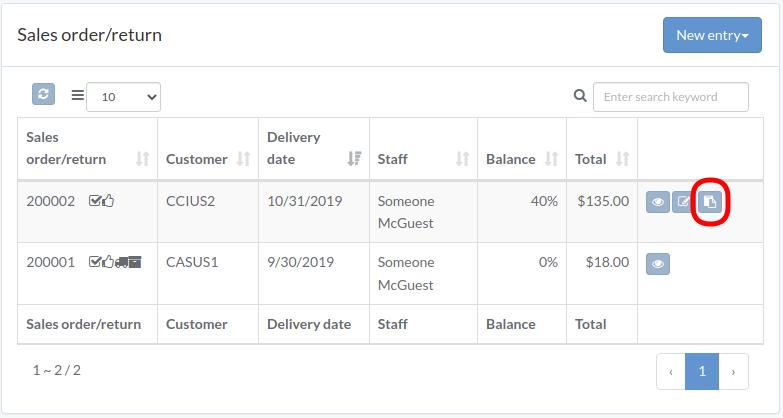
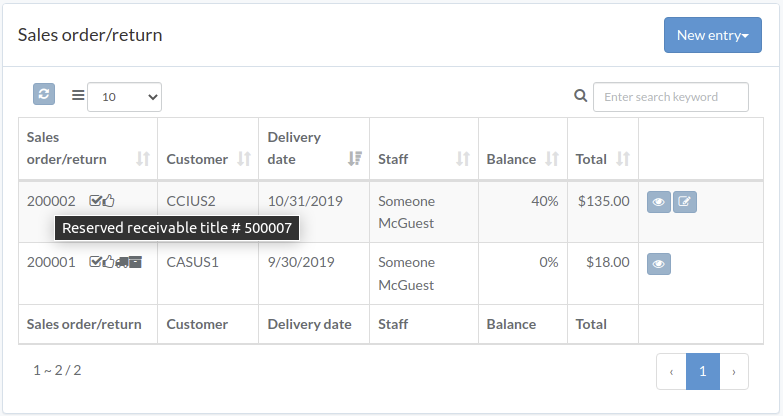
After successful attempt, hover mouse to title of order/return, receivable title will appear
Approve Order
Click "Approve" button on the right of order/return
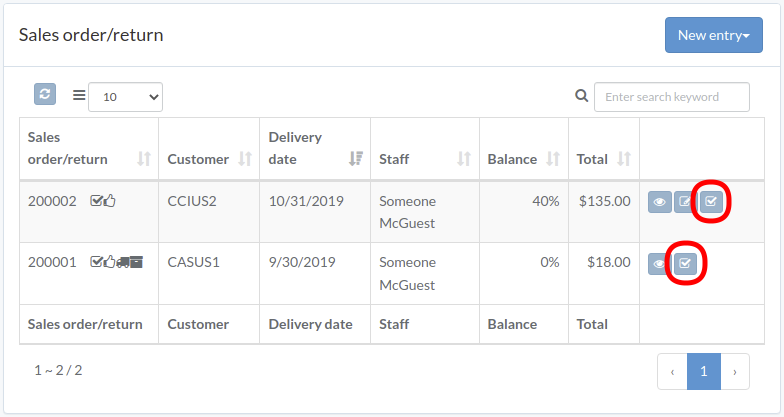
When order/return modal appears, click "Approve" or "Disapprove" button to confirm