Orden
Introducción
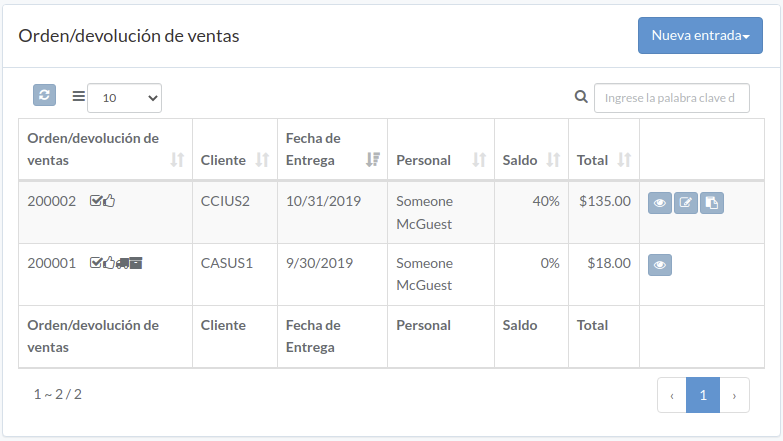
Following shows a sample window.
The chapter describes features available within the window.
Crear Orden
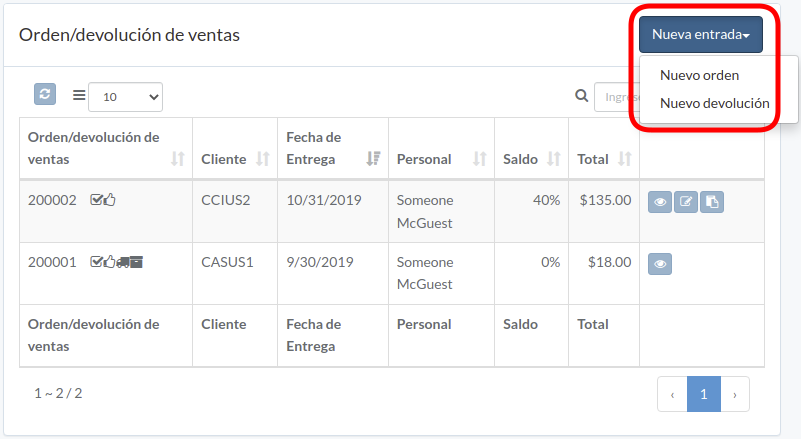
Click "New entry", and select order or return
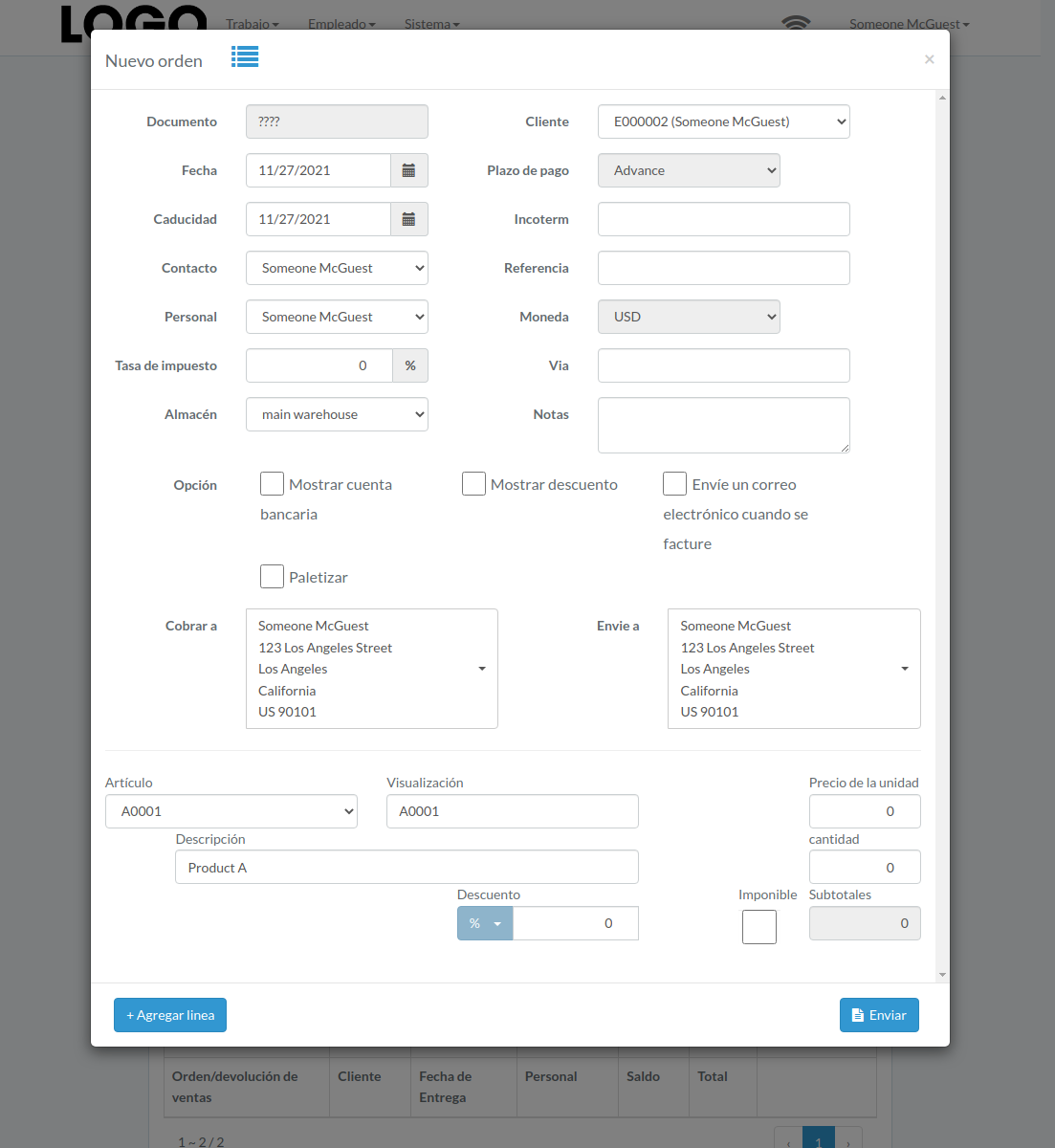
Enter order/return data, then click "Submit"
Click "+ Add line" if needed
Actualizar Orden
Click "Update" button on right of the order/return
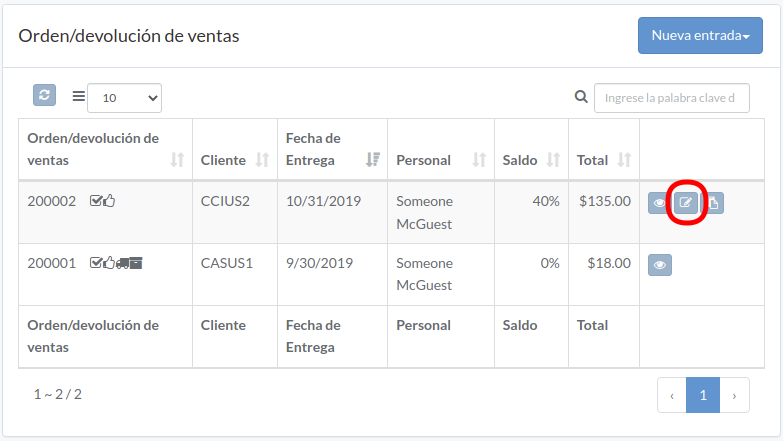
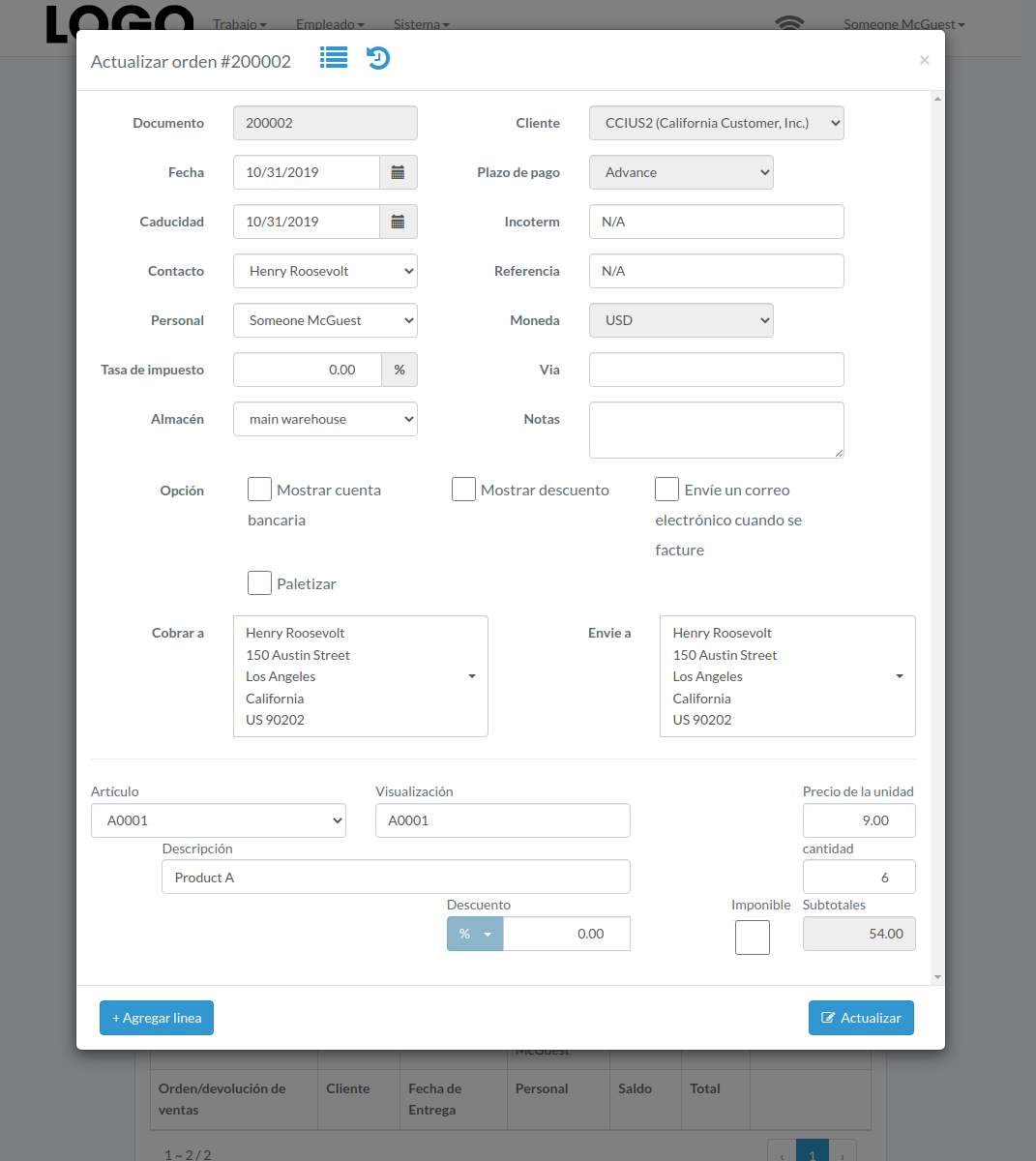
Update order/return data, then click "Update"
Click "+ Add line" if needed
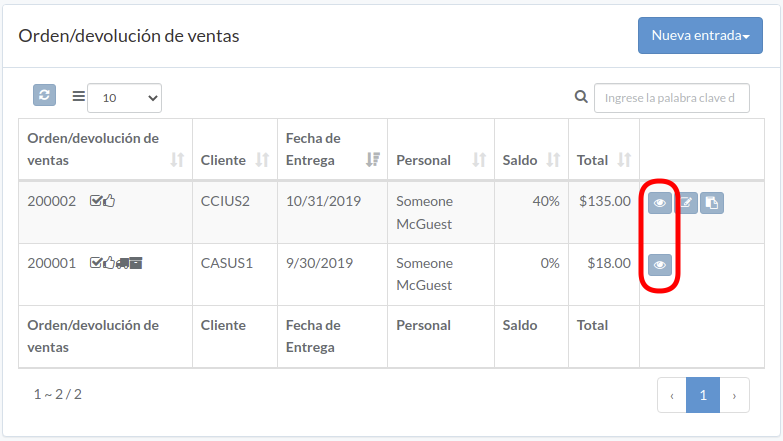
Ver Orden
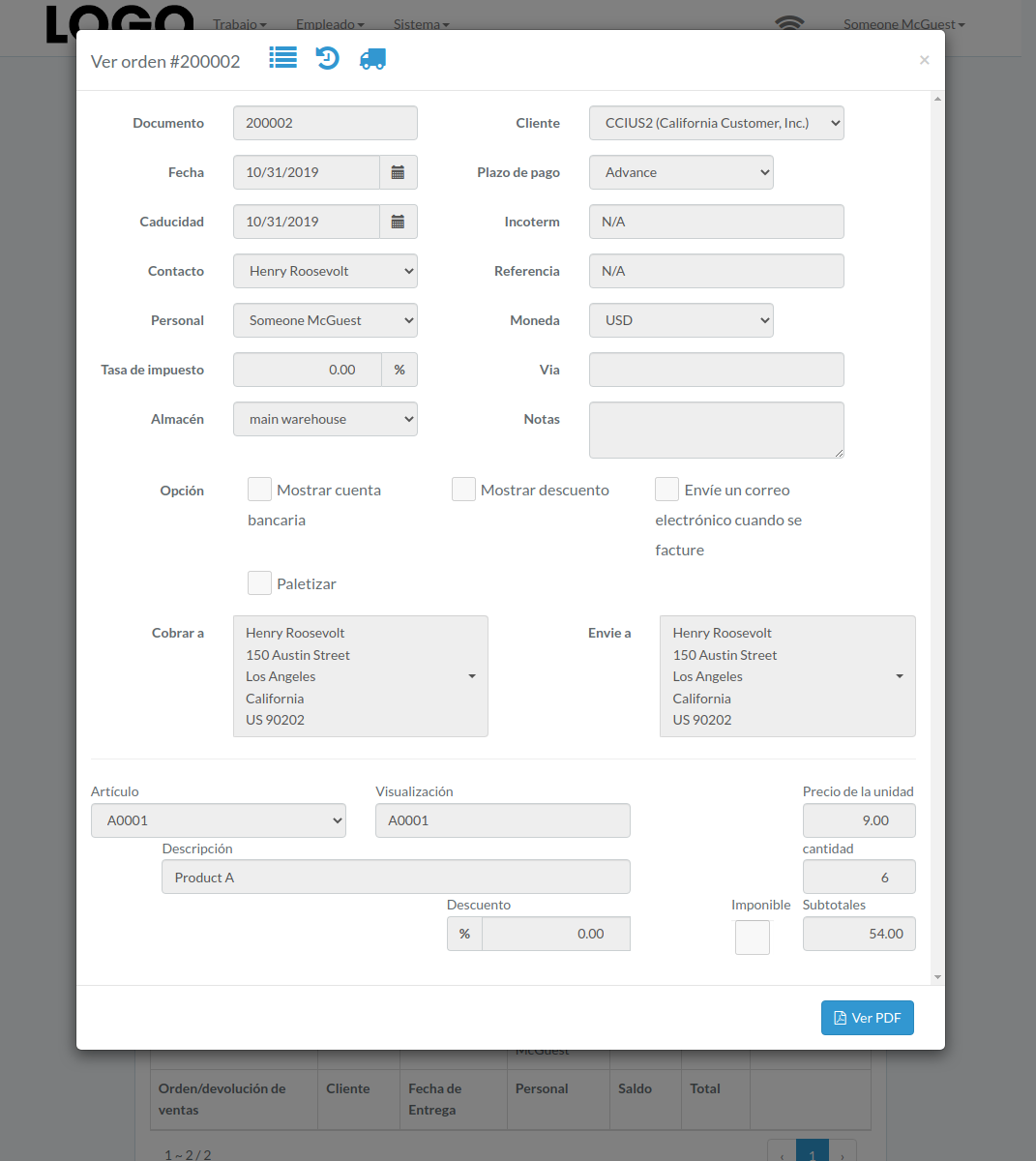
Order/return modal appears
Reservar Título
Click "Reserve" button to the right of the order/return
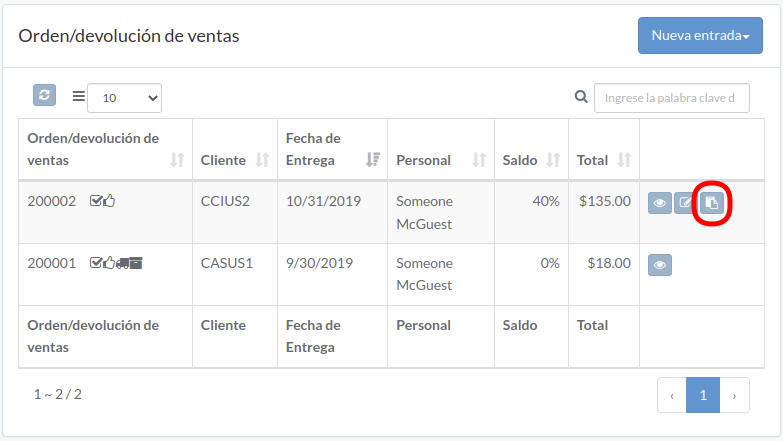
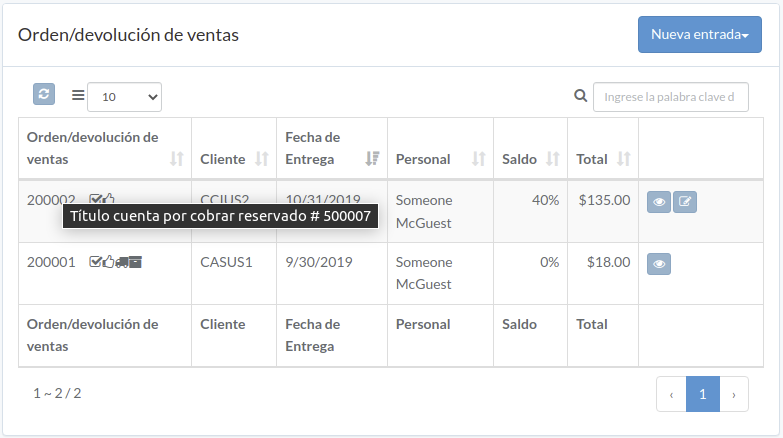
After successful attempt, hover mouse to title of order/return, receivable title will appear
Aprobar Orden
Click "Approve" button on the right of order/return
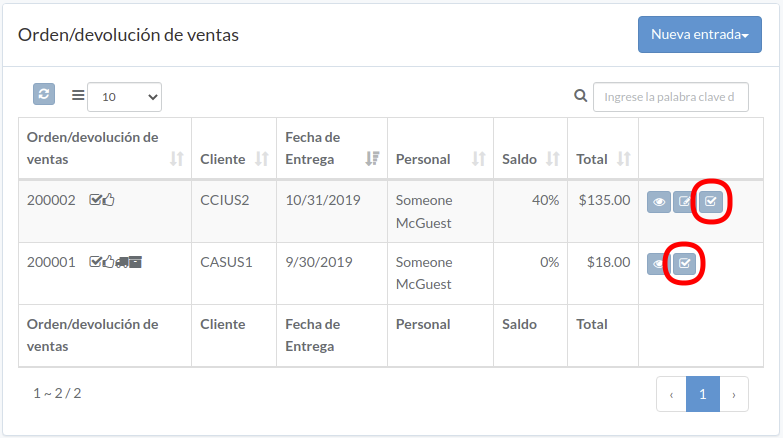
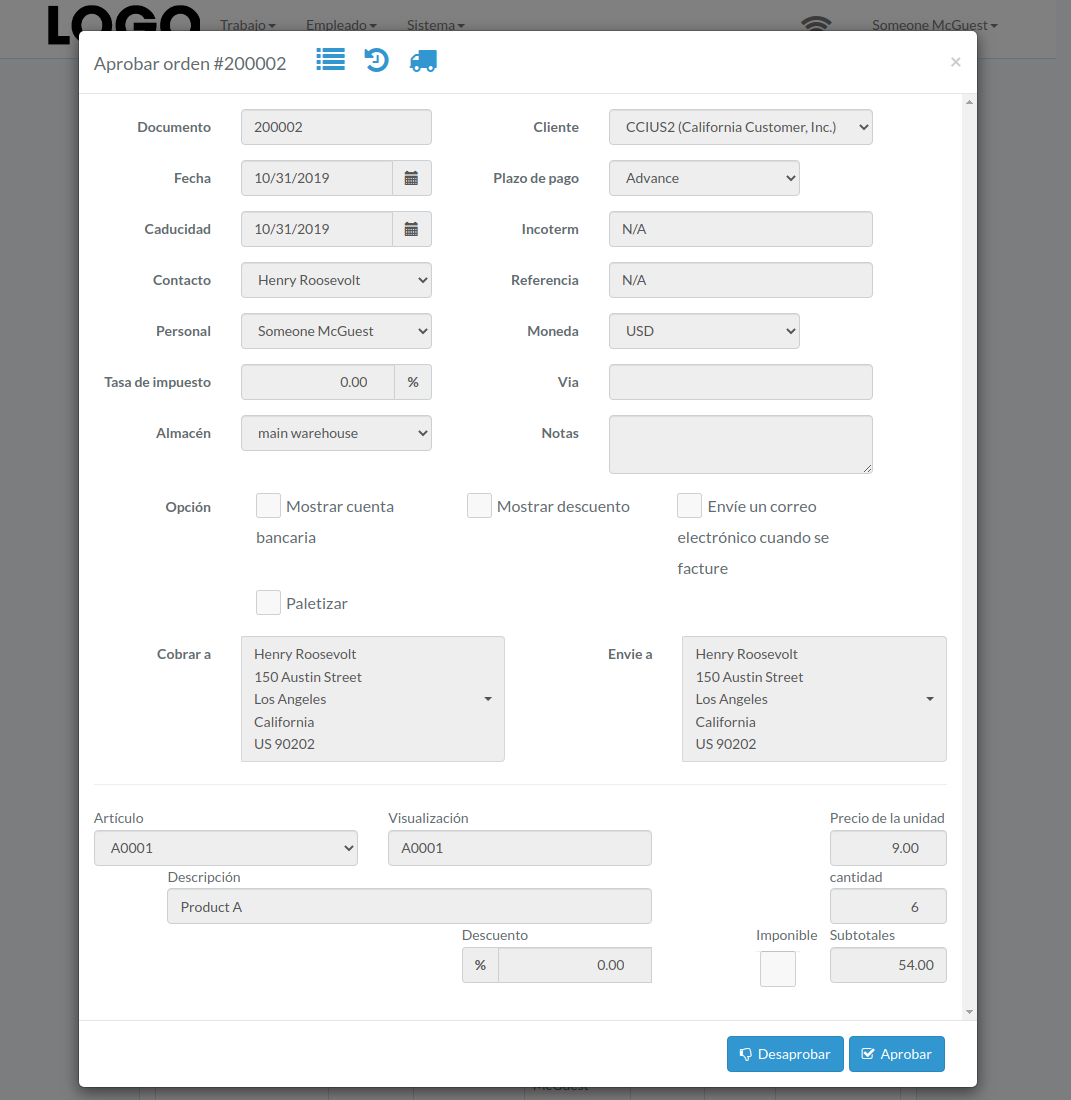
When order/return modal appears, click "Approve" or "Disapprove" button to confirm