Supplier
- Introduction
- Create Supplier
- Update Supplier / Employee
- View Supplier / Employee
- Pay Supplier / Employee
Introduction
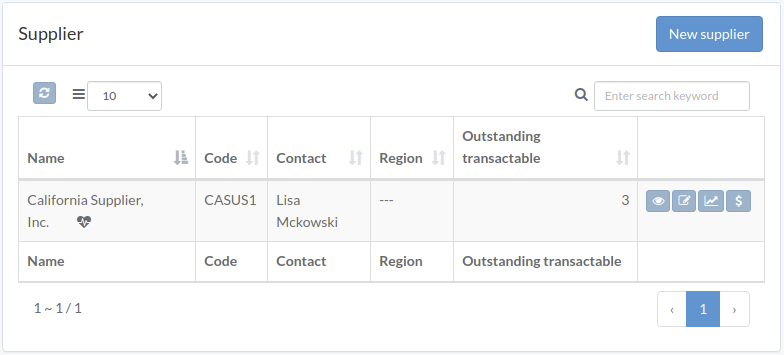
Following shows a sample window.
The chapter describes features available within the window.
Create Supplier
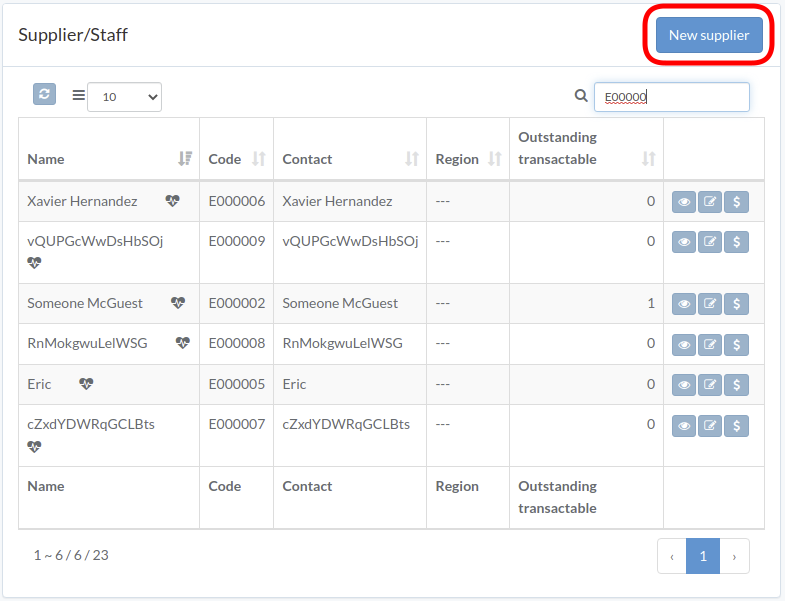
Click "New supplier" on upper right corner of Supplier/Staff table
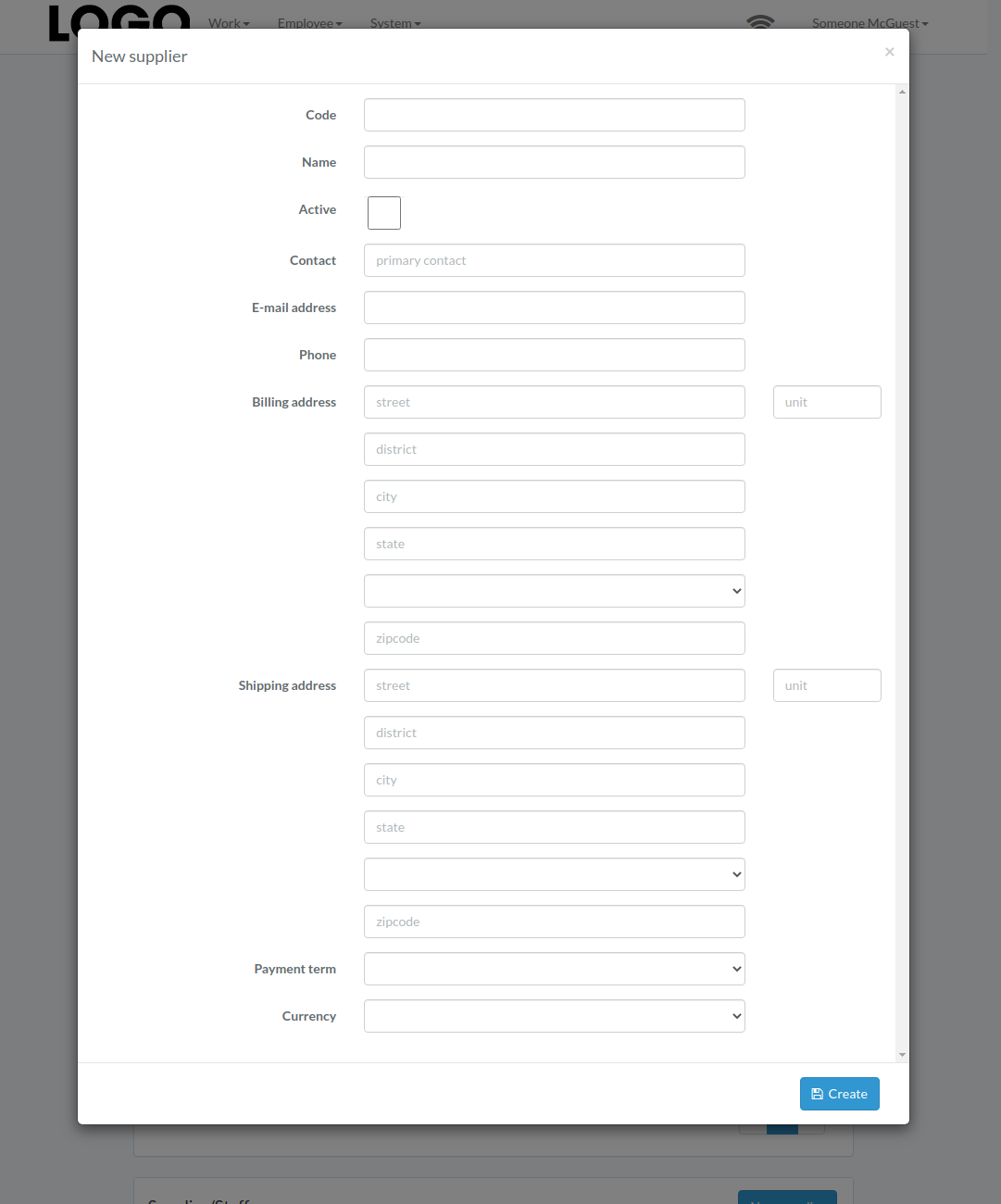
Enter supplier data, then click "Create".
Update Supplier / Employee
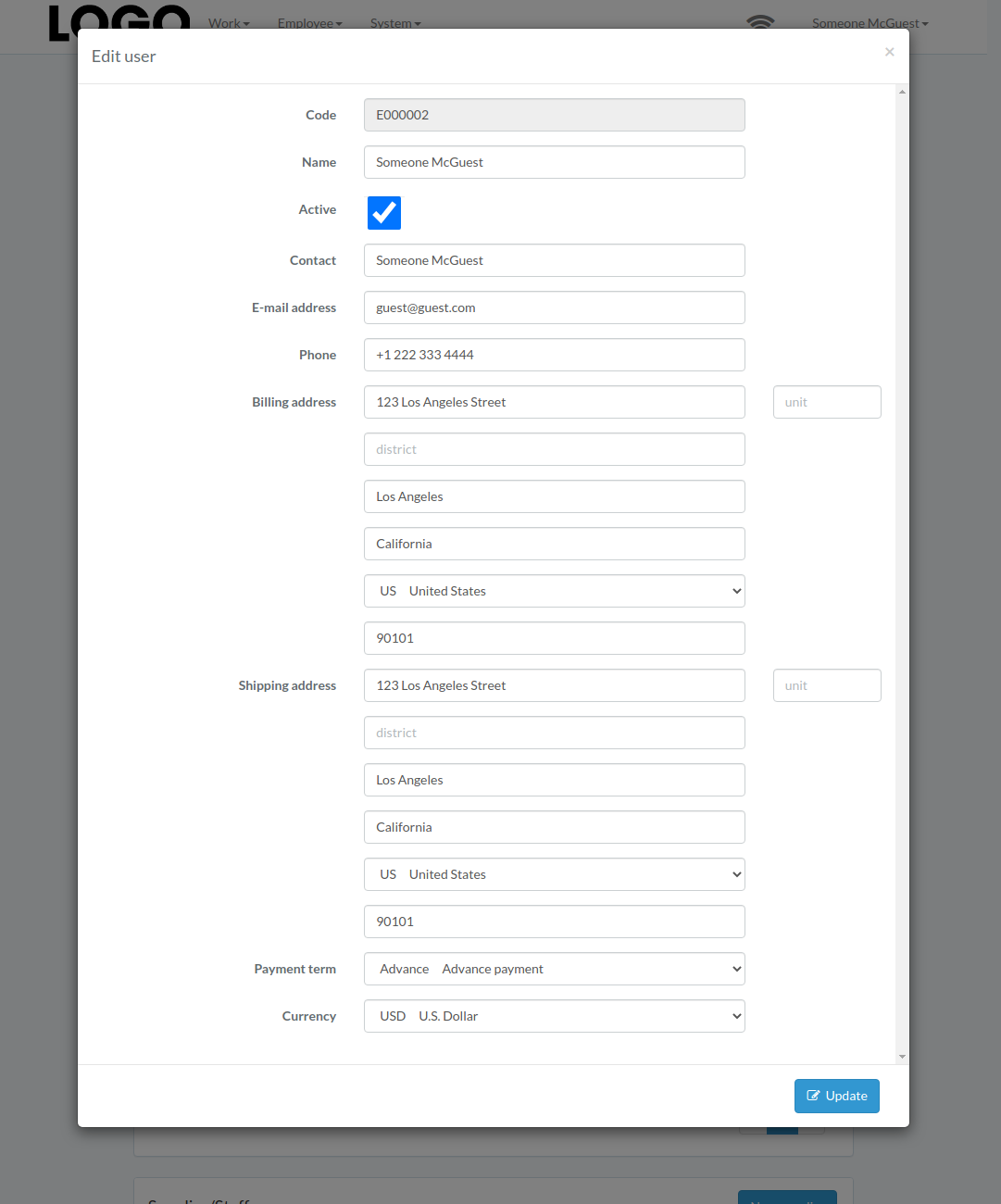
Click "Update" button on the right of supplier
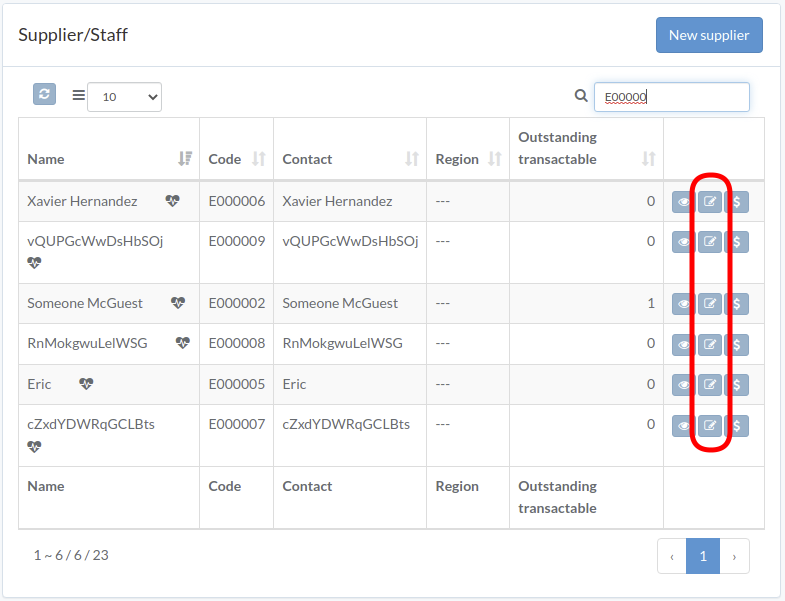
Update information, then click "Update".
View Supplier / Employee
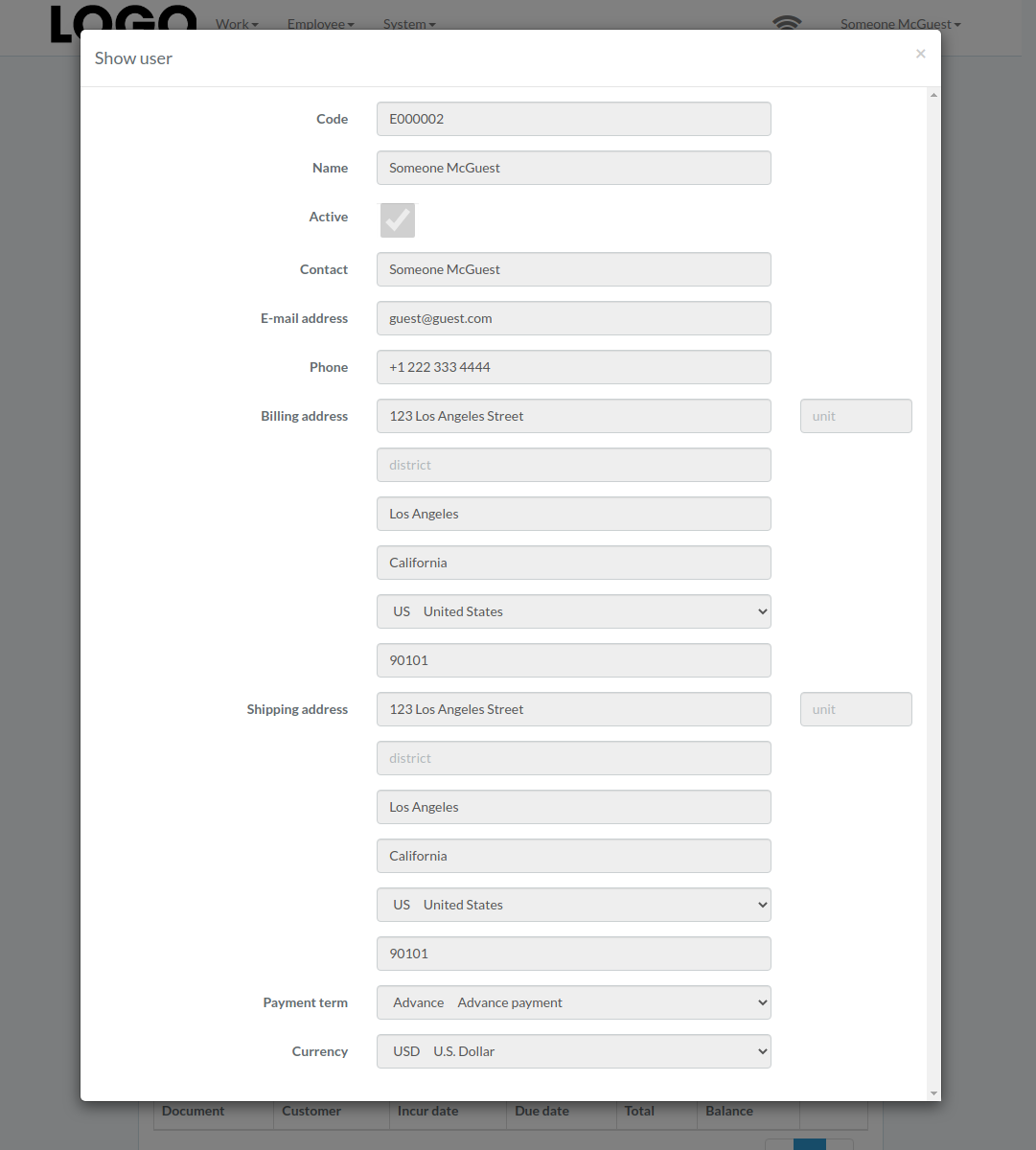
Click "View" button on the right of supplier
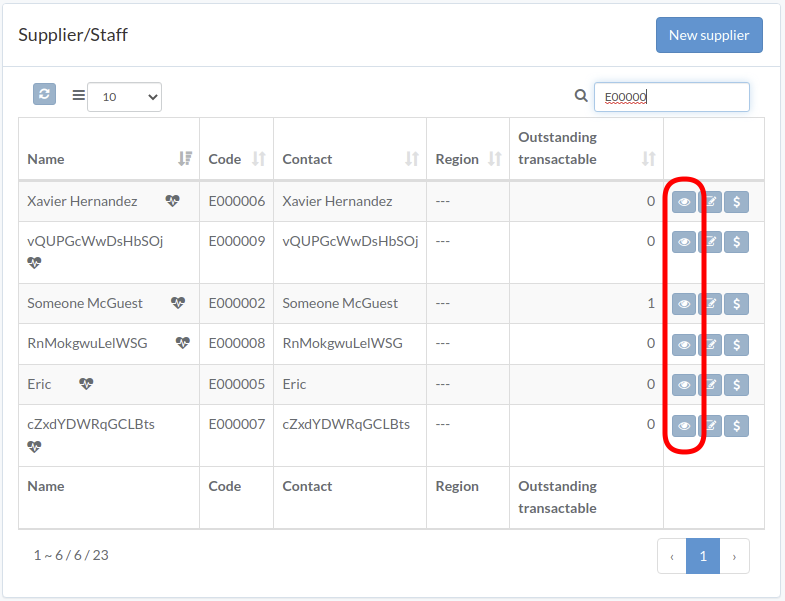
Supplier modal appears
Pay Supplier / Employee
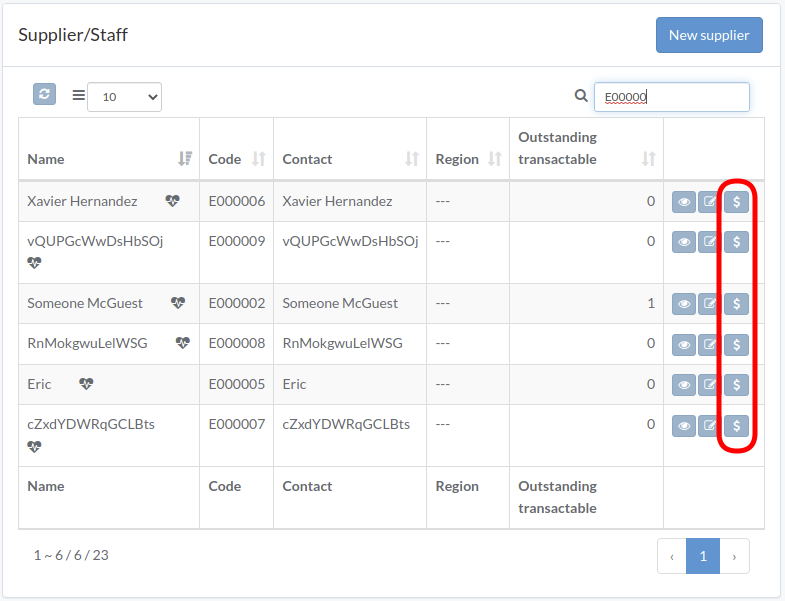
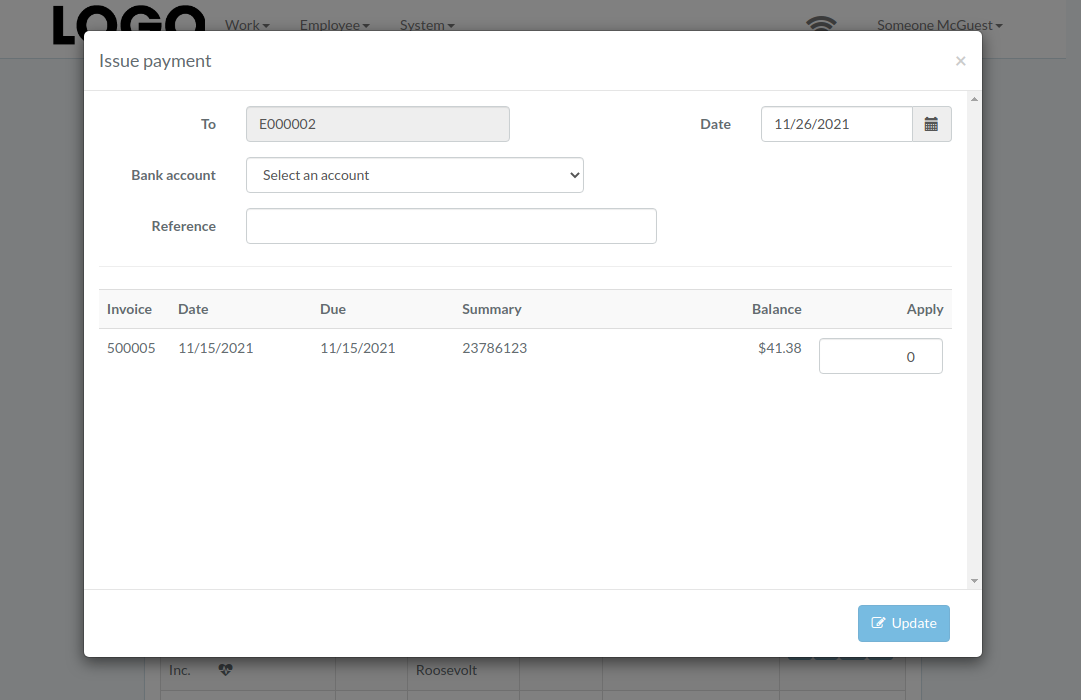
Enter date, bank-account, pay-amount, etc., then click "Update"